
How to Turn a Podcast Into Clips: A Practical Guide
Turning a podcast into short clips is an effective way to reach new audiences on platforms like TikTok, YouTube Shorts, and Reels. Here’s a clear, actionable process for clipping your podcast videos efficiently.
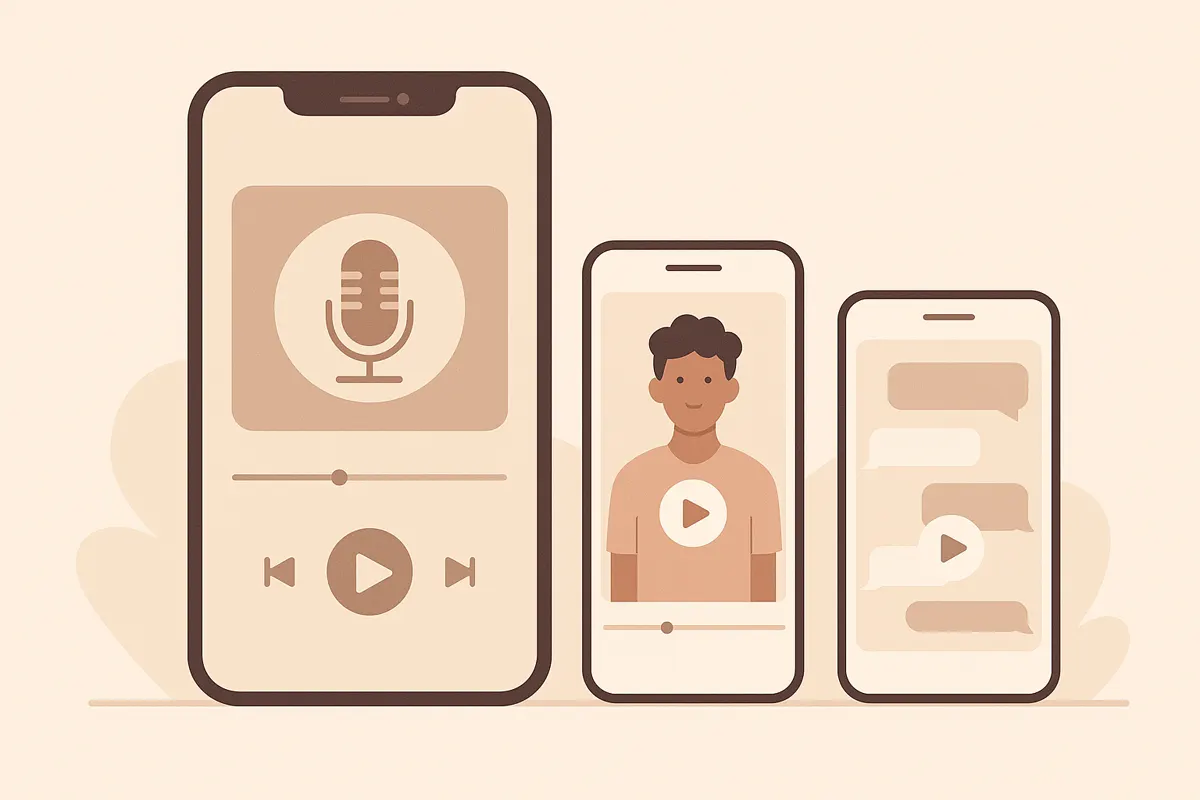
1. Choose the Right Podcast Episode
Select an episode with engaging moments - stories, debates, laughs, or hot takes work best. If your podcast is video-based, ensure the footage is clear and speakers are visible.
2. Identify Strong Clip Moments
- Look for 30-60 second segments with a clear hook or punchline.
- Focus on moments that stand alone: a funny story, a surprising fact, or a memorable quote.
- Use AI tools like Vidulk to automatically surface high-impact moments from your upload, saving time over manual review.
3. Reframe and Format for Social Media
- Convert your video to vertical (9:16) format to fit TikTok, Shorts, and Reels.
- Crop and resize the frame to focus on the speaker’s face.
- Use a waveform or subtle graphic to add visual interest if desired.
4. Add Captions for Accessibility
- Include speaker-specific captions so viewers can follow without sound.
- Vidulk can auto-caption your clips, syncing text to speech for clarity and engagement.
5. Export and Publish
- Review the final clip to ensure audio and captions are accurate.
- Export in the correct format and resolution for each platform.
- Post directly to TikTok, YouTube Shorts, or Instagram Reels for maximum reach.
With Vidulk, you can upload your long podcast video, let the AI find the best moments, and generate vertical, captioned clips ready to share - all in a streamlined workflow.
Skip the manual editing - Vidulk's AI finds and cuts the best moments into ready-to-post clips. Free to start.
Try VidulkFAQ
What length should podcast clips be for social media?
Aim for 30 to 60 seconds per clip. This keeps the content engaging and fits the requirements for TikTok, Shorts, and Reels.
How can I quickly find the best moments to clip?
AI tools like Vidulk analyze your podcast video and surface the strongest moments, saving you time compared to manual review.
Do I need to add captions to my podcast clips?
Yes. Captions ensure viewers can engage without sound and improve accessibility. Vidulk can auto-caption your clips for you.
Can I use Vidulk for free?
Vidulk offers starter credits so you can try clipping and captioning your videos. For higher throughput or more frequent use, paid credits are available.
Does Vidulk create chat story or fake-chat videos?
No. Vidulk focuses on clipping and captioning real video content, not generating chat story or fake-chat formats.