
How to Repurpose One Video Into Many Clips
Repurposing one long video into several short clips is the fastest way to multiply your content across social platforms. Here’s a practical, step-by-step guide to doing it efficiently.
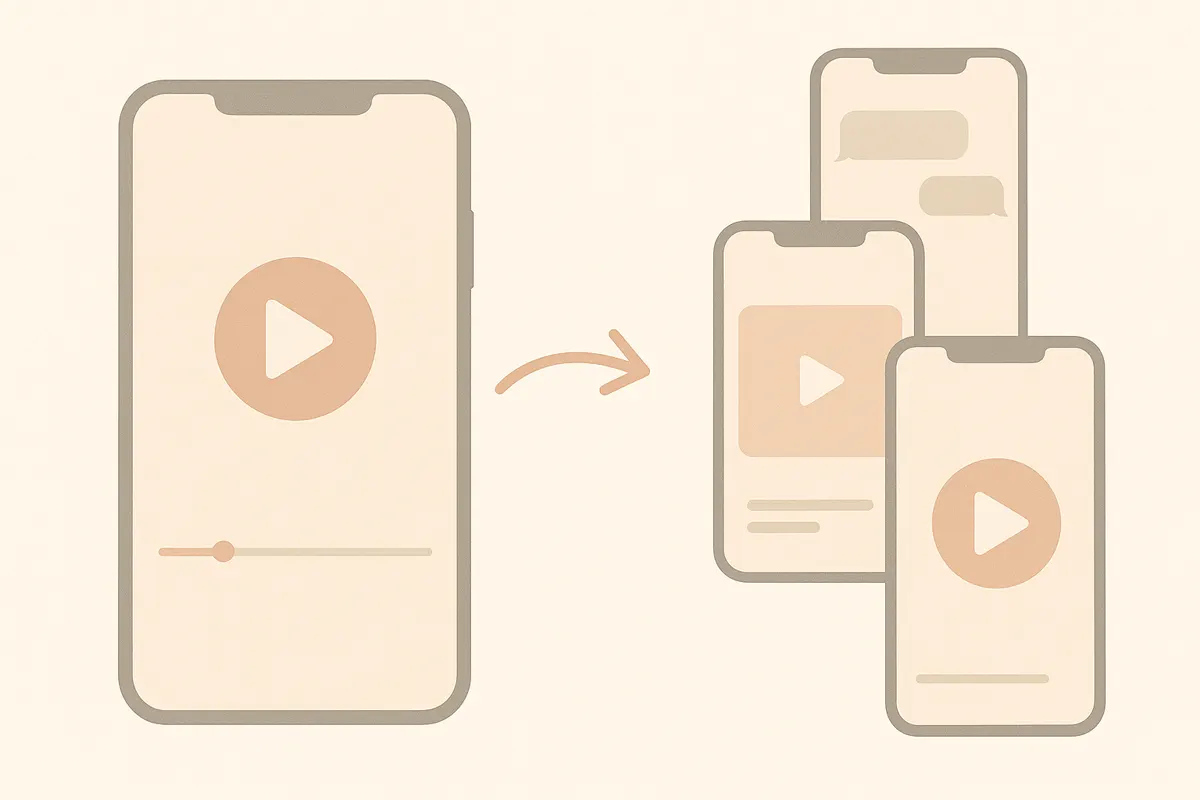
1. Identify Strong Moments in Your Video
Long-form content like podcasts, interviews, webinars or lectures often contains 5-15 moments that stand out. Look for:
- Key insights or tips
- Entertaining or emotional reactions
- Memorable quotes
- Clear answers to common questions
Each of these moments can become its own short clip.
2. Cut and Edit Each Clip
Trim each segment to focus on the main message. Short clips for TikTok, YouTube Shorts, and Reels typically perform best at 15-60 seconds. Make sure each clip begins with a hook that grabs attention in the first few seconds.
3. Reframe for Vertical Format
Social platforms favor vertical (9:16) video. Crop or reframe your clips so the subject is centered and clearly visible. This step is crucial for maximizing engagement on mobile-first platforms.
4. Add Captions and Polish
Most viewers watch with the sound off. Add clear, concise captions to every clip, highlighting key phrases or hooks. Captions also improve accessibility and retention.
5. Automate with Vidulk
If you want to save time, use Vidulk to automate these steps. Paste your long video into Vidulk; its AI finds the best moments, cuts them, reformats for vertical, and adds captions - delivering ready-to-post clips for TikTok, Shorts, and Reels. You can start for free with included credits and upgrade for higher volume processing.
Skip the manual editing - Vidulk's AI finds and cuts the best moments into ready-to-post clips. Free to start.
Try VidulkFAQ
How many clips can I make from one video?
You can usually create 5-15 short clips from a single long video, depending on the number of strong, standalone moments.
What length should short clips be for TikTok or Reels?
Aim for 15-60 seconds per clip. This length performs best on TikTok, YouTube Shorts, and Instagram Reels.
Do I need to edit each clip manually?
You can edit manually, but apps like Vidulk automate cutting, reframing, and captioning to save time.
Should I add captions to every short clip?
Yes, captions help catch viewers’ attention and improve accessibility, especially since many people watch with sound off.
Can Vidulk create chat story or fake-message videos?
No, Vidulk does not create chat story or fake-message videos. It focuses on clipping, reframing, and captioning real video moments.