
How to Turn a YouTube Video Into Shorts: A Practical Guide
To turn a YouTube video into Shorts, select engaging moments under 60 seconds, reframe for vertical, and add captions and a strong hook. Here’s how to do it efficiently.
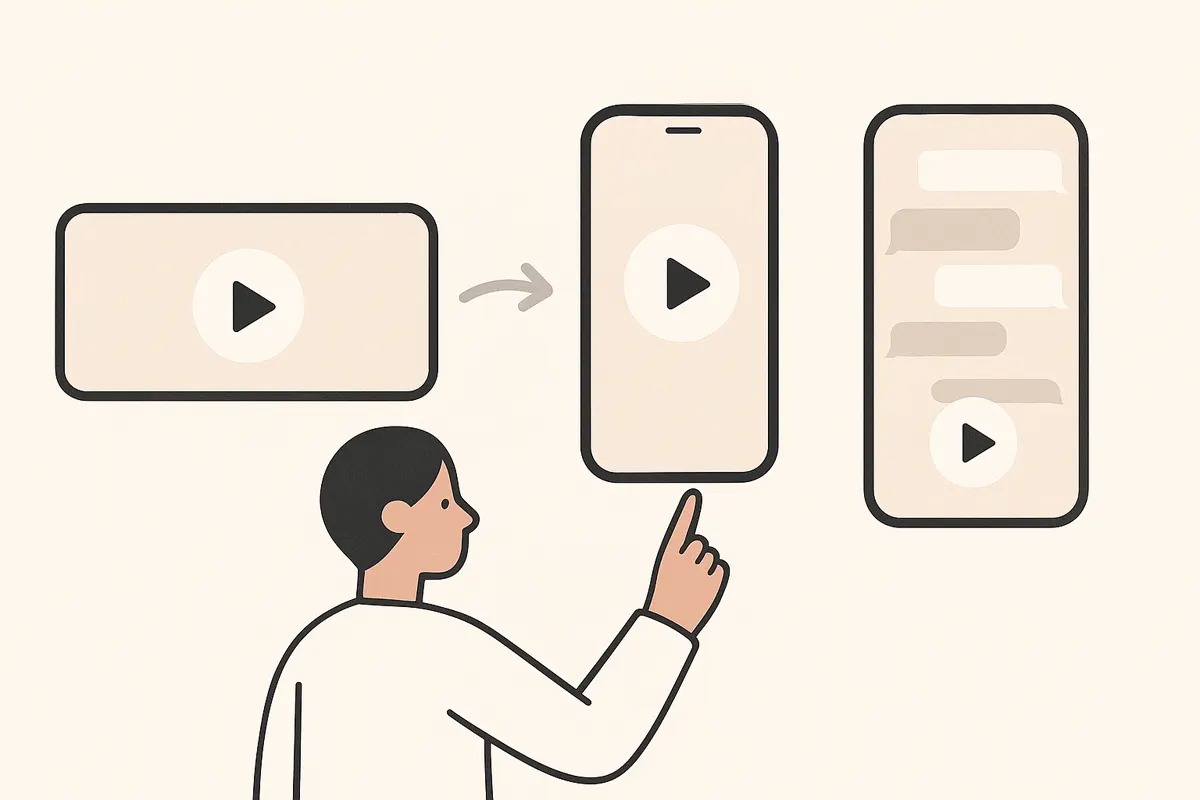
1. Pick the Right Source Video
Start by choosing a YouTube video with clear, self-contained segments that work well on their own. Interviews, podcasts, tutorials, and livestreams often contain highlight moments perfect for Shorts.
2. Identify Highlight Moments
- Scan the video for moments with strong hooks, reactions, or concise tips.
- Look for segments that make sense without extra context.
- Use an AI clip generator like Vidulk to automatically detect and suggest the best moments to clip, saving you time.
3. Trim and Format for Shorts
- Cut the chosen segment to under 60 seconds - Shorts must be 60 seconds or less.
- Reframe the video to a 9:16 vertical aspect ratio for optimal viewing on mobile platforms.
- Vidulk can automatically reformat clips for you, ensuring they’re ready for TikTok, YouTube Shorts, and Reels.
4. Add Captions and a Hook
- Open with a compelling first second to grab attention.
- Add bold, easy-to-read captions to increase engagement and accessibility.
- Vidulk can auto-caption clips, making your Shorts more effective and shareable.
5. Export and Upload
- Export your finished Short in a compatible format (MP4 is standard).
- Upload directly to YouTube Shorts, TikTok, or Instagram Reels.
- Use relevant titles, descriptions, and hashtags to maximize reach.
Skip the manual editing - Vidulk's AI finds and cuts the best moments into ready-to-post clips. Free to start.
Try VidulkFAQ
What is the ideal length for a YouTube Short?
YouTube Shorts must be 60 seconds or less. Aim for 15-30 seconds for best engagement.
How do I make my Shorts vertical?
Reframe your clip to a 9:16 aspect ratio. Tools like Vidulk can automatically convert your video to vertical format.
Can I add captions automatically?
Yes, Vidulk can generate captions for your clips, making your Shorts more accessible and engaging.
Do I need editing skills to create Shorts?
No advanced editing skills are needed. AI tools like Vidulk automate clipping, reframing, and captioning for you.
Is Vidulk free to use?
Vidulk offers starter credits to get you going. For higher throughput, paid options are available.