
How to Turn a Long Video Into TikTok Clips
To turn a long video into TikTok clips, focus on finding standalone moments, cutting them to 15-45 seconds, reframing vertical, and adding captions and a strong hook. Here's how to do it step by step.
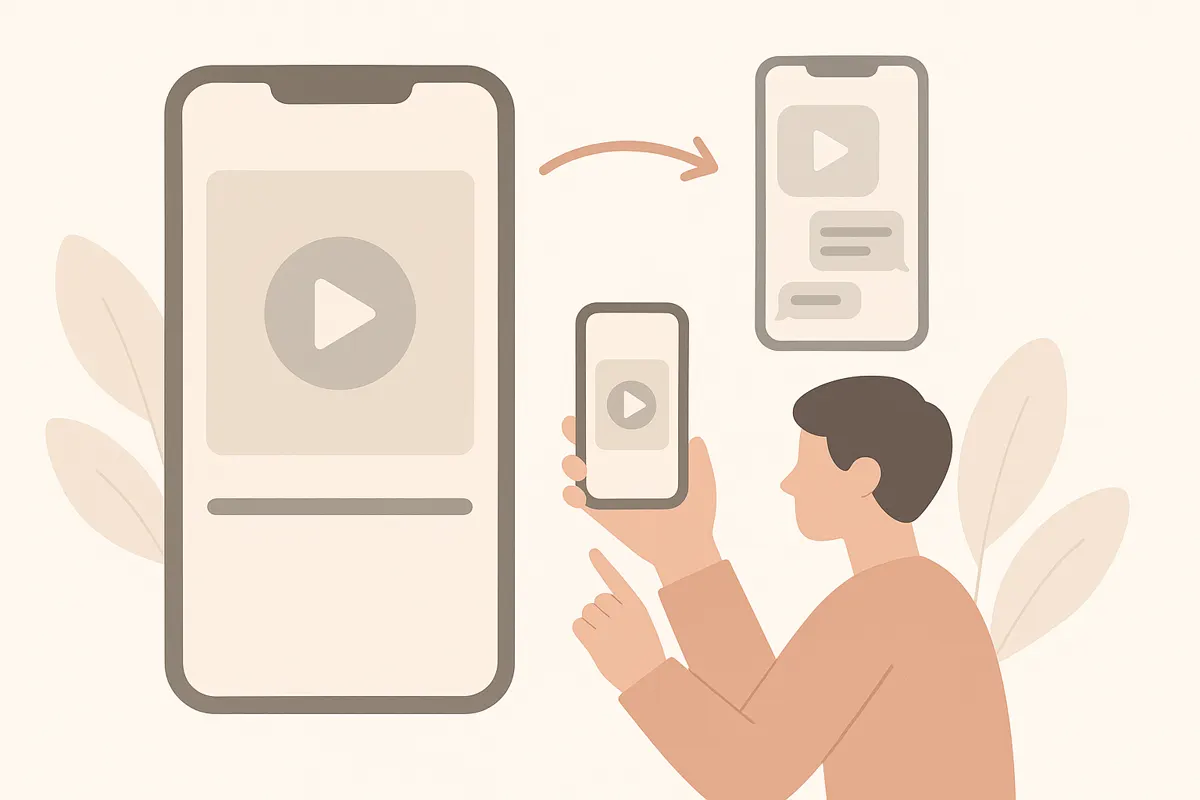
1. Identify the Best Moments
Start by watching your long video and noting moments that will make sense on their own. Look for highlights, funny exchanges, insightful comments, or reactions that don’t need extra context. Each TikTok clip should work independently and grab attention immediately.
2. Cut Clips to 15-45 Seconds
TikTok videos perform best when they’re concise. Trim each selected moment tightly to between 15 and 45 seconds. Cut out silences, tangents, and filler so the clip is engaging from start to finish.
3. Reframe for Vertical Format
TikTok uses a 9:16 vertical aspect ratio. Reframe your clips so the main subject is centered and visible. Crop or zoom as needed to make the content fit the vertical frame, avoiding empty space or distractions.
4. Add Captions and a Strong Hook
- Start each clip with a compelling hook in the first second to catch viewers’ attention.
- Add captions throughout for accessibility and to help viewers follow along without audio.
- Bold important words or phrases for emphasis.
With Vidulk, you can paste your long video and let AI automatically find the best moments, cut them to TikTok length, reframe them vertically, and add captions - saving you time and effort.
5. Export and Post Natively
Download your finished clips and upload them directly to TikTok. Posting natively ensures the best quality and reach. Repeat the process to create multiple short clips from a single long video.
Skip the manual editing - Vidulk's AI finds and cuts the best moments into ready-to-post clips. Free to start.
Try VidulkFAQ
How do I choose which parts of my video to clip for TikTok?
Look for moments that stand alone, are engaging, and don’t need extra context. Focus on highlights, reactions, or concise insights.
What is the ideal length for TikTok clips?
Aim for clips between 15 and 45 seconds. This keeps them punchy and increases the chance viewers will watch the entire video.
Do I need to make my video vertical for TikTok?
Yes, TikTok uses a vertical 9:16 aspect ratio. Reframe or crop your clips so the main action is centered in a vertical format.
How can I add captions to my TikTok clips?
You can manually add captions in editing software, or use an AI tool like Vidulk, which automatically captions your clips during the clipping process.
Can I use Vidulk for podcasts, interviews, or livestreams?
Yes, Vidulk works with long videos including podcasts, interviews, lectures, or livestreams, turning them into short, captioned, vertical clips for TikTok.