
How to Clip a Long Video: A Practical Guide
To clip a long video, you need to identify the best moments, trim them to short segments, reformat for vertical viewing, and add captions. Here’s how to do it efficiently.
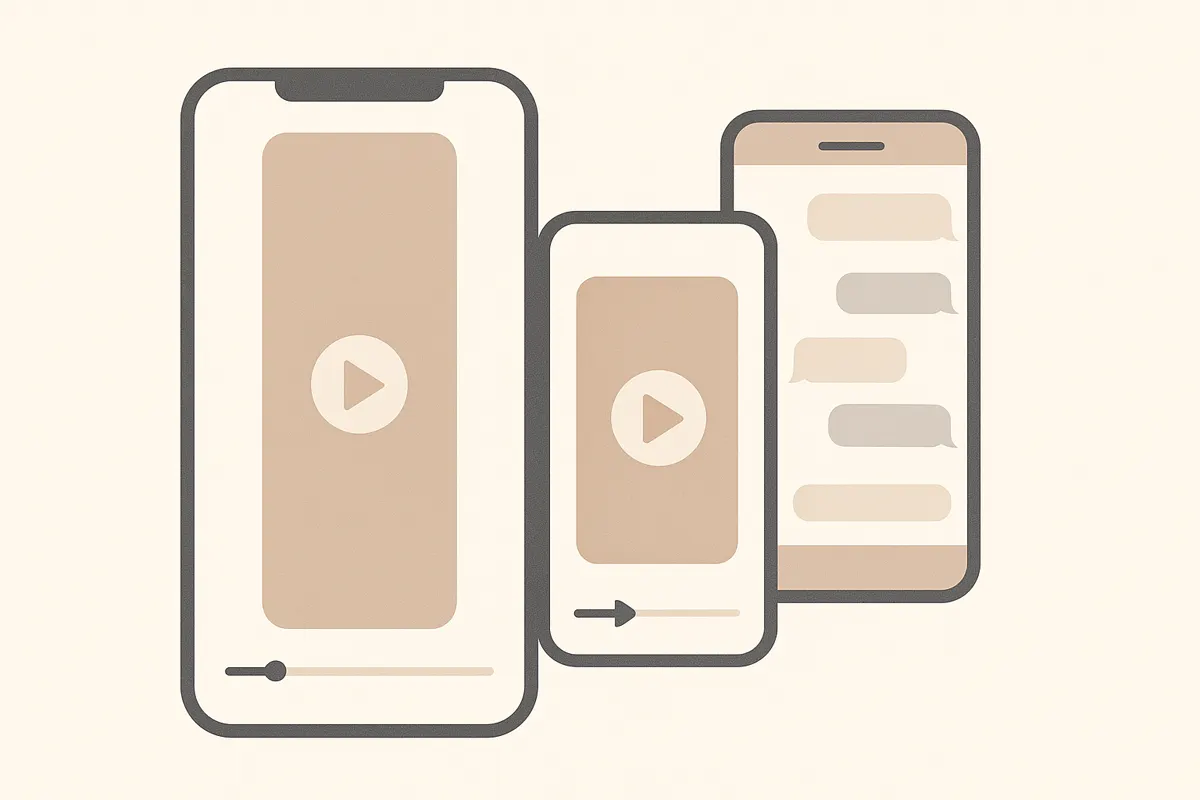
1. Identify the Key Moments
Start by watching your video and noting the high-impact moments. These can be hooks, jokes, dramatic reactions, or crucial insights - anything likely to grab attention in 15-60 seconds. Manually, this means rewatching the video and writing timestamps. With Vidulk, you can paste your video link and let the AI scan for the most engaging highlights automatically.
2. Trim to Short Segments
Short-form platforms like TikTok, YouTube Shorts, and Reels perform best with clips between 15 and 60 seconds. Use video editing software to set in and out points around your chosen moments. If you use Vidulk, the tool suggests tight segments for you, ready to review and edit further if needed.
3. Reframe for Vertical Aspect Ratio
- Most short-form platforms use a vertical 9:16 aspect ratio.
- Crop or reframe your clips so the subject stays centered and visible.
- Editing tools and Vidulk both allow you to preview and adjust the vertical crop before exporting.
4. Add Captions for Accessibility
Captions make your clips accessible and keep viewers engaged even with sound off. You can transcribe and add captions manually, or let Vidulk automatically generate and burn captions into your clips.
5. Export and Share
Once your clips are ready, export them in a format optimized for your chosen platform. Double-check the duration, framing, and captions. Now you’re ready to upload to TikTok, YouTube Shorts, or Instagram Reels.
Vidulk streamlines this whole process: paste your long video, let its AI suggest the best short clips, review and edit as needed, and export ready-to-share vertical videos with captions.
Skip the manual editing - Vidulk's AI finds and cuts the best moments into ready-to-post clips. Free to start.
Try VidulkFAQ
What is the fastest way to clip a long video?
The fastest way is to use an AI tool like Vidulk, which scans your video, finds the best moments, and creates short, captioned, vertical clips automatically.
How long should video clips be for TikTok or Reels?
Aim for 15 to 60 seconds per clip. This range works best for engagement on TikTok, YouTube Shorts, and Instagram Reels.
How do I add captions to my video clips?
You can add captions manually in video editing software or use a tool like Vidulk, which generates and burns captions into your clips automatically.
Do I need to crop my video for vertical platforms?
Yes, crop or reframe your clips to a 9:16 aspect ratio so they display correctly on TikTok, Reels, and Shorts.
Can I use Vidulk for podcasts, lectures, or livestreams?
Yes, Vidulk works with long-form content like podcasts, interviews, lectures, and livestreams, turning them into short, engaging clips.