
How to Turn Twitch Streams & VODs into Facebook Reels Clips
To create Facebook Reels clips from your Twitch stream or VOD, you'll need to reformat, crop, and caption your footage for a vertical 9:16 layout. Vidulk automates this process for fast, spec-ready results.
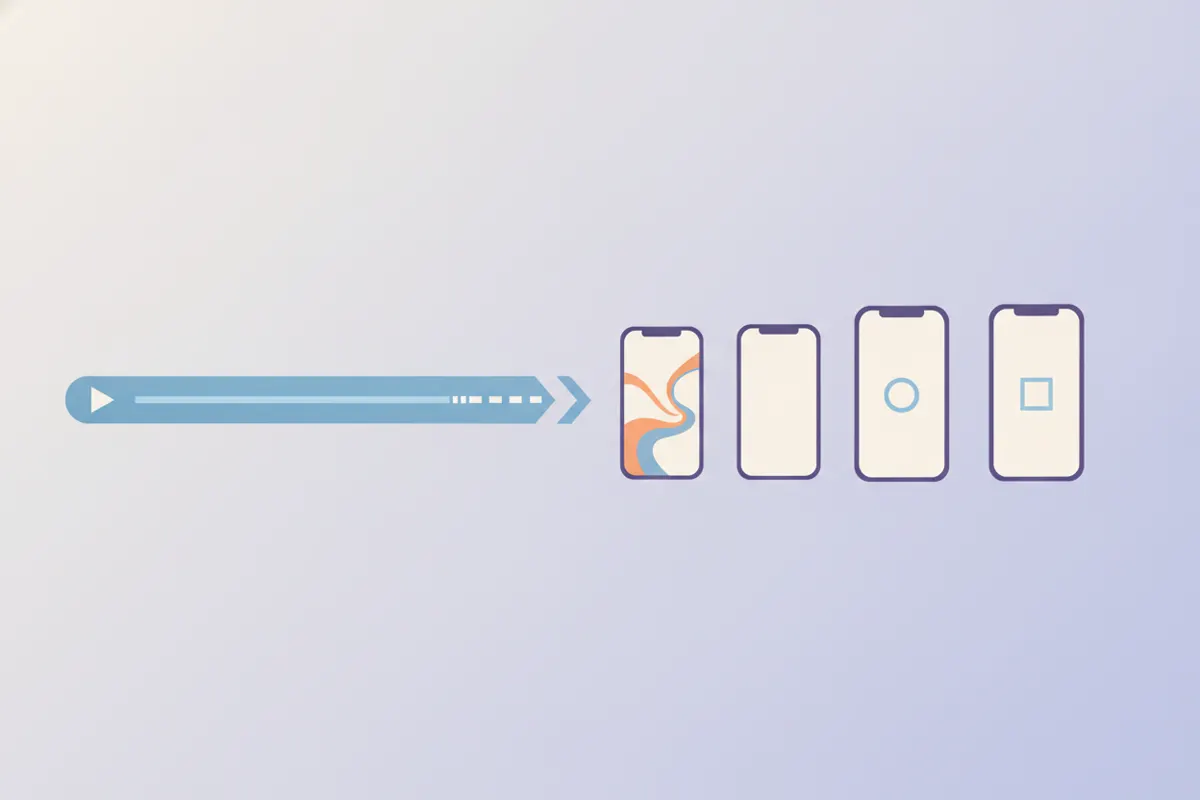
Step 1: Download Your Twitch VOD or Recording
Start by saving your Twitch content. Download your VOD directly from Twitch (if enabled in your settings), or record your stream locally using OBS. Make sure your file is saved in a common video format like MP4 or MOV for easy uploading.
Step 2: Understand Facebook Reels Specs (2026)
- Recommended aspect ratio: 9:16 (vertical)
- Recommended resolution: 1440x2560 (Meta ad spec) or 1080x1920
- No length or format restrictions since June 2025, but short, engaging clips perform best
- Captions are optional but highly recommended; auto-captioning is not supported for Reels ads
Step 3: Reframe and Edit for Vertical Video
Twitch clips are 16:9, but Facebook Reels favors vertical. For gaming content, a split layout (face-cam above, gameplay below) works well. Manually, use video editing software to crop and rearrange footage. Ensure key visuals and reactions are visible in the vertical frame.
Step 4: Automate with Vidulk’s AI Clipper
- Open the Vidulk app (iOS or Android)
- Upload your Twitch VOD or recording
- The AI automatically finds highlight moments, reframes them to 9:16, and adds captions sized for Facebook Reels
- Export your vertical, captioned clips - ready to upload to Facebook
Step 5: Upload to Facebook Reels
Transfer the exported clips to your computer or phone. Open Facebook, create a new Reel, and upload your video. Double-check the preview to ensure correct framing and readable captions.
Vidulk's AI clipper (free to start, iOS + Android) finds the best moments in a long video and exports captioned vertical clips sized for the destination.
Try VidulkFAQ
How do I get my Twitch VOD for editing?
Download your VOD from Twitch's Video Producer or record locally with OBS to get a high-quality source file for clipping and editing.
What is the best aspect ratio for Facebook Reels clips?
A 9:16 vertical aspect ratio is recommended for Facebook Reels. This fills the mobile screen and matches Meta’s ad specs.
Can I add captions to Facebook Reels automatically?
Facebook Reels ads do not support auto-captioning. Use an editing tool or Vidulk’s AI clipper to add captions before uploading.
Does Vidulk work with long Twitch VODs?
Yes, Vidulk's AI clipper is designed to process long videos, automatically finding and exporting the best moments as short vertical clips.
Is there a way to automate Twitch to Reels clipping?
Vidulk automates highlight detection, vertical cropping, and captioning, making it fast to turn Twitch VODs into Facebook Reels-ready clips.