
How to Turn Kick Streams into TikTok Clips (Vertical, Captioned)
To create TikTok-ready clips from your Kick stream, export your VOD or clip, reframe it to vertical, and add captions. Vidulk automates these steps for you.
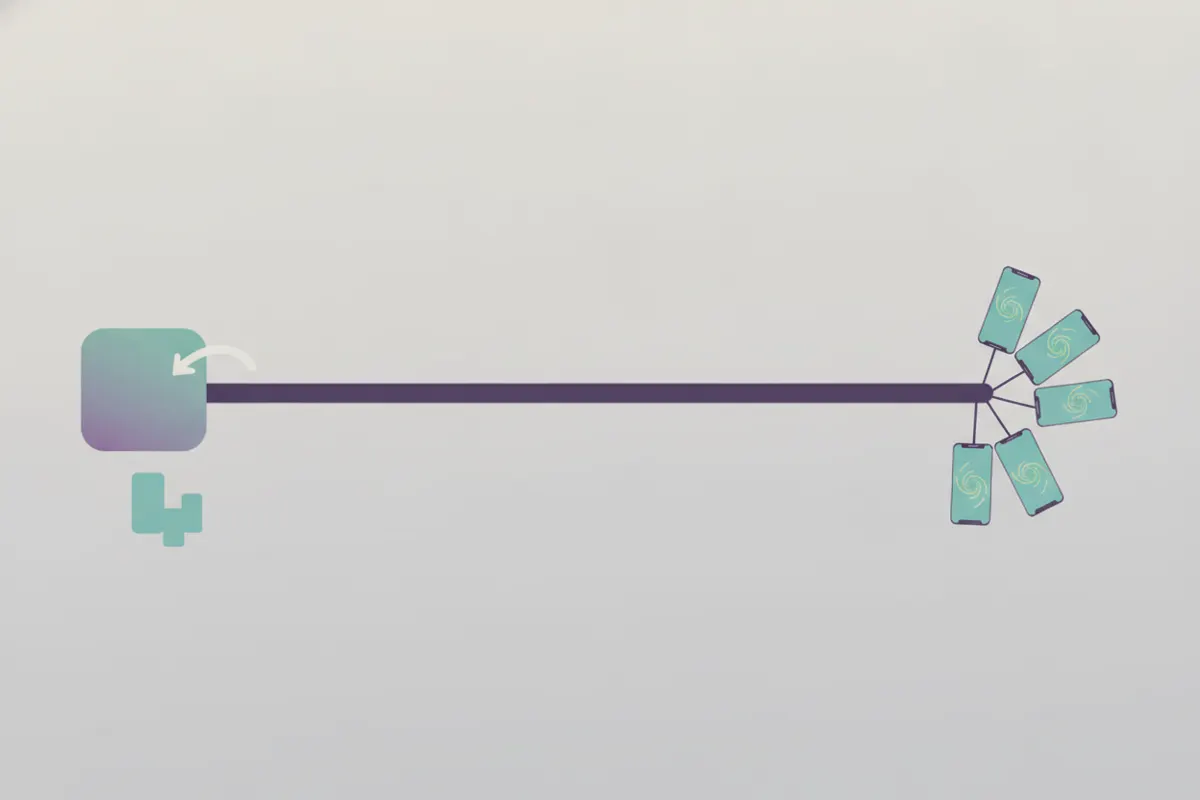
Export Your Kick Stream or Clip
Start by downloading your Kick stream as a VOD or clip. Kick allows you to save full streams or shorter clips (10 - 180 seconds). Make sure your exported video includes the moments you want to highlight.
Reframe to Vertical for TikTok
TikTok's recommended aspect ratio is 9:16 vertical, with a standard resolution of 1080x1920 pixels. When preparing your Kick footage, crop and resize it to fit these specs. This ensures your content fills the TikTok screen and looks professional.
Add Captions for Muted Viewing
- Most TikTok viewers watch with sound off. Adding captions boosts engagement and accessibility.
- TikTok offers auto-captions on upload, but editing or customizing them before posting can help your video stand out.
Automate with Vidulk’s AI Clipper
Vidulk’s free AI clipper app (iOS and Android) streamlines this workflow. Paste your Kick VOD or clip into Vidulk. The AI automatically finds the best highlights, reframes them to vertical (9:16, 1080x1920), and adds accurate captions. You can review, edit, and export TikTok-ready clips in minutes - no manual cropping or captioning needed.
Export and Upload to TikTok
Once your vertical, captioned clips are ready, export them from Vidulk and upload to TikTok. TikTok currently supports up to 60-minute uploads (availability may vary), but short, engaging clips (10 - 180 seconds) tend to perform best. Make any final tweaks in TikTok’s editor if needed.
Vidulk's AI clipper (free to start, iOS + Android) finds the best moments in a long video and exports captioned vertical clips sized for the destination.
Try VidulkFAQ
What length should Kick clips be for TikTok?
Clips between 10 and 180 seconds work well. While TikTok supports up to 60 minutes, short clips are ideal for engagement.
What aspect ratio and resolution does TikTok prefer?
TikTok recommends 9:16 vertical, 1080x1920 pixels. Vidulk exports clips in this format by default.
Does Vidulk add captions automatically?
Yes. Vidulk’s AI clipper generates captions for your clips, helping viewers who watch without sound.
Can I edit the clips before posting to TikTok?
You can review and edit clips in Vidulk before exporting. TikTok also allows final edits and caption tweaks during upload.
Is Vidulk available for both iOS and Android?
Yes. Vidulk’s AI clipper app is available for free download on both iOS and Android devices.