
How to Turn Kick Streams into Instagram Reels Clips
To share highlights from your Kick stream on Instagram Reels, you need to convert, reframe, and caption your video to fit Instagram's specs. Vidulk automates this process for you.
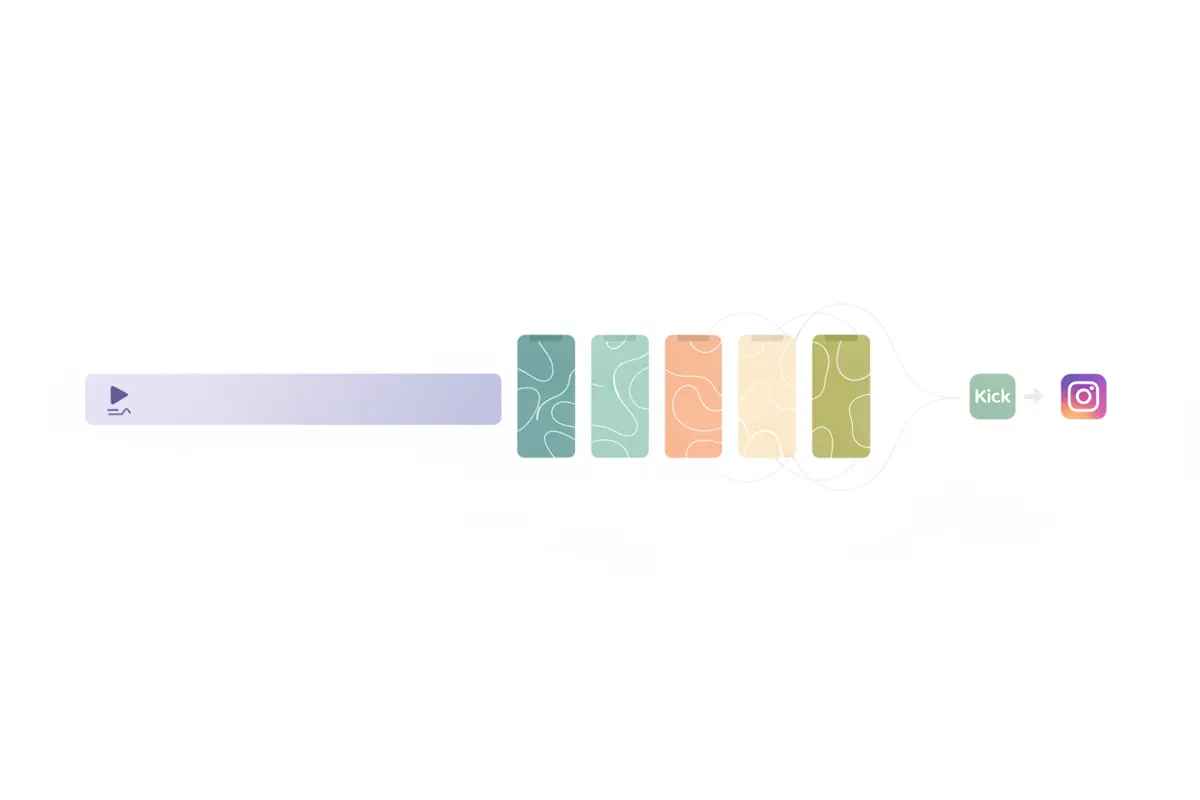
Step 1: Export Your Kick Stream or Clip
Start by exporting your Kick stream or selecting a specific Kick clip (10 - 180 seconds). Most creators download the VOD or use Kick’s clip feature. Ensure your file is in a standard video format like MP4 for compatibility.
Step 2: Convert to Vertical (9:16) Format
Instagram Reels works best with full-screen vertical (9:16) videos. If your stream was in landscape, you’ll need to crop or reframe the video. Vidulk’s AI clipper automatically detects and reframes the main action for vertical output, so you don’t have to edit manually.
Step 3: Add Captions for Muted Viewing
- Most Reels viewers watch without sound. Captions boost engagement and accessibility.
- Vidulk auto-generates captions and burns them into your clip.
- You can also use Instagram’s in-app Captions sticker if you prefer to add captions after upload.
Step 4: Match Instagram Reels Specs
- Length: Up to 20 minutes (as of August 2026; previously 3 minutes max).
- Aspect ratio: 9:16 (recommended), 1080x1920 resolution standard.
- Export from Vidulk in the correct format for direct upload to Instagram Reels.
Step 5: Automate with Vidulk
Vidulk’s AI clipper (iOS and Android) finds the most engaging moments from your Kick stream, reframes them to vertical, adds captions, and exports ready-to-post Reels clips in minutes. Just upload your Kick video, select Instagram Reels as your destination, and let Vidulk do the rest.
Vidulk's AI clipper (free to start, iOS + Android) finds the best moments in a long video and exports captioned vertical clips sized for the destination.
Try VidulkFAQ
How do I export a Kick stream for Instagram Reels?
Download your Kick VOD or use the clip feature to save a segment. Then upload it to Vidulk or a video editor to reformat for Reels.
What video format and size should I use for Reels?
Instagram Reels recommends 9:16 aspect ratio, 1080x1920 resolution. Vidulk exports clips in this vertical format for you.
How does Vidulk automate Kick to Reels clips?
Vidulk’s AI finds top moments, reframes to vertical, adds captions, and exports a Reels-ready video. You select your destination and Vidulk handles the specs.
Do I need to add captions for Reels?
Captions are strongly recommended since most viewers watch muted. Vidulk can auto-generate and burn captions into your clips.
Is Vidulk free to use for this process?
Vidulk is free to start, with no cost for basic use. Some features may require an upgrade.