
How to Turn OBS Recordings into Instagram Reels Clips
To convert an OBS recording into Instagram Reels clips, you need to reformat your video to vertical 9:16, trim it to highlight the best moments, and add captions. Vidulk’s AI Clipper streamlines this process automatically.
1. Prepare Your OBS Recording for Reels
OBS typically records in MKV or MP4. Before uploading to any editing tool or app, ensure your file is in MP4 format for maximum compatibility. If your source is MKV, use OBS’s built-in ‘Remux Recordings’ feature (File > Remux Recordings) to convert it to MP4 without quality loss. Keep your original resolution high - 1080p is standard for Reels.
2. Understand Instagram Reels Specs (2026)
- Aspect Ratio: 9:16 vertical (recommended for full-screen)
- Resolution: 1080x1920 is standard; 1440x2560 is also accepted
- Length: Up to 20 minutes recorded in-app; 3-minute uploads (as of Jan 2025 update)
- Captions: Instagram provides auto-captions via the Captions sticker in the Reels editor
3. Automate Clipping and Formatting with Vidulk
Manual editing - finding highlights, resizing, and captioning - takes time. Vidulk’s AI Clipper (available for iOS and Android) automates these steps:
- Upload your OBS MP4 recording to the Vidulk app
- The AI scans your long video for the most engaging moments
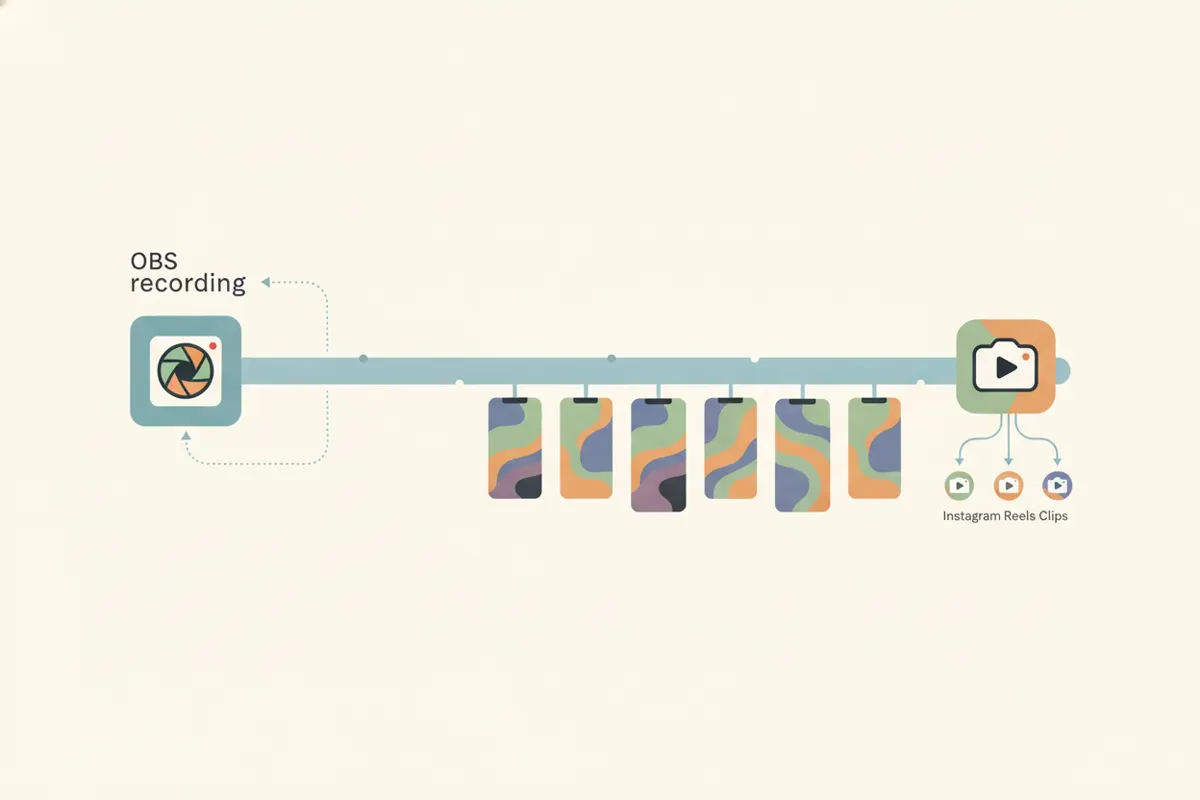
- It automatically outputs short, vertical clips sized for Instagram Reels
- Captions are auto-generated and burned in, matching Reels’ style
Vidulk ensures your clips meet Reels’ technical specs, so you can focus on sharing, not editing.
4. Export and Upload to Instagram Reels
- Export your finished clips from Vidulk in MP4 format
- Transfer to your phone if needed
- Open Instagram, tap the Reels tab, and upload your clip
- Use the in-app editor for final tweaks or to add the Captions sticker for accessibility
Vidulk's AI clipper (free to start, iOS + Android) finds the best moments in a long video and exports captioned vertical clips sized for the destination.
Try VidulkFAQ
How do I convert OBS MKV recordings to MP4 for Instagram Reels?
In OBS, use File > Remux Recordings to convert MKV to MP4. This preserves quality and ensures compatibility with Instagram Reels and editing apps.
What is the best aspect ratio and resolution for Instagram Reels?
Instagram Reels recommends a 9:16 aspect ratio (vertical). Standard resolution is 1080x1920 pixels, but 1440x2560 is also accepted.
How does Vidulk automate creating Reels clips from OBS recordings?
Vidulk’s AI Clipper analyzes your long video, finds the best moments, and exports short, vertical, captioned clips sized for Reels - no manual editing needed.
Can I add captions to my Reels clips automatically?
Yes. Vidulk auto-generates and burns captions into your clips. Instagram also offers auto-captions via the Captions sticker in the Reels editor.
Is Vidulk’s AI Clipper free to use?
Vidulk is free to start; some features may require in-app purchases or upgrades.