
Pinterest Video Pins Video Specs: The Complete Guide
Here are the current Pinterest Video Pins upload specs - max length, aspect ratio, resolution, file size, formats, safe zones, and actionable steps to export clips that fit.
| Spec | Value |
|---|---|
| Max length | 5 min for organic video Pins ('Review Pin specs'); video ads: 15 min |
| Recommended length | 6-15 s (Pinterest's recommendation for video ads); no length recommendation published for organic video Pins |
| Aspect ratio | 9:16 recommended for full-bleed video (1080x1920); 1:2, 2:3, 3:4, 4:5 and 1:1 also accepted; ads: must be shorter than 1:2 and taller than 1.91:1, square 1:1 or vertical 2:3/4:5/9:16 recommended |
| Resolution | 1080x1920 (9:16) recommended |
| Max file size | Not stated for organic video Pins on the Pin-specs page; video ads: up to 2 GB (third-party guides apply the 2 GB figure to all video Pins); images: 20 MB web / 1 GB recommended in-app |
| Formats / codecs | Web: .MP4, .M4V; Android/iOS: .MP4, .MOV, .M4V; encoding H.264 or H.265 |
| Captions | No auto-caption or SRT upload option documented in Pinterest's Pin specs; keep text overlays inside the published safe zone (burned-in captions) |
| Safe zones | Top 270 px, Left 65 px, Right 195 px, Bottom 790 px (Pinterest Pin specs safe zone for text/elements, on the recommended 1080x1920 canvas) |
Sources: https://help.pinterest.com/en/article/review-pin-specs · https://help.pinterest.com/en/business/article/pinterest-product-specs · https://help.pinterest.com/en/business/article/video-pins · https://xroadstudio.com/platform-specs/pinterest. Specs change - verify in the platform's help center before a big upload.
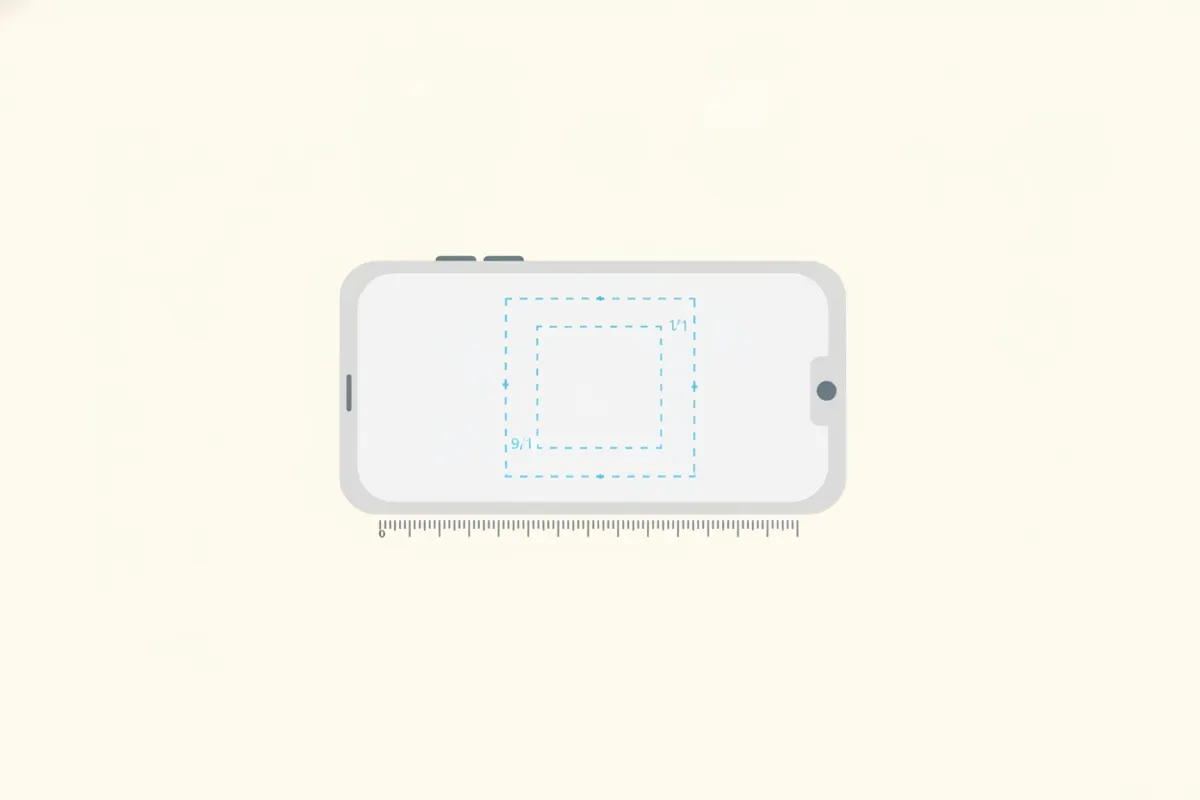
Current Pinterest Video Pin Specs (2026)
For organic video Pins, Pinterest allows videos up to 5 minutes long. The recommended aspect ratio is 9:16 (vertical), with a resolution of 1080x1920 pixels. Accepted video formats are .MP4, .M4V on web, and .MP4, .MOV, .M4V on mobile, encoded in H.264 or H.265. While Pinterest doesn’t publish a strict file size limit for organic Pins, video ads can go up to 2 GB. For all details and safe zones, refer to the data table above and Pinterest’s official help center.
Aspect Ratio, Resolution, and Safe Zones
- Aspect ratio: 9:16 is recommended for full-bleed vertical video. Pinterest also accepts 1:2, 2:3, 3:4, 4:5, and 1:1.
- Resolution: 1080x1920 pixels is recommended for 9:16.
- Safe zones: Keep all important text and elements within the top 270 px, left 65 px, right 195 px, and bottom 790 px on a 1080x1920 canvas to avoid cropping or overlay issues.
Captions and Text Overlays
Pinterest does not currently support auto-captions or SRT uploads for video Pins. If you need captions, burn them directly into your video and ensure all text stays within the published safe zone. This helps keep your message clear and accessible, especially on mobile where overlays can obscure content.
How to Export Clips That Fit Pinterest Specs
- Edit for vertical (9:16) format: Use a 1080x1920 canvas for best results.
- Keep clips concise: While Pinterest allows up to 5 minutes, short clips (6 - 15 seconds) often perform better for engagement.
- Use the right format: Export as .MP4 or .M4V (H.264/H.265 encoding) for maximum compatibility.
- Burn in captions: Add captions directly in your editing tool, positioned within the safe zone.
- Check file size: Stay well under 2 GB to avoid upload issues.
Vidulk’s AI Clipper (iOS and Android) helps you automatically find and export vertical, captioned clips that match Pinterest’s recommended specs - just paste your long video, select Pinterest as your destination, and export.
Other Pinterest Video Pin Details
- Titles: Up to 100 characters (first ~40 show in feed).
- Description: Up to 800 characters (used for search relevance).
- Multiple videos: You can stitch up to 10 videos/images into a single video Pin.
- Specs can change: Always check the latest info in Pinterest’s help center before major uploads.
Export clips that fit these specs automatically - Vidulk reframes to 9:16, captions and trims to length. Free to start on iOS and Android.
Try VidulkFAQ
What is the maximum length for Pinterest video Pins?
Organic Pinterest video Pins can be up to 5 minutes long. Video ads can be up to 15 minutes.
What aspect ratio and resolution should I use for Pinterest video Pins?
Use a 9:16 aspect ratio with 1080x1920 resolution for best results. Other vertical and square ratios are accepted.
Can I add captions to Pinterest video Pins?
Pinterest does not support auto-captions or SRT uploads. Burn captions directly into your video and keep them in the safe zone.
What file formats are accepted for Pinterest video Pins?
Pinterest accepts .MP4 and .M4V on web, and .MP4, .MOV, .M4V on mobile, encoded with H.264 or H.265.
How do I keep text and captions visible on Pinterest video Pins?
Keep all text and captions inside the safe zone: top 270 px, left 65 px, right 195 px, bottom 790 px on a 1080x1920 canvas.