
Snapchat Spotlight Video Specs: The Complete Guide
Snapchat Spotlight videos must be vertical, at least 5 seconds long, and up to 5 minutes when uploading. Here’s what you need to know to prepare and export videos that fit the current Spotlight specs.
| Spec | Value |
|---|---|
| Max length | 5 min for uploaded videos (Snap Newsroom, 28 Mar 2024: 'upload longer videos (up to five minutes) for Chats, Stories and Spotlight'); in-app recording up to 3 min; the previous cap was 60 s (some third-party guides still quote 5-60 s) |
| Aspect ratio | 9:16 vertical required - Snap Creator Hub: 'Snaps should be vertical videos with sound. Still-image photos, horizontal Snaps, blurry Snaps, and text-only Snaps won't show up in Spotlight' |
| Resolution | Not published by Snap for organic Spotlight; third-party guides cite 1080x1920 (min 540x960); Snap's Single Image/Video ad spec for Stories & Spotlight placements: 9:16, 720x1280 min |
| Max file size | 1 GB (third-party/API-vendor docs only, e.g. Ayrshare; not stated in Snapchat Support) |
| Formats / codecs | MP4 (MOV also reported) - from third-party guides; Snap ad spec for the same placement lists .mp4/.mov |
| Captions | No SRT upload or auto-caption feature documented for Spotlight; Snap recommends using in-app Creative Tools (captions, Sounds, Lenses, GIFs), i.e. captions are burned in; only Snapchat-library music to avoid copyright issues |
Sources: https://help.snapchat.com/hc/en-us/articles/7012288096532-How-do-I-post-Snaps-to-Spotlight · https://help.snapchat.com/hc/en-us/articles/7012287256596-Spotlight-Guidelines · https://help.snapchat.com/hc/en-us/articles/7012300442132-What-makes-Snaps-eligible-for-Spotlight · https://help.snapchat.com/hc/en-us/articles/7012293789972-How-do-I-submit-a-Snap-to-Spotlight-from-the-web · https://help.snapchat.com/hc/en-us/articles/14669003687444-About-Snapchat-s-Monetization-Program · https://newsroom.snap.com/new-creative-and-personalization-features · https://creators.snapchat.com/learn-shine-in-the-spotlight-how-to-submit-to-spotlight?lang=en-US · https://forbusiness.snapchat.com/advertising/ad-formats · https://www.snap.com/terms/spotlight-terms · https://www.ayrshare.com/docs/media-guidelines/snapchat · https://kompozy.io/specs/snapchat-spotlight-video-dimensions. Specs change - verify in the platform's help center before a big upload.
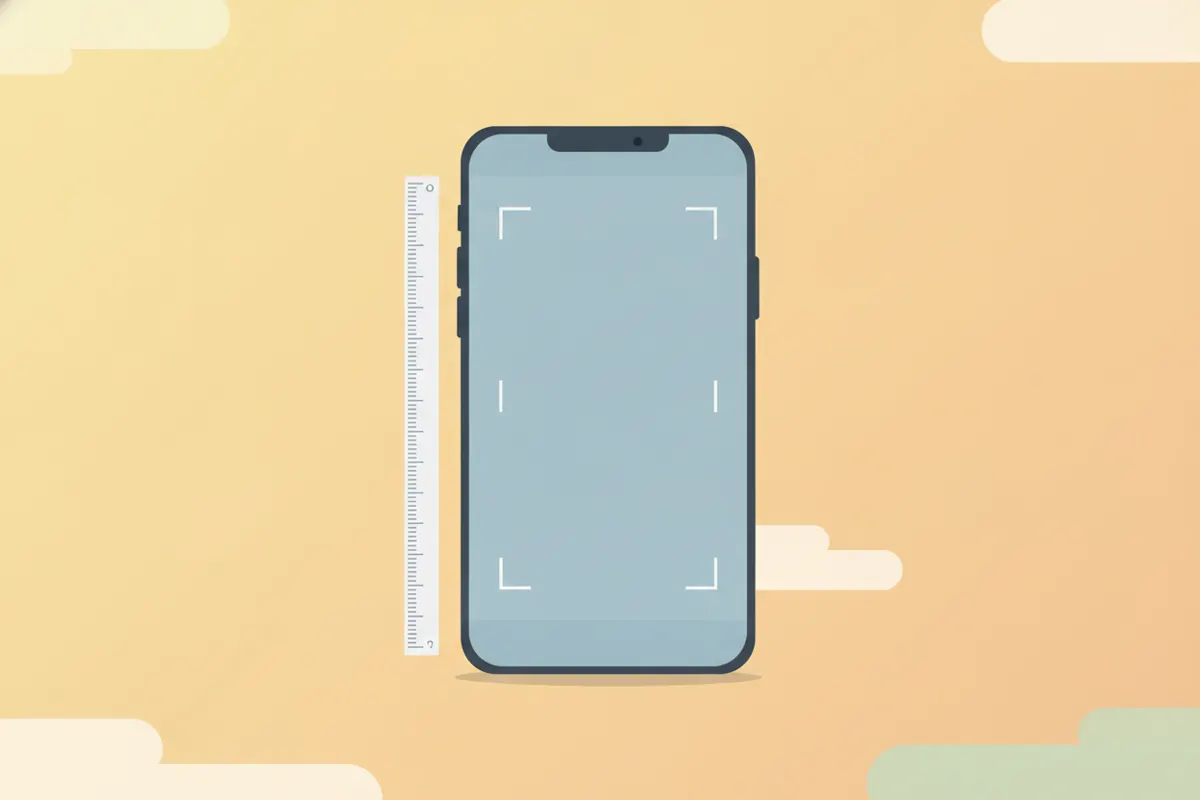
Current Snapchat Spotlight Video Requirements
- Length: Minimum 5 seconds, maximum 5 minutes for uploads (in-app recording up to 3 minutes).
- Aspect Ratio: 9:16 vertical is required. Horizontal, blurry, or text-only videos are not eligible.
- Resolution: Snapchat does not publish an official minimum, but 1080x1920 is widely recommended; 720x1280 is the minimum for ads in this placement.
- File Size: Not officially stated, but third-party sources recommend keeping under 1 GB.
- Formats: MP4 is safest (MOV is also accepted according to some sources).
- Captions: No SRT upload or auto-captioning; captions must be burned into the video. Use Snapchat's in-app tools or add them before upload.
How to Export Clips That Fit Snapchat Spotlight Specs
To ensure your video is accepted and looks its best on Spotlight:
- Export in a 9:16 vertical format (1080x1920 pixels is ideal).
- Keep the file size under 1 GB to avoid upload errors.
- Use MP4 format with AAC audio for maximum compatibility.
- Burn in captions if you want them - Snapchat does not support caption files for Spotlight.
- Trim your video to at least 5 seconds and no more than 5 minutes.
Check your video’s settings before export in your video editor or use an app that automatically sizes for Snapchat.
Safe Zones and Caption Placement
Snapchat overlays UI elements at the top and bottom of videos. To keep text readable:
- Avoid placing key captions or graphics in the top and bottom 10% of the video frame.
- Preview your video on a phone before uploading to ensure nothing is cut off.
Using Vidulk’s AI Clipper for Snapchat Spotlight
If you want to quickly turn long-form videos, podcasts, or interviews into vertical, captioned clips sized for Snapchat Spotlight, Vidulk’s AI clipper (iOS and Android) can help. Paste your source video, let the AI find and clip the best moments, and export in a 9:16 format with burned-in captions - ready for upload to Spotlight.
Tips for Successful Spotlight Uploads
- Always check for updated specs in Snapchat’s official help center before uploading.
- Use only Snapchat’s licensed music tracks to avoid copyright issues.
- For monetization, you’ll need to meet Snapchat’s eligibility (followers, view time, etc.).
- Upload via the Snapchat app or on the web at profile.snapchat.com.
Export clips that fit these specs automatically - Vidulk reframes to 9:16, captions and trims to length. Free to start on iOS and Android.
Try VidulkFAQ
What is the maximum length for Snapchat Spotlight videos?
You can upload videos up to 5 minutes long to Snapchat Spotlight as of 2026. In-app recording is limited to 3 minutes.
What aspect ratio and resolution should I use for Spotlight?
Use a 9:16 vertical aspect ratio. 1080x1920 pixels is ideal, but 720x1280 is the minimum recommended for ads.
Can I upload horizontal or square videos to Spotlight?
No. Only vertical (9:16) videos with sound are eligible for Spotlight. Horizontal or square videos won’t be shown.
How do I add captions to a Snapchat Spotlight video?
There is no SRT or auto-caption option. Captions must be burned into the video or added using Snapchat’s in-app Creative Tools.
What file format and size should my Spotlight video be?
MP4 is the safest format. Keep the file size under 1 GB to avoid issues, as recommended by third-party sources.