
Instagram Reels Video Specs: The 2026 Creator’s Guide
Instagram Reels video specs have changed in recent years. Here’s what you need to know to upload high-quality, compliant Reels in 2026.
| Spec | Value |
|---|---|
| Max length | Up to 20 min recorded in the Reels camera (Instagram camera update, Nov 2025); the in-app limit was raised from 90 s to 3 min in Jan 2025 (Mosseri); Instagram Graph API caps Reels uploads at 15 min; Reels ads 0 s-15 min. Third-party guides report 20-min uploads too, but Meta's consumer help pages could not be fetched to confirm |
| Recommended length | Under 3 min - Instagram says it continues to prioritise recommending reels under 3 min, so longer reels reach fewer non-followers (Nov 2025 coverage); no official 'ideal' length published |
| Aspect ratio | 9:16 recommended (full-screen vertical); Graph API accepts 0.01:1 to 10:1 |
| Resolution | 1080x1920 (9:16) standard; Meta's Reels-ad spec recommends 1440x2560; Graph API max width 1920 px |
| Max file size | 300 MB (Graph API Reels container); 4 GB (Reels ads); the app's own cap is not published |
| Frame rate | 23-60 fps (Graph API) |
| Formats / codecs | MP4 or MOV (moov atom at front, no edit lists); video H.264 or HEVC, progressive, closed GOP, 4:2:0; audio AAC <=48 kHz, mono/stereo, 128 kbps; video bitrate <=25 Mbps VBR (Graph API) |
| Captions | Auto-generated captions available in-app via the Captions sticker in the Reels editor (rolled out March 2022; ~17 languages) and viewers can toggle CC on reels; no SRT upload for organic reels; Reels ads: captions optional but recommended. Most creators burn captions in - keep them inside Meta's safe zone |
| Safe zones | Meta ads guide for Instagram Reels: leave ~14% of the top, ~35% of the bottom and ~6% of each side free of text/logos/key creative (on 1080x1920 that is roughly 269 px top, 672 px bottom, 65 px each side) to avoid the profile icon, caption, audio and CTA overlays |
Sources: https://developers.facebook.com/docs/instagram-platform/instagram-graph-api/reference/ig-user/media · https://www.facebook.com/business/ads-guide/update/video/instagram-reels · https://www.threads.com/@mosseri/post/DE-efFqyStv · https://petapixel.com/2025/11/25/instagram-updates-camera-so-you-can-film-20-minute-reels/ · https://techcrunch.com/2022/03/01/instagram-is-rolling-out-auto-generated-captions-for-videos/. Specs change - verify in the platform's help center before a big upload.
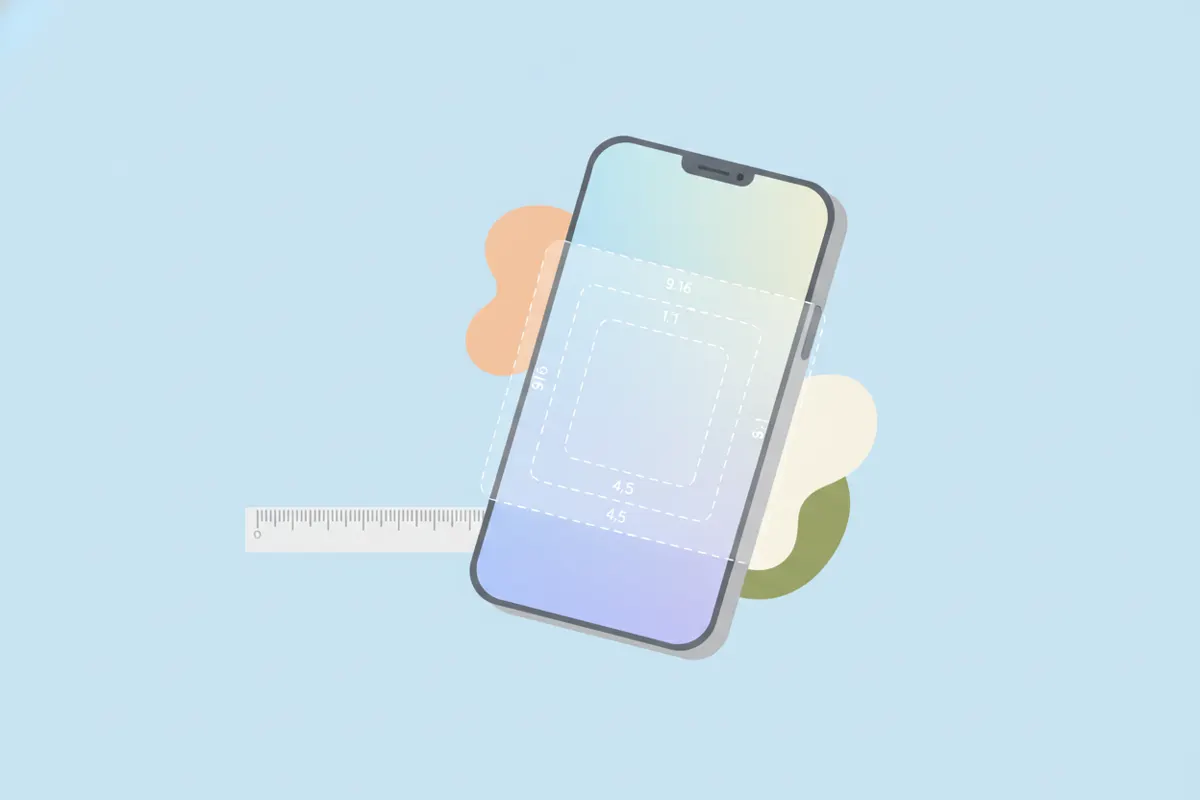
Instagram Reels: Key Video Specs for 2026
- Max Length: Up to 20 minutes with the Instagram camera (as of Nov 2025), though API uploads and ads are capped at 15 minutes. Instagram recommends keeping Reels under 3 minutes for best reach.
- Aspect Ratio: 9:16 vertical is standard and strongly recommended for full-screen viewing. The API allows ratios from 0.01:1 to 10:1, but 9:16 fits Instagram’s display best.
- Resolution: 1080x1920 pixels is standard. For ads, Meta recommends up to 1440x2560 px. API max width is 1920 px.
- File Size: 300 MB (API), 4 GB (ads). The in-app cap isn’t published, but staying under 300 MB is safest.
- Frame Rate: 23 - 60 fps (API spec).
- Formats: MP4 or MOV. Use H.264 or HEVC video, progressive scan, 4:2:0 chroma, closed GOP. Audio must be AAC, up to 48 kHz, mono or stereo at 128 kbps.
Captions and Accessibility
- Instagram can auto-generate captions in-app using the Captions sticker (17+ languages supported).
- No SRT file upload for organic reels; captions must be burned-in if you want custom styling.
- Viewers can toggle captions on/off for accessibility.
Safe Zones: Keep Your Text Visible
To avoid overlays (profile icon, captions, CTAs), keep key text and graphics away from:
- Top 14% (~269 px on 1080x1920)
- Bottom 35% (~672 px)
- Each side 6% (~65 px)
This ensures captions and important details aren’t covered on most devices.
How to Export Clips that Fit Instagram Reels
- Edit your video to 9:16 (vertical) and 1080x1920 resolution before exporting.
- Set frame rate to 30 fps for compatibility, though up to 60 fps is accepted.
- Keep file size under 300 MB for smooth uploads.
- Burn in captions if you want custom styles, but keep them within safe zones.
- Use tools like Vidulk’s AI Clipper (iOS & Android) to automatically find the best moments in your long videos and export vertical, captioned clips sized for Instagram Reels, TikTok, and YouTube Shorts.
Always Check for Updates
Instagram specs can change. Before major uploads, confirm requirements in the Instagram help center or developer docs for the latest details.
Export clips that fit these specs automatically - Vidulk reframes to 9:16, captions and trims to length. Free to start on iOS and Android.
Try VidulkFAQ
What is the maximum length for Instagram Reels in 2026?
Up to 20 minutes if recorded in the Instagram camera; 15 minutes via API or for ads. Under 3 minutes is recommended for reach.
What aspect ratio and resolution should I use for Reels?
Use 9:16 aspect ratio and 1080x1920 resolution for best results and full-screen playback.
How do I add captions to my Instagram Reels?
Use the Captions sticker in the Instagram Reels editor for auto-generated captions or burn them into your video before uploading.
What file format and size are best for Instagram Reels?
Export as MP4 (H.264/HEVC) or MOV, under 300 MB for standard uploads, with AAC audio at up to 48 kHz.
How can I quickly create Reels from long videos?
Use Vidulk’s AI Clipper (iOS/Android) to find highlights and export vertical, captioned clips optimized for Instagram Reels.