
X (Twitter) Video Specs: The Current Upload Requirements
To upload videos to X (Twitter), your files must meet specific technical requirements for length, size, format, and more. Here are the current specs and how to prepare your clips.
| Spec | Value |
|---|---|
| Max length | Non-Premium: 140 s (2:20). Premium/Premium+ subscribers: up to 4 h on x.com and X for iOS (1080p up to 2 h; videos over 2 h must be 720p), 16 GB max; Android uploads limited to ~10 min - per X Help 'About longer videos for X Premium subscribers' as quoted by secondary sources (help.x.com returned 403 to our fetcher, so treat the Premium figures as moderate confidence) |
| Aspect ratio | 16:9 (landscape or portrait, i.e. 9:16) and 1:1 recommended; accepted range 1:3 to 3:1 (X API media spec) |
| Resolution | Recommended 1280x720 (landscape), 720x1280 (portrait), 720x720 (square); non-subscribers get 720p playback, Premium subscribers can upload and play back 1080p (1920x1080 / 1080x1920); standard API hard limit 32x32 to 1280x1024 |
| Max file size | 512 MB (standard uploads, X API spec); Premium longer videos up to 16 GB on web/iOS (X Help, secondary-source quoted) |
| Frame rate | <=60 fps (30 or 60 recommended) |
| Formats / codecs | MP4 or MOV; H.264 High Profile video, AAC-LC audio (mono/stereo, no HE-AAC), YUV 4:2:0, progressive scan; recommended >=5,000 kbps video / 128 kbps audio |
| Captions | Direct verification blocked (help.x.com 403); X supports attaching SRT subtitle files to videos in the web composer/Media Studio and rolled out auto-generated captions for videos in Dec 2022 (older announcement, current behaviour not re-verified) - burn captions in for cross-posted clips |
Sources: https://docs.x.com/x-api/media/quickstart/best-practices · https://help.x.com/en/using-x/premium-longer-videos · https://help.x.com/en/using-x/x-premium · https://circleboom.com/blog/twitter-max-video-length-limits-by-account-type/. Specs change - verify in the platform's help center before a big upload.
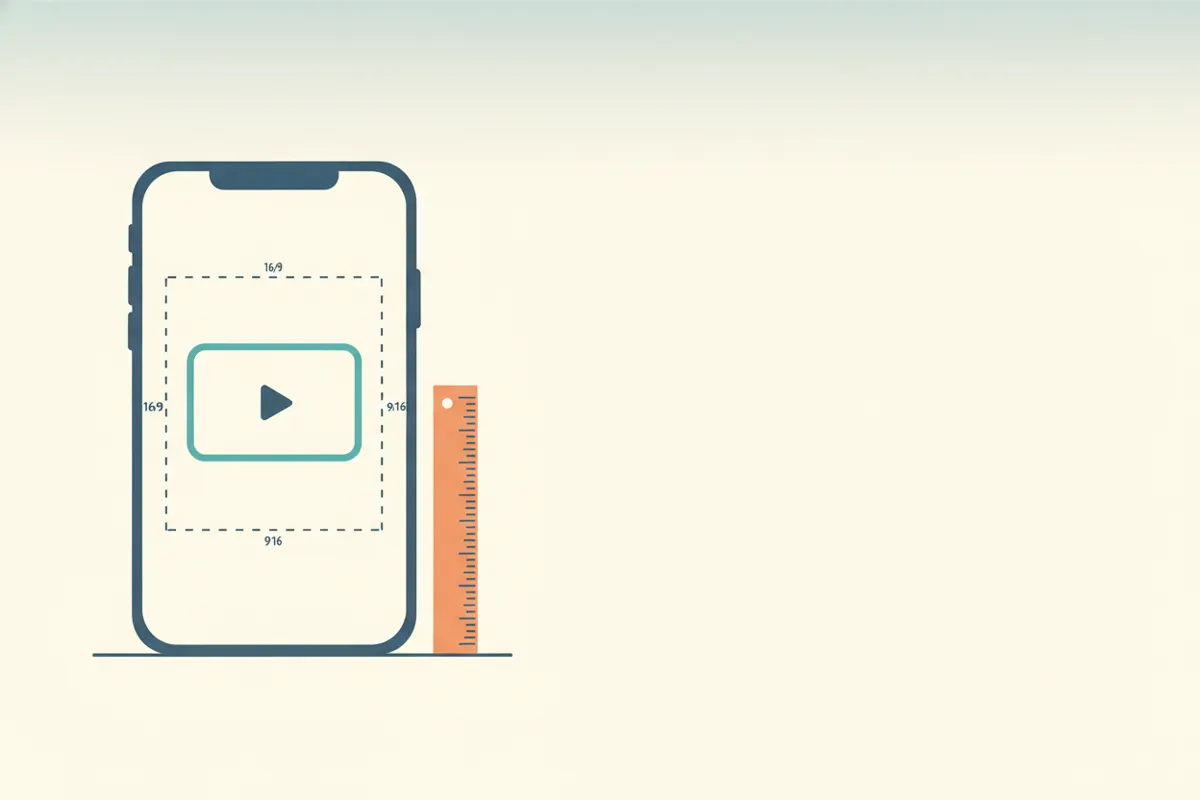
Official X (Twitter) Video Specs (2026)
- Maximum Length: 140 seconds for standard accounts; Premium users can upload up to 4 hours (web/iOS), with 1080p allowed for videos up to 2 hours.
- Aspect Ratio: 16:9 (landscape or portrait) and 1:1 are recommended. Accepted range is 1:3 to 3:1.
- Resolution: 720p (1280x720 or 720x1280) for standard users. Premium users can upload and play back 1080p (1920x1080 or 1080x1920).
- Max File Size: 512 MB for standard uploads; up to 16 GB for Premium longer videos (web/iOS).
- Frame Rate: Up to 60 fps (30 or 60 fps recommended).
- Formats: MP4 or MOV, H.264 High Profile video, AAC-LC audio, YUV 4:2:0, progressive scan.
- Captions: SRT files can be attached via web composer/Media Studio; for maximum compatibility, burn captions directly into your video.
See the full spec table above and check X’s documentation before major uploads, as limits may change.
How to Export Clips That Fit X Video Specs
- Keep video duration under 2:20 for standard accounts to avoid rejection.
- Export at 720p (1280x720 or 720x1280) and under 512 MB for standard uploads. For Premium, you can go up to 1080p and 16 GB on web/iOS.
- Use MP4 (H.264/AAC) for widest compatibility and efficient compression.
- Set your frame rate to 30 or 60 fps.
- Burn in captions if you want them to appear everywhere, as auto-captioning and SRT support vary by platform and client.
For vertical clips (9:16), ensure your export uses 720x1280 or 1080x1920 resolution and fits within the file size and duration limits.
Designing for Safe Zones and Aspect Ratios
- Keep important text and graphics away from the edges (at least 10% margin) to avoid cropping on different devices.
- Test your video in both landscape (16:9) and portrait (9:16) to see how it appears in X’s feed and on mobile.
- For square (1:1) videos, use 720x720 for best results.
Fast Clip Export with Vidulk’s AI Clipper
Vidulk’s AI Clipper (available for iOS and Android) helps you quickly create short, captioned, vertical clips sized for platforms like X, TikTok, and YouTube Shorts. Paste in your long video, and the AI finds the best moments and exports them in the right aspect ratio and duration for X’s requirements.
Export clips that fit these specs automatically - Vidulk reframes to 9:16, captions and trims to length. Free to start on iOS and Android.
Try VidulkFAQ
What is the maximum video length for X (Twitter)?
Standard accounts: 140 seconds. Premium users: up to 4 hours (web/iOS), with 1080p allowed for videos up to 2 hours.
What file formats does X (Twitter) support for video uploads?
MP4 or MOV files using H.264 video and AAC-LC audio are supported.
Can I upload 1080p videos to X (Twitter)?
Only Premium subscribers can upload and play back 1080p videos. Standard users are limited to 720p.
How do I add captions to X (Twitter) videos?
You can attach SRT subtitle files in the web composer or Media Studio, but for best compatibility, burn captions directly into your video.
How can I make sure my video fits X (Twitter) specs?
Export in MP4 format, keep duration and file size within limits, use 720p or 1080p as allowed, and check aspect ratio before uploading.