
How to Turn Podcast Episodes Into YouTube Shorts Clips
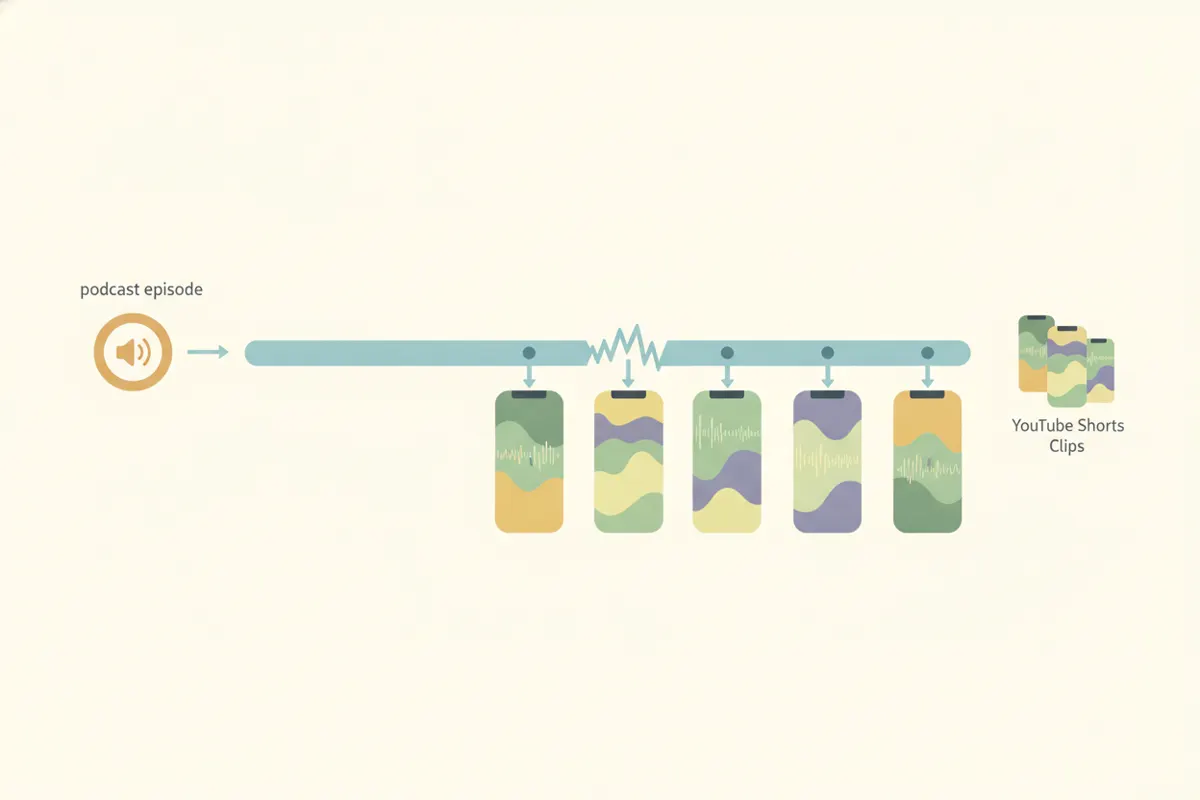
To convert a podcast episode into YouTube Shorts clips, extract engaging moments, resize to vertical (9:16), and add captions. Vidulk's AI clipper automates these steps for you.
1. Understand YouTube Shorts Requirements
YouTube Shorts must be vertical (9:16) or square (1:1), up to 3 minutes long. For best results, use 1080x1920 resolution. Captions are auto-generated by YouTube but adding them in advance helps accessibility and engagement.
2. Identify the Best Podcast Moments
- Look for standout moments: hot takes, funny exchanges, stories, and practical tips.
- Ideal clip length is 30-60 seconds for maximum viewer retention.
- Highlight the guest's name on screen for context.
3. Use Vidulk's AI Clipper for Fast, Automated Clips
Vidulk (iOS & Android) lets you paste your podcast video (or audio with a visualizer) and automatically finds the most engaging segments. The AI exports vertical clips, sized for YouTube Shorts, with captions and guest names on screen.
4. Export and Upload Your Shorts
- Download the vertical, captioned clips from Vidulk.
- Upload each clip to YouTube, making sure the aspect ratio and length meet Shorts specs.
- Edit auto-generated captions in YouTube Studio if needed.
5. Tips for Better Engagement
- Pick moments that make sense out of context.
- Keep visuals focused on speakers’ faces or reactions.
- Use clear, readable captions for viewers watching without sound.
Vidulk's AI clipper (free to start, iOS + Android) finds the best moments in a long video and exports captioned vertical clips sized for the destination.
Try VidulkFAQ
How do I make a vertical YouTube Short from a podcast episode?
Extract a key moment, resize it to 9:16 (vertical), add captions, and export at 1080x1920. Vidulk's AI clipper automates these steps.
What is the ideal length for a YouTube Shorts podcast clip?
Aim for 30-60 seconds. YouTube Shorts allows up to 3 minutes, but shorter clips often perform better.
Does Vidulk add captions to podcast clips automatically?
Yes, Vidulk's AI clipper generates captions for your vertical podcast clips before you upload them to YouTube.
Can I use just audio from my podcast to make Shorts?
Yes. Vidulk can create a visualizer for audio-only podcasts and turn them into vertical, captioned Shorts clips.
Do I need to edit the captions after uploading to YouTube?
YouTube auto-generates captions, but you can edit them in YouTube Studio. Pre-generated captions from Vidulk can improve accuracy.