
How to Turn Podcast Episodes into LinkedIn Clips
To convert a podcast episode into LinkedIn clips, extract short, vertical, captioned moments sized for LinkedIn and automate the process using Vidulk’s AI Clipper.
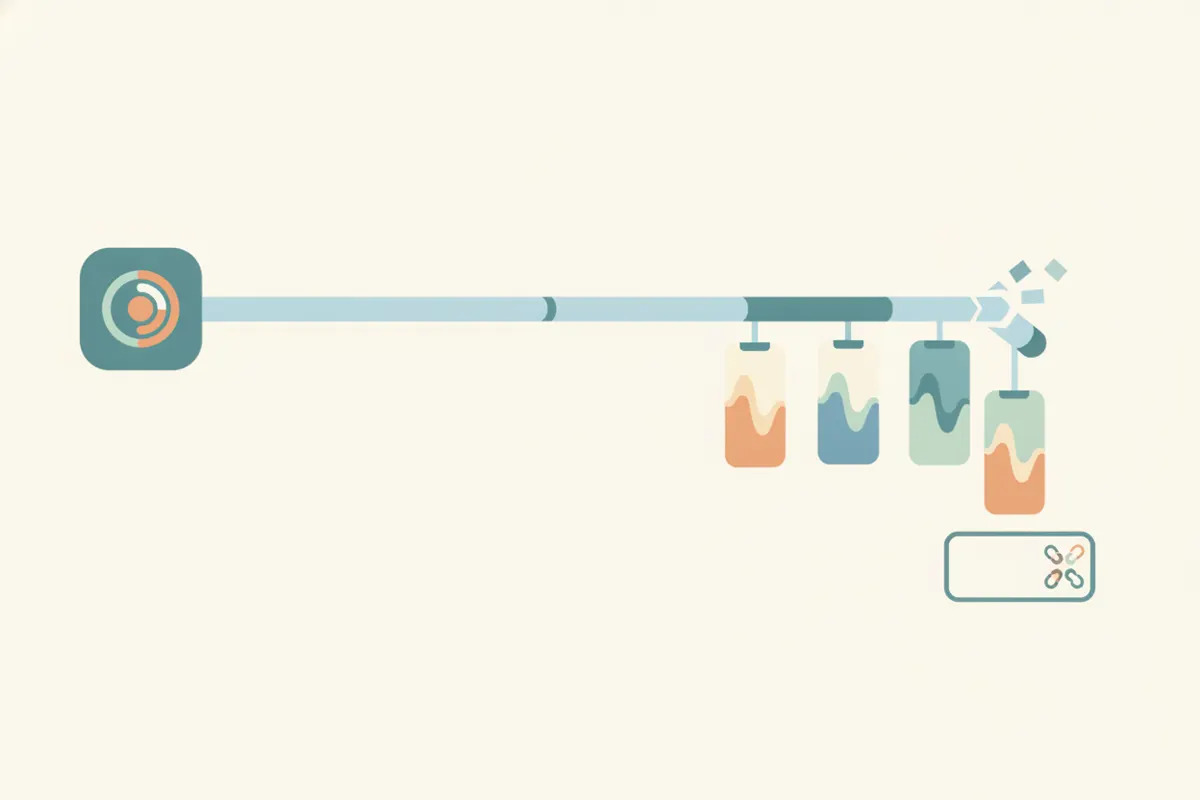
Step 1: Choose Your Source and Identify Key Moments
Start with your podcast episode - either as a video file or audio plus a visualizer. The best LinkedIn clips highlight a hot take, a story, a laugh, or a practical tip. Aim for 30-60 seconds per clip, with the guest’s name visible on screen. This keeps your content engaging and easy to consume for LinkedIn users.
Step 2: Meet LinkedIn’s Video Specs
- Length: Up to 15 minutes (30-60 seconds recommended for engagement)
- Aspect Ratio: Any from 1:2.4 to 2.4:1 (vertical 9:16 and 4:5 work well)
- Resolution: 256x144 up to 4096x2304 pixels (1080x1920 is ideal for 9:16 vertical)
- Captions: LinkedIn can auto-generate captions, or you can upload your own for clarity and accessibility
Always ensure your clips are clear, well-lit, and have captions enabled.
Step 3: Use Vidulk’s AI Clipper for Fast, Automated Editing
Vidulk's AI Clipper (available on iOS and Android) streamlines this workflow. Paste your podcast video link or upload the file. The AI scans the episode, automatically detecting the best moments - such as highlights, tips, or laughs - and extracts them as short clips.
- Clips are sized vertically and captioned for LinkedIn
- Export options include vertical 9:16 and 4:5 to match LinkedIn’s accepted aspect ratios
- Guest names and on-screen text can be retained for context
This automation saves time and ensures clips are ready for immediate upload to LinkedIn.
Step 4: Upload and Caption on LinkedIn
After exporting your clips from Vidulk, upload them to LinkedIn. Toggle on LinkedIn’s auto-caption feature for additional accessibility, or use the captions already baked into your video. Double-check video quality and aspect ratio before posting to ensure the best presentation.
Vidulk's AI clipper (free to start, iOS + Android) finds the best moments in a long video and exports captioned vertical clips sized for the destination.
Try VidulkFAQ
What is the best length for a LinkedIn podcast clip?
Aim for 30-60 seconds to maximize engagement and keep viewers’ attention on LinkedIn.
What aspect ratio should I use for LinkedIn video clips?
Vertical 9:16 or 4:5 are both accepted by LinkedIn and perform well on mobile feeds.
Can Vidulk add captions to my LinkedIn clips automatically?
Yes, Vidulk’s AI Clipper exports clips with captions. LinkedIn also offers auto-captions during upload.
Do I need to edit my podcast manually before uploading to LinkedIn?
With Vidulk, manual editing isn’t required - the AI finds and exports the best moments as ready-to-post clips.
Is Vidulk’s AI Clipper available on desktop?
Vidulk’s AI Clipper is available as a free app for iOS and Android devices.