
How to Turn Kick Streams into Facebook Reels Clips
To convert a Kick stream into Facebook Reels clips, export your stream or clip, crop it to vertical, add captions, and ensure it's sized to Facebook’s latest specs. Vidulk automates this process for you.
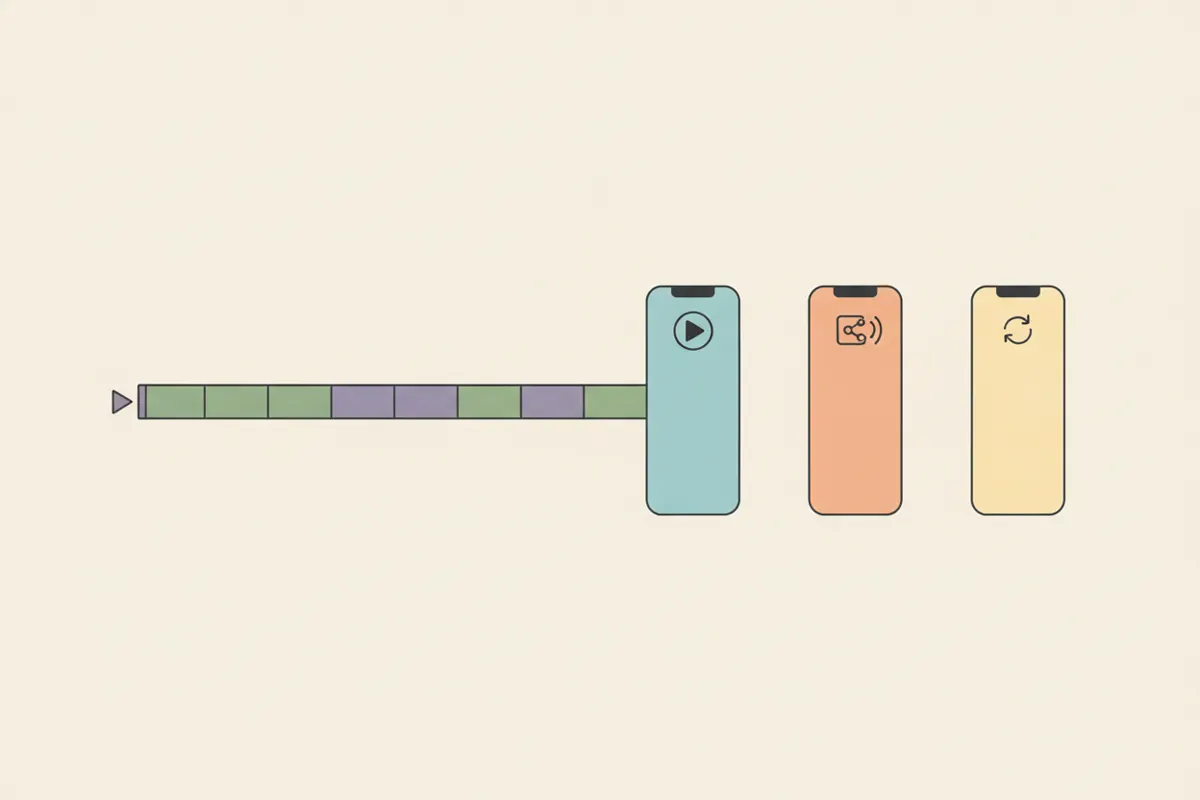
Step 1: Export Your Kick Stream or Clip
Download your Kick stream VOD or select a highlight clip (10 - 180 seconds is a practical range). Kick lets you export full streams or shorter clips, which you’ll need for editing and reframing.
Step 2: Reframe to Vertical for Facebook Reels
- Facebook Reels recommends a 9:16 aspect ratio (vertical, full-screen).
- Resolution: 1440x2560 is optimal, but 1080x1920 is widely supported.
- Landscape or square formats are accepted since June 2025, but vertical performs best for engagement and appearance.
Use an editor to crop your Kick clip to 9:16, centering the main action.
Step 3: Add Captions for Engagement
- Most Facebook Reels viewers watch without sound, so captions are highly recommended.
- Facebook auto-captioning is not available for Reels ads, so you need to add them manually or use an app.
Ensure your captions are clear, accurate, and visually readable on mobile screens.
Step 4: Automate with Vidulk’s AI Clipper
Vidulk (free to start on iOS and Android) lets you paste your Kick stream or VOD. The AI finds the most engaging moments, automatically crops them to vertical (9:16), and adds clear, timed captions. Export your finished clips in the right format for Facebook Reels.
Step 5: Upload to Facebook Reels
- Upload your vertical, captioned clip to Facebook. There are no strict length limits for Reels after the June 2025 update, but short, punchy clips (under 60 seconds) tend to perform best.
- Double-check playback, captions, and cropping before publishing.
Vidulk's AI clipper (free to start, iOS + Android) finds the best moments in a long video and exports captioned vertical clips sized for the destination.
Try VidulkFAQ
How do I export a Kick stream for Facebook Reels?
Download your Kick VOD or a highlight clip from your channel dashboard. Then use an editor or Vidulk to crop and caption for Facebook Reels.
What is the best aspect ratio and resolution for Facebook Reels?
Facebook Reels recommends 9:16 (vertical) with 1440x2560 or 1080x1920 resolution for best results.
Do I need to add captions to Facebook Reels clips?
Captions are optional but strongly recommended, as most viewers watch muted. Facebook doesn’t auto-caption Reels ads, so add them before uploading.
How does Vidulk automate Kick to Facebook Reels conversion?
Vidulk's AI finds top moments, reframes your Kick video to vertical, and adds captions automatically, exporting a ready-to-upload Facebook Reels clip.
Are there length limits for Facebook Reels clips?
After June 2025, Facebook removed strict length and format limits for Reels. Short clips under 60 seconds usually perform best.