
How to Turn Discord Calls or Streams into Snapchat Spotlight Clips
You can turn a Discord call or stream into short, vertical Snapchat Spotlight clips by recording, resizing, and captioning your video. Vidulk's AI Clipper helps automate this process for fast, high-quality results.
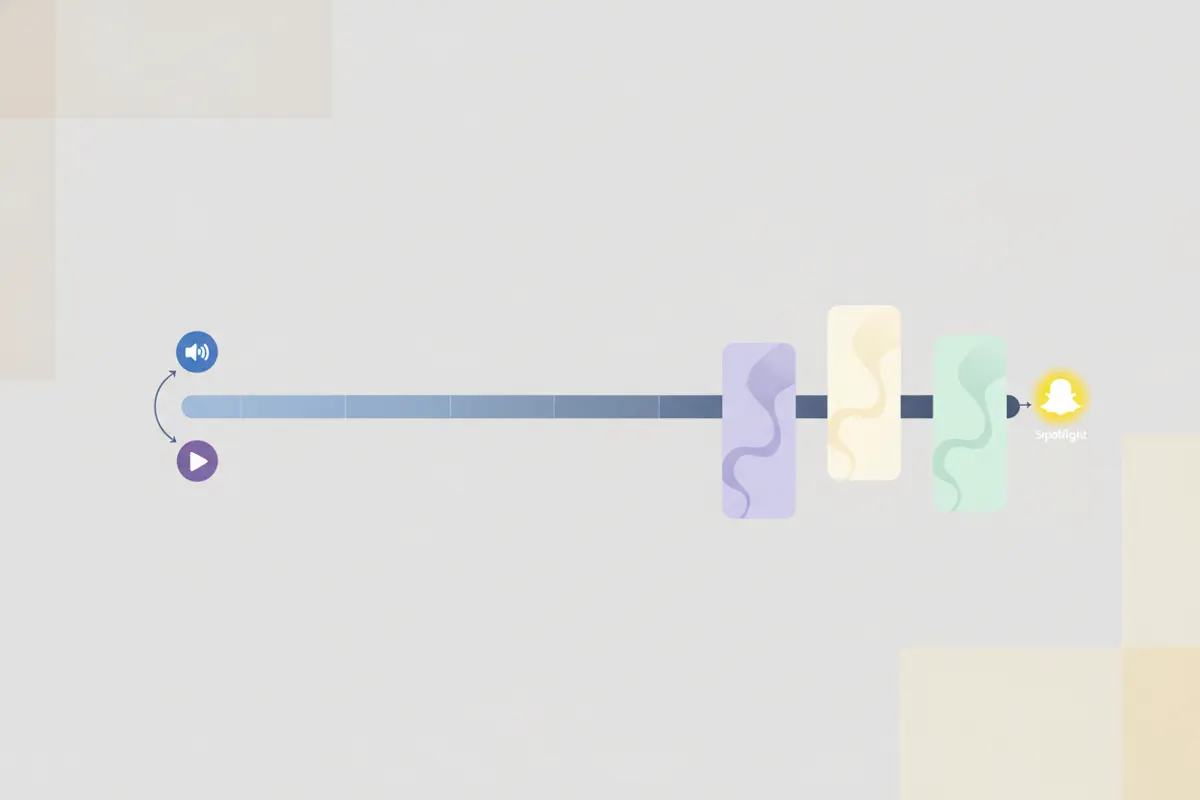
Step 1: Record Your Discord Call or Stream
- Discord does not offer a built-in clipper for calls or streams.
- To capture your session, use free tools like OBS Studio to record your screen and audio.
- Some Discord servers or channels may have a clip feature, but it's not universally available.
- Export your recording as a standard video file (such as MP4).
Step 2: Prepare Your Video for Snapchat Spotlight
- Snapchat Spotlight requires vertical (9:16) videos, ideally sized 1080x1920 pixels.
- Maximum video length is 5 minutes for uploads.
- Spotlight does not support SRT caption uploads or auto-captioning for organic posts; captions must be part of the video.
Step 3: Use Vidulk's AI Clipper to Automate Editing
- Open the Vidulk app on iOS or Android.
- Paste or upload your recorded Discord video.
- Vidulk's AI Clipper analyzes the video to find highlight moments, then converts them into short, vertical clips sized for Snapchat Spotlight.
- It automatically burns captions into the video, ensuring accessibility and engagement, since Snapchat does not add captions automatically for Spotlight.
- Export your finished clips in the correct format for uploading to Snapchat Spotlight.
Step 4: Upload to Snapchat Spotlight
- Open Snapchat and tap the Spotlight icon to submit your clip.
- Upload your vertical, captioned video (up to 5 minutes).
- Use Snapchat's in-app Creative Tools if you want to add extra text or stickers.
- Snapchat's free upload cap is 20 MB; for higher quality, post directly to Spotlight rather than sharing back into Discord.
Vidulk's AI clipper (free to start, iOS + Android) finds the best moments in a long video and exports captioned vertical clips sized for the destination.
Try VidulkFAQ
How do I record a Discord call or stream for Snapchat Spotlight?
Use screen recording software like OBS Studio, as Discord does not have a built-in clipper for calls or streams.
What video specs are required for Snapchat Spotlight clips?
Videos must be vertical (9:16), ideally 1080x1920 pixels, and no longer than 5 minutes.
Does Snapchat Spotlight support auto-captions or SRT files?
No. Add captions directly into your video before uploading, as Spotlight does not auto-caption or accept SRT files.
How does Vidulk automate making Spotlight-ready clips?
Vidulk's AI Clipper finds highlights in your long video and exports short, vertical, captioned clips sized for Snapchat Spotlight.
Can I upload Discord clips directly to Snapchat?
Yes, after editing and resizing your video, you can upload it to Snapchat Spotlight if it meets the specs.