
How to Make Text Story Videos: A Practical Guide
Text story videos use animated text or fake chat to tell attention-grabbing stories on TikTok, Shorts, and Reels. Here’s a clear, step-by-step process to make your own.
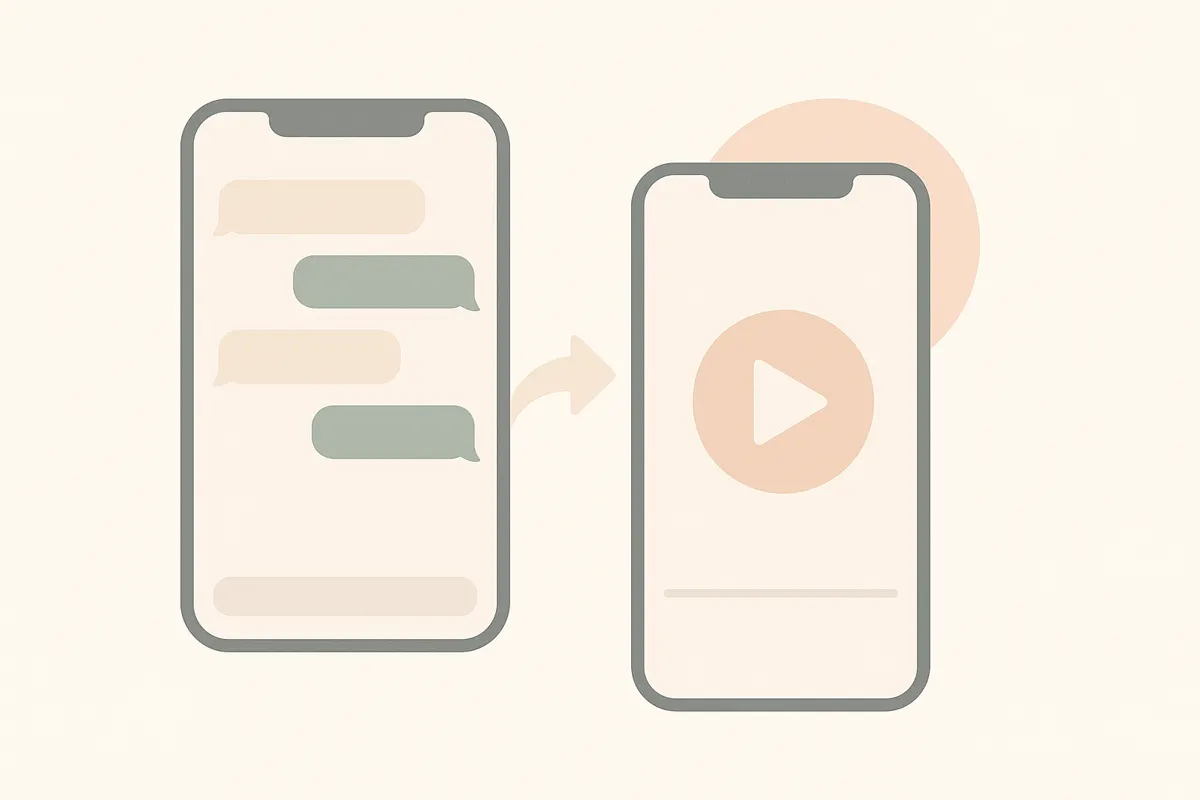
1. Plan Your Story and Hook
Start by outlining a short, dramatic, or relatable story. The most important part is the hook: your first message or line must grab attention instantly. Think of a surprising question, confession, or dilemma that will make viewers want to see what happens next.
- Decide on your characters and their roles.
- Keep the story concise - aim for 30-60 seconds total.
- Write out the conversation or text sequence in advance.
2. Choose Your Format and Visual Style
Text story videos can look like real chats (WhatsApp, iMessage, Instagram DMs) or stylized animated text on screen. Pick a format that matches your story’s tone and audience. For realistic fake chat, apps like Vidulk let you select chat themes and customize names and avatars.
- Select a background - either a plain color, blurred image, or satisfying video loop.
- Decide if you want to add typing indicators, message sounds, or notifications for realism.
3. Create and Animate the Conversation
Use a video editor or a tool like Vidulk to script and render your chat. In Vidulk, you can enter your dialogue line by line, set timing, and preview how messages appear. Add sound effects and adjust message pacing to keep viewers engaged.
- Keep messages short and easy to read quickly.
- Use captions or subtitles for accessibility and to increase retention.
4. Export and Optimize for Short-Form Platforms
When your video is ready, export it in vertical format (9:16 aspect ratio) for TikTok, Reels, or Shorts. Make sure the text is legible on mobile screens. Vidulk outputs videos in the right format for these platforms.
- Test your video on your phone before publishing.
- Add trending sounds or music in the TikTok or Instagram app for extra reach.
5. Publish and Track Performance
Upload your video with an engaging caption and relevant hashtags. Monitor comments and performance to see what resonates, then refine your next story based on feedback.
Make it in minutes - Vidulk turns a script or a long video into a ready-to-post short, free to start.
Try VidulkFAQ
What are text story videos?
Text story videos are short videos that tell a story through animated text or fake chat conversations, often styled like messaging apps, with sound effects and captions.
How do I make a fake chat video for TikTok?
You can use an app like Vidulk to script, customize, and render fake chat videos in TikTok-ready format. Enter your dialogue, set visuals, and export for upload.
What’s the best hook for a text story video?
A strong hook is a surprising or relatable first message - like a confession, cliffhanger, or urgent question - that makes viewers want to watch the whole story.
Do I need special software to make text story videos?
You can use video editors, but specialized tools like Vidulk streamline the process with chat templates and automatic rendering for short-form platforms.
Can I use Vidulk for free?
Vidulk lets you start for free with included starter credits. For ongoing or higher-volume use, paid plans are available.