
How to Turn Zoom Recordings Into X (Twitter) Clips
To share highlights from a Zoom recording on X (Twitter), you need to crop, resize, and caption your video for platform specs. Vidulk’s AI Clipper automates this process for fast, compliant results.
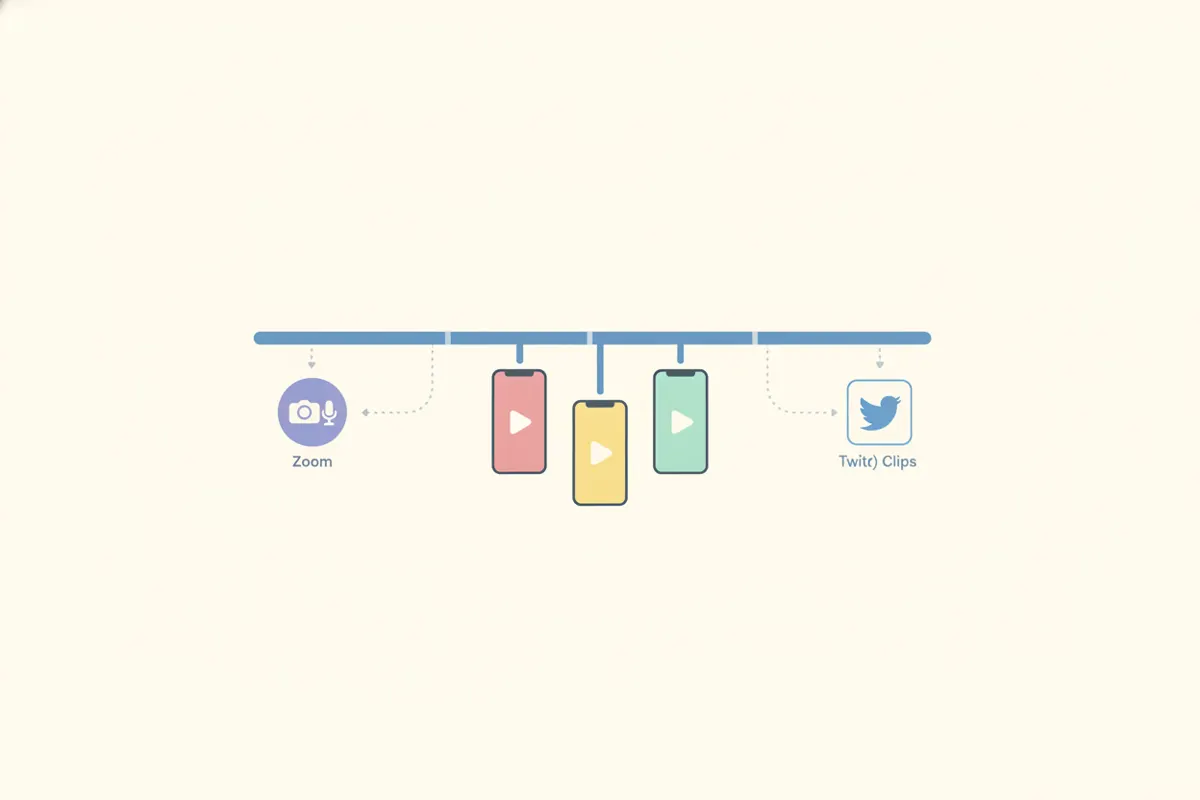
Step 1: Export the Right Zoom Recording
After your Zoom meeting or webinar ends, download the cloud or local recording. Speaker view is best, as it captures the active speaker in 16:9 landscape. Always get consent from participants before sharing any clips publicly.
Step 2: Understand X (Twitter) Video Specs
- Max length: 140 seconds (Non-Premium), up to 4 hours (Premium)
- Aspect ratio: 16:9 (landscape or portrait), or 1:1; accepted range 1:3 to 3:1
- Recommended resolution: 1280x720 (landscape), 720x1280 (portrait), 720x720 (square)
- Captions: SRT subtitle files can be attached on the web version
Step 3: Use Vidulk to Automate Clipping and Formatting
Vidulk’s AI Clipper (iOS & Android) streamlines the process:
- Upload your Zoom recording (paste or import)
- The AI finds the best moments and crops to the active speaker
- Exports short, vertical (9:16) clips, sized for X (Twitter) specs
- Adds hardcoded captions for accessibility and engagement
This saves time compared to manual editing and ensures your clips are ready for X’s requirements.
Step 4: Export and Post to X (Twitter)
- Review and download your clips from Vidulk
- For captions, you can upload an SRT file with your video on X’s web interface
- Post directly from your device or computer, ensuring your video is within the required length and aspect ratio
Best Practices & Compliance
- Obtain consent from all participants before sharing clips
- Keep clips concise and focused on key moments
- Use captions for accessibility and to boost engagement
Vidulk's AI clipper (free to start, iOS + Android) finds the best moments in a long video and exports captioned vertical clips sized for the destination.
Try VidulkFAQ
How do I crop a Zoom recording for X (Twitter) vertical clips?
Use Vidulk’s AI Clipper to automatically crop to the active speaker and export vertical (9:16) clips sized for X (Twitter) specs.
What’s the max length for X (Twitter) video clips?
Non-Premium users can upload up to 140 seconds; Premium users can upload much longer videos, up to 4 hours.
Can I add captions to my X (Twitter) video clips?
Yes, X allows SRT subtitle files to be attached when uploading via the web. Vidulk also hardcodes captions into the video.
Does Vidulk work with Zoom recordings?
Yes, you can upload or paste Zoom recordings into Vidulk to generate short, captioned clips optimized for X (Twitter).
Is Vidulk’s AI Clipper available on desktop?
Vidulk’s AI Clipper is available as a free-to-start app for iOS and Android. Browser-based tools are available for other video mockups.