
How to Turn YouTube Videos into Instagram Reels Clips
To convert a YouTube video into Instagram Reels clips, use Vidulk’s AI Clipper to extract, resize, and caption the best moments in vertical format, ready for Reels upload.
1. Understand Instagram Reels Clip Requirements
- Length: As of August 2026, Reels allows up to 20 minutes if recorded in-app (3 minutes via upload).
- Aspect Ratio: 9:16 (vertical) is recommended for full-screen viewing.
- Resolution: Standard is 1080x1920 pixels; Meta recommends 1440x2560 for ads.
- Captions: Instagram can auto-generate captions, but adding them before upload boosts accessibility.
2. Prepare Your YouTube Video Source
- Use only your own videos or content you have rights to clip.
- Copy the YouTube link or download the file for upload.
3. Use Vidulk’s AI Clipper for Fast, Accurate Clips
- Download Vidulk (iOS or Android) or visit vidulk.com.
- Paste your YouTube video link or upload the file.
- Vidulk’s AI scans the video and finds 5-15 highlight moments (typical for podcasts, lectures, interviews).
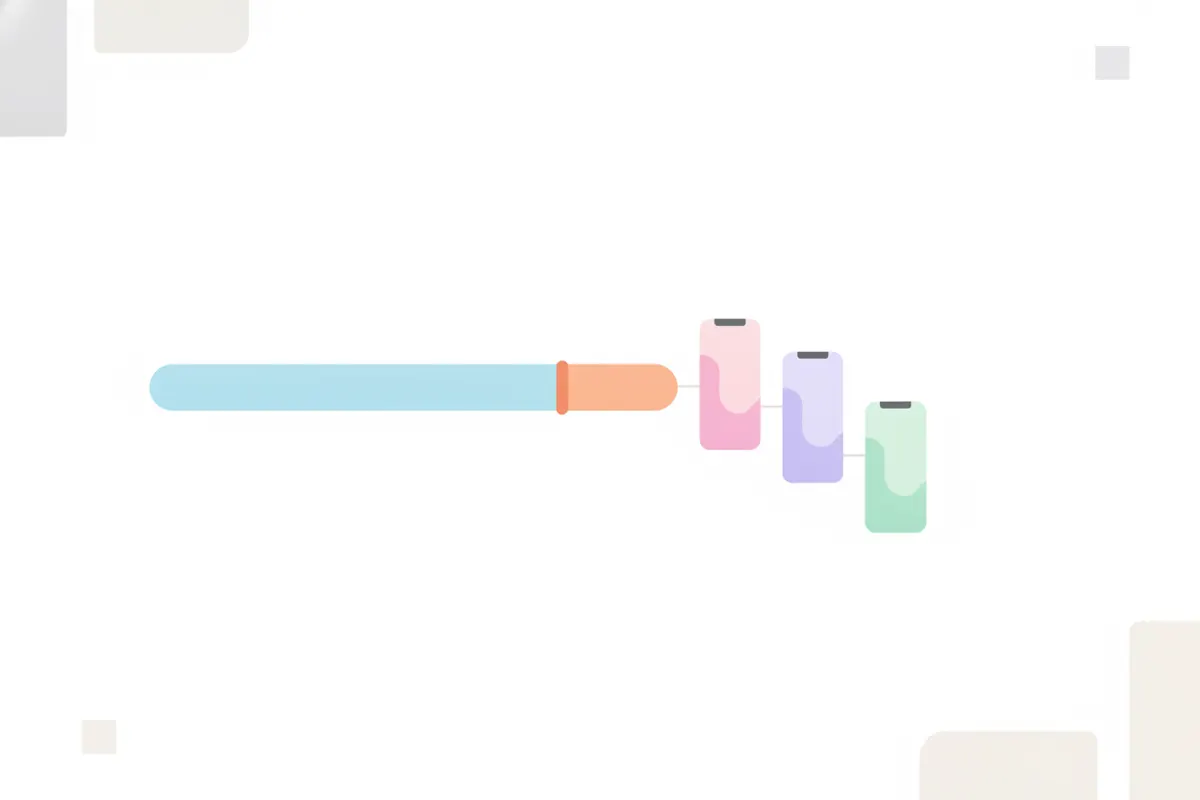
- The app exports short, vertical clips, automatically resized to 9:16 and captioned for Instagram Reels.
4. Export and Upload to Instagram Reels
- Vidulk exports your clips in MP4 format, sized for Reels.
- Transfer the clips to your phone if needed.
- Open Instagram, create a new Reel, and upload the clips.
- Optionally, use Instagram’s in-app caption sticker for additional subtitles.
Vidulk's AI clipper (free to start, iOS + Android) finds the best moments in a long video and exports captioned vertical clips sized for the destination.
Try VidulkFAQ
Can I use Vidulk to clip any YouTube video?
Only use Vidulk to make clips from YouTube videos you own or have permission to use, to respect copyright.
What video size and aspect ratio should I use for Instagram Reels?
Use 9:16 aspect ratio (vertical) and at least 1080x1920 resolution for best results on Instagram Reels.
Does Vidulk add captions to my Reels clips?
Yes, Vidulk’s AI Clipper auto-generates captions for your clips, making them more accessible and engaging.
How many clips can Vidulk make from one YouTube video?
Long videos like podcasts or lectures typically yield 5-15 short, vertical clips with Vidulk’s AI Clipper.
Is Vidulk available on desktop?
Vidulk’s AI Clipper is available as a free app for iOS and Android. Browser-based tools on vidulk.com are for other video mockups.