
How to Turn a YouTube Video into LinkedIn Clips
To convert a YouTube video into short, LinkedIn-ready clips, use Vidulk’s AI Clipper to extract, resize, and caption the best moments, matching LinkedIn’s video specs.
Understand LinkedIn Video Requirements
LinkedIn supports a wide range of video formats. As of August 2026, you can upload videos up to 15 minutes long, with accepted aspect ratios from 1:2.4 (vertical) to 2.4:1 (landscape). Common vertical sizes like 9:16 (1080x1920) and 4:5 (1080x1350) are fully supported. LinkedIn also allows auto-captions, which you can toggle during upload, though captions may take time to appear after posting.
Extract Clips from Your YouTube Video
- First, ensure you own the rights to the YouTube video you want to clip.
- Copy the YouTube link or download the video file.
- Open Vidulk’s AI Clipper app on iOS or Android.
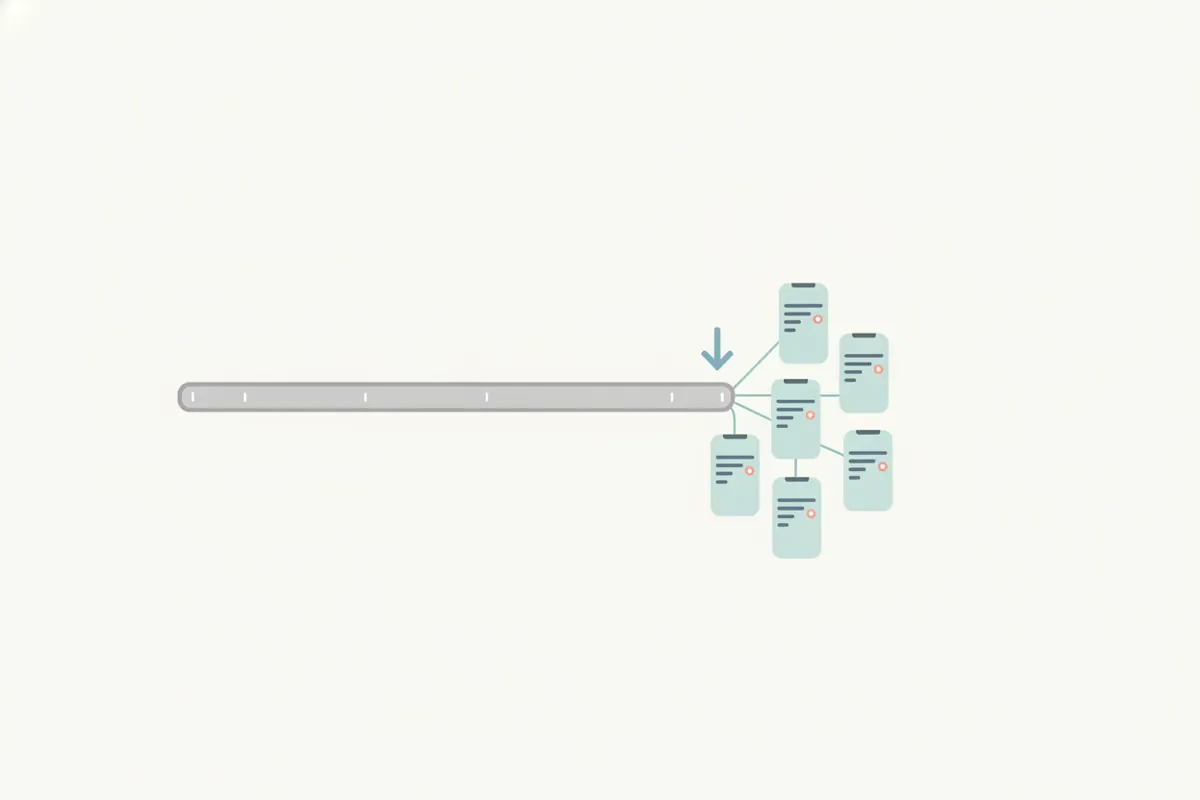
- Paste the link or upload the file. Vidulk’s AI will analyze the content and automatically select 5 - 15 of the most engaging moments from long videos like podcasts, talks, or tutorials.
Resize and Caption for LinkedIn
- Vidulk exports clips in vertical formats (9:16 or 4:5), both accepted by LinkedIn.
- Each clip is automatically resized to fit LinkedIn’s resolution and aspect ratio requirements.
- Vidulk adds burned-in captions to your clips, ensuring accessibility and engagement even before LinkedIn’s own auto-captioning appears.
Upload to LinkedIn
- Transfer the exported clips to your desktop or use your mobile device to upload directly to LinkedIn.
- During upload, you can enable LinkedIn’s auto-captions for additional accessibility.
- Check your post after publishing to confirm the video and captions appear as intended.
Automate and Save Time with Vidulk
Vidulk’s AI Clipper streamlines the process of finding highlights, resizing, and captioning. This saves significant manual editing time and ensures your LinkedIn clips are optimized for engagement and platform requirements.
Vidulk's AI clipper (free to start, iOS + Android) finds the best moments in a long video and exports captioned vertical clips sized for the destination.
Try VidulkFAQ
Can I use any YouTube video for LinkedIn clips?
Only use your own or licensed YouTube content to create LinkedIn clips, as copyright laws apply.
What aspect ratios does LinkedIn accept for video clips?
LinkedIn accepts aspect ratios from 1:2.4 (vertical) to 2.4:1 (landscape), including 9:16, 4:5, 1:1, and 16:9.
Does Vidulk add captions to LinkedIn clips?
Yes, Vidulk exports clips with burned-in captions. LinkedIn can also generate auto-captions during upload.
How long can LinkedIn video clips be?
LinkedIn allows video uploads up to 15 minutes in length, as of August 2026.
Is Vidulk’s AI Clipper available on desktop?
Vidulk’s AI Clipper is available for iOS and Android. Browser-based tools on vidulk.com serve other content creation needs.