
How to Turn Twitch Streams or VODs into YouTube Shorts Clips
To create YouTube Shorts from Twitch streams or VODs, you need to extract, reframe, and caption vertical clips that meet YouTube's Shorts specs. Vidulk’s AI clipper automates this workflow for you.
Step 1: Download Your Twitch VOD or Stream Recording
Twitch does not offer native vertical exports. Download your past broadcast (VOD) from Twitch or record your stream locally using OBS. Make sure your file is in a standard format (like MP4) to ensure compatibility with editing tools.
Step 2: Understand YouTube Shorts Requirements
- Maximum length: 3 minutes
- Aspect ratio: Vertical (9:16) or square (1:1)
- Resolution: 1080x1920 for 9:16
- Captions: YouTube auto-generates them, but adding your own improves accessibility and engagement
Step 3: Reframe and Clip for Vertical Viewing
Twitch streams are usually 16:9, so vertical reframing is essential. A popular layout is splitting the video to show both face-cam and gameplay. Manual editing requires cropping and rearranging in video software, but this can be time-consuming and complex for non-editors.
Step 4: Automate with Vidulk’s AI Clipper
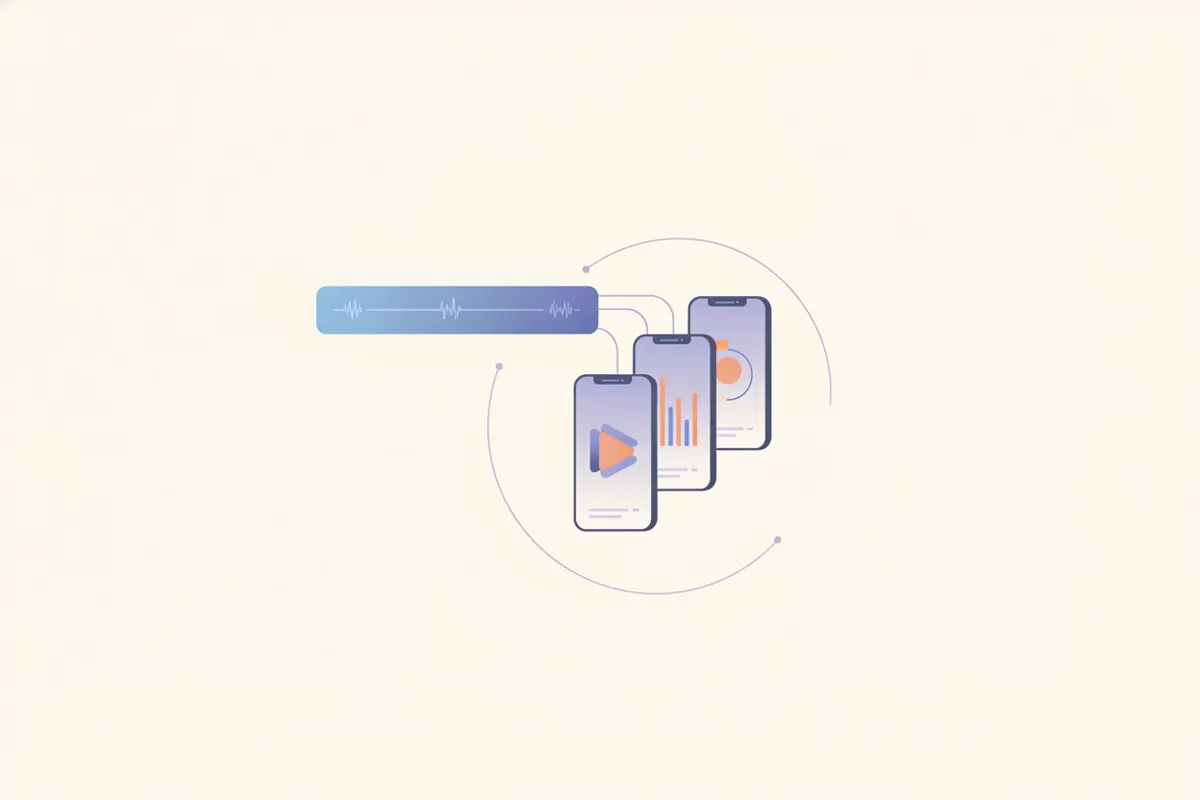
Vidulk’s free app (iOS & Android) streamlines the process. Paste your Twitch VOD or stream recording into Vidulk, and the AI finds the most engaging moments. It automatically converts them into vertical (9:16) clips, adds captions, and sizes them according to YouTube Shorts specs. You can review and export ready-to-upload clips, saving hours of manual work.
Step 5: Upload to YouTube Shorts
- Sign in to YouTube Studio
- Upload your vertical, captioned clip (up to 3 minutes)
- Ensure the aspect ratio and resolution meet Shorts requirements
- YouTube will classify it as a Short if specs are met
Vidulk's AI clipper (free to start, iOS + Android) finds the best moments in a long video and exports captioned vertical clips sized for the destination.
Try VidulkFAQ
How do I download my Twitch VOD for editing?
Go to your Twitch Creator Dashboard, select Content > Video Producer, find your VOD, and click Download. You can also record your stream locally with OBS.
What aspect ratio do YouTube Shorts require?
YouTube Shorts require a vertical (9:16) or square (1:1) aspect ratio. Anything wider, like 16:9, is treated as regular long-form video.
Does Vidulk automatically add captions to my clips?
Yes, Vidulk’s AI clipper generates captions for your selected clips, making them accessible and engaging for YouTube Shorts.
Can I edit the clips Vidulk creates before uploading to YouTube?
You can review, trim, and export the clips Vidulk generates. For further editing or fine-tuning, use your preferred video editor before uploading.
What is the maximum length for a YouTube Short?
As of August 2026, YouTube Shorts can be up to 3 minutes long. Make sure your vertical clip does not exceed this duration.