
How to Turn a Google Meet Recording into Snapchat Spotlight Clips
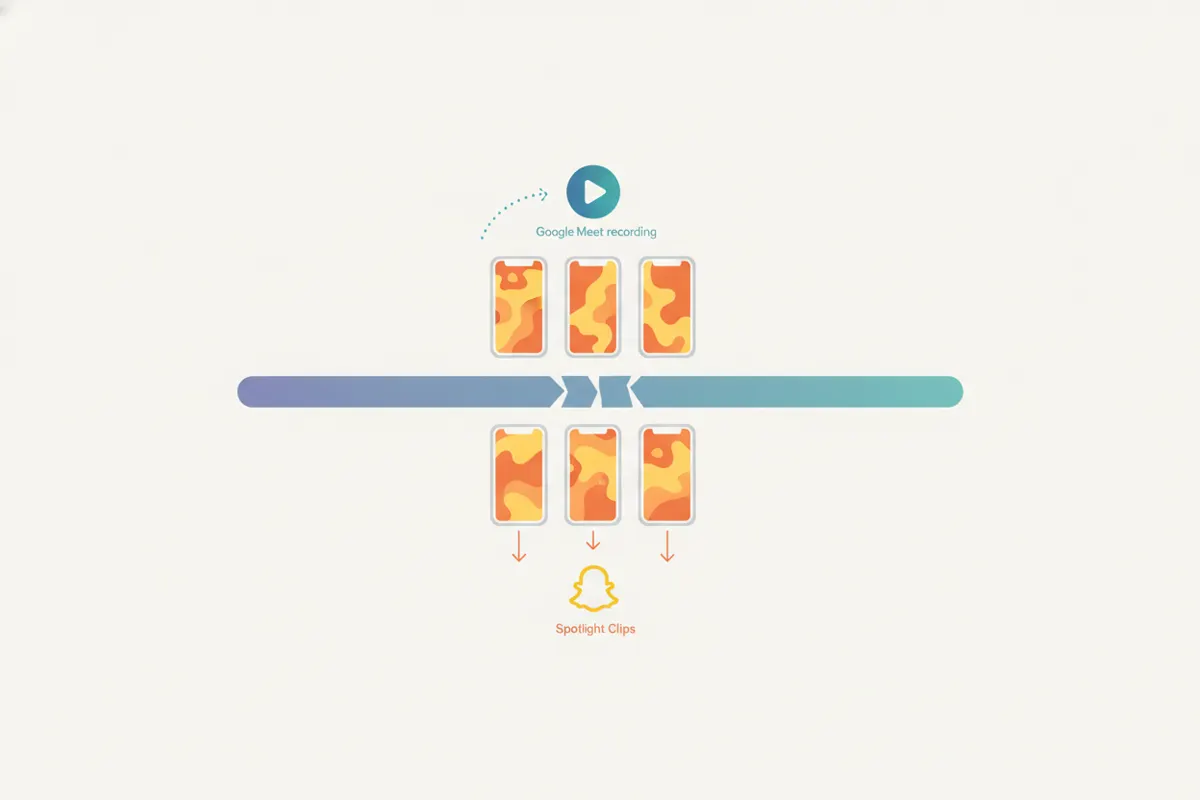
To convert a Google Meet recording into Snapchat Spotlight clips, crop the video to vertical, caption it, and ensure it meets Spotlight's specs. Vidulk automates this process for you.
Step 1: Download Your Google Meet Recording
After your Google Meet session, locate the recording in your Google Drive. Download the MP4 file to your device. Make sure you have consent from all participants before sharing or editing the video for social media use.
Step 2: Understand Snapchat Spotlight Requirements
- Vertical video (9:16 aspect ratio) is required
- Maximum length for uploads is 5 minutes
- Recommended resolution is 1080x1920 pixels
- Spotlight does not support SRT caption uploads or auto-captioning; add captions directly to your video
Step 3: Use Vidulk's AI Clipper for Fast Conversion
Open the Vidulk app (iOS or Android). Upload your Google Meet recording. Vidulk's AI Clipper analyzes the video, finds engaging moments, and automatically crops to vertical, focusing on the speaker. It generates short clips sized for Snapchat Spotlight and adds burned-in captions for accessibility and engagement.
Step 4: Export and Upload to Snapchat Spotlight
- Download the vertical, captioned clips from Vidulk
- Transfer them to your phone if needed
- Open Snapchat and upload to Spotlight, ensuring each clip is under 5 minutes
- Optionally, use Snapchat's Creative Tools for additional text or stickers
Best Practices for Google Meet to Spotlight Workflow
- Always get consent from meeting participants before posting clips
- Choose moments that are concise and engaging for a mobile audience
- Review captions for accuracy, as Spotlight viewers rely on on-screen text
- Test your clip in Snapchat before publishing to ensure it displays correctly
Vidulk's AI clipper (free to start, iOS + Android) finds the best moments in a long video and exports captioned vertical clips sized for the destination.
Try VidulkFAQ
How do I crop a Google Meet recording to vertical for Snapchat Spotlight?
Use Vidulk's AI Clipper app to upload your Google Meet recording. It automatically crops the video to a 9:16 vertical format, focusing on the speaker.
What is the maximum length for Snapchat Spotlight clips?
Snapchat Spotlight allows videos up to 5 minutes in length for uploads as of August 2026.
How can I add captions to my Google Meet clips for Spotlight?
Vidulk burns captions directly onto your vertical clips. Snapchat Spotlight does not support SRT or auto-caption uploads, so captions must be embedded in the video.
Do I need consent to share Google Meet recordings on Snapchat?
Yes. You must have consent from all meeting participants before editing or sharing any part of a Google Meet recording on social platforms.
Does Vidulk work on both iOS and Android?
Yes. Vidulk's AI Clipper is available for both iOS and Android devices.