
How to Turn OBS Recordings Into Facebook Reels Clips
To share the best moments from your OBS recordings as Facebook Reels, you need to create vertical, captioned clips sized to Facebook's recommended specs. Vidulk's AI Clipper streamlines this process in a few steps.
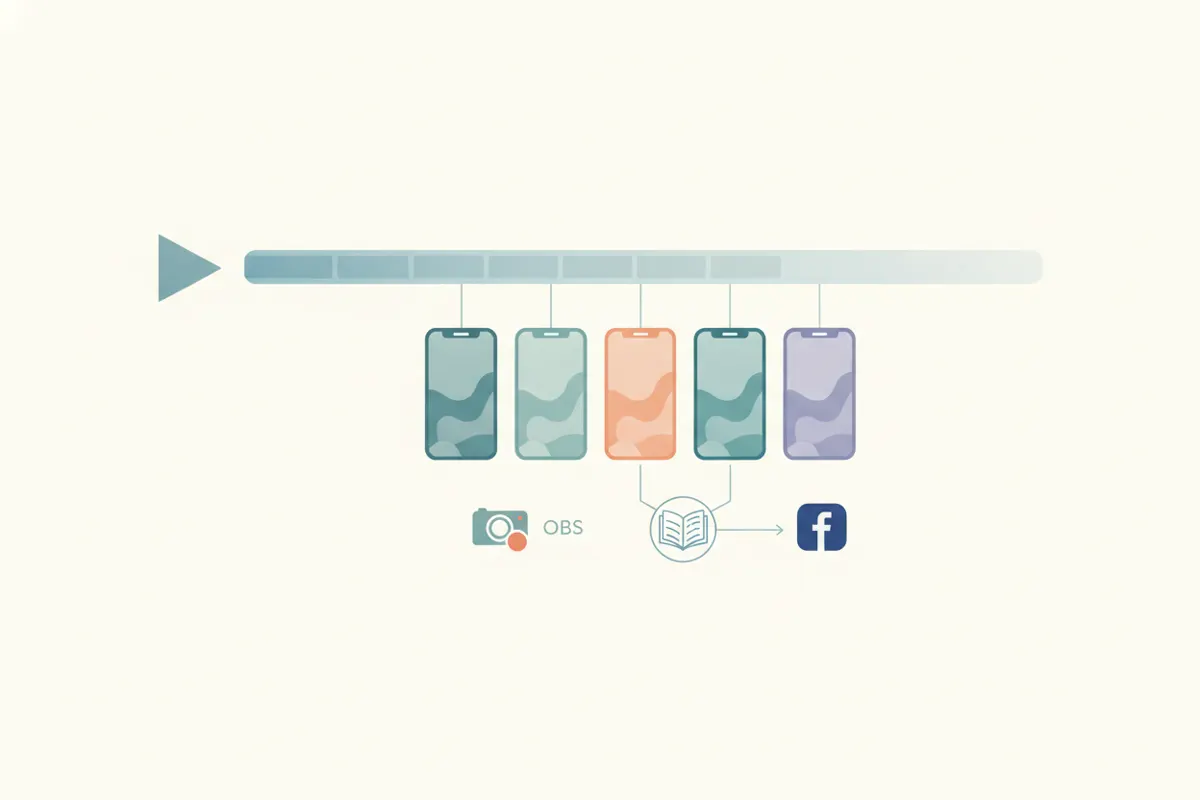
1. Prepare Your OBS Recording for Editing
First, make sure your OBS output is saved in high quality (MKV or MP4). If your file is in MKV, remux it to MP4 using OBS’s built-in tool for compatibility with most video editors and apps, including Vidulk.
2. Understand Facebook Reels Video Requirements
- Aspect ratio: 9:16 (vertical) is recommended for full-screen viewing.
- Resolution: 1440x2560 is optimal, but 1080x1920 is also widely used.
- Length: Since June 2025, Facebook accepts any length or format, but short clips (30 - 60 seconds) perform best.
- Captions: Recommended for accessibility and engagement. Facebook Reels ads do not auto-caption; you must add them manually or with a tool like Vidulk.
3. Use Vidulk to Automatically Create Reels Clips
- Download the Vidulk app (iOS or Android).
- Upload your remuxed MP4 OBS recording to Vidulk.
- The AI Clipper analyzes the full video, finds highlight moments, and converts them into short, vertical (9:16) clips.
- Vidulk automatically adds accurate captions, sized and formatted for Facebook Reels.
- Export the finished clips in the recommended resolution, ready for upload.
4. Upload Your Clips to Facebook Reels
- Transfer the exported clips from your device to your desktop or upload directly from your phone.
- Open Facebook and select the Reels upload option.
- Add any extra descriptions, hashtags, or music as desired.
- Publish your reel - your optimized, captioned clip will display correctly on Facebook’s vertical feed.
Vidulk's AI clipper (free to start, iOS + Android) finds the best moments in a long video and exports captioned vertical clips sized for the destination.
Try VidulkFAQ
How do I remux an MKV OBS recording to MP4?
Open OBS, go to File > Remux Recordings, select your MKV file and convert it to MP4 for easier editing and uploading.
What is the best aspect ratio for Facebook Reels?
The recommended aspect ratio for Facebook Reels is 9:16 (vertical), which fills the screen on most mobile devices.
Does Vidulk add captions to Reels clips?
Yes, Vidulk’s AI Clipper automatically adds captions to your vertical clips, formatted for Facebook Reels.
Can I use landscape or square videos for Facebook Reels?
Yes, since June 2025, Facebook accepts any format for Reels, but vertical (9:16) clips provide the best viewing experience.
Is Vidulk available for both iOS and Android?
Yes, Vidulk’s AI Clipper app is available on both iOS and Android devices.