
How to Turn Instagram Live Videos into LinkedIn Clips
To repurpose Instagram Live videos for LinkedIn, trim, resize, and caption vertical clips to fit LinkedIn's specs. Vidulk’s AI Clipper streamlines this workflow.
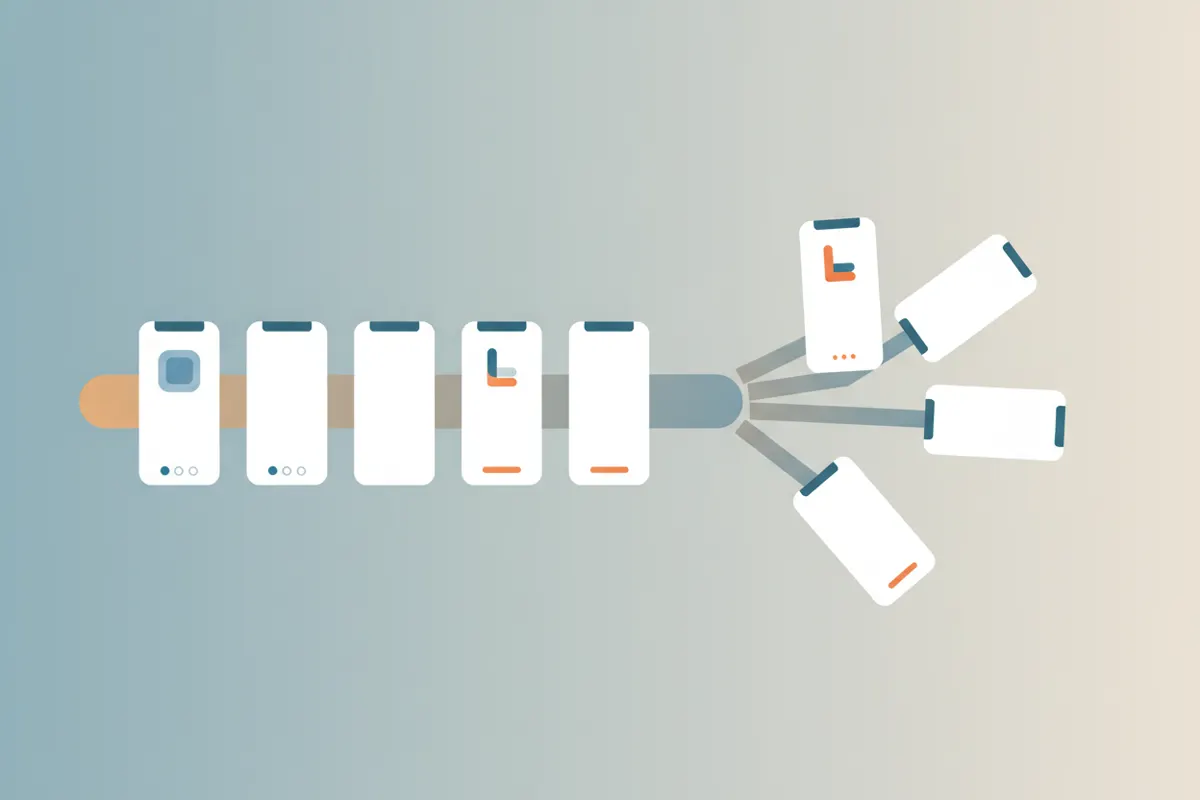
Step 1: Download Your Instagram Live Video
After your Instagram Live ends, download the video from your Instagram app or archive. The file will usually be in vertical (9:16) format, which is compatible with LinkedIn’s accepted aspect ratios.
Step 2: Use Vidulk’s AI Clipper to Find Key Moments
- Open the Vidulk app on iOS or Android.
- Import your long Instagram Live video.
- Vidulk’s AI automatically analyzes the content and selects the most engaging moments suitable for short clips.
This eliminates manual scrubbing and helps you quickly surface shareable highlights.
Step 3: Export Captioned, Vertical Clips for LinkedIn
- Choose the vertical (9:16) export option, which fits LinkedIn’s accepted aspect ratios (1:2.4 to 2.4:1, including 9:16).
- Vidulk adds burned-in captions for accessibility and improved engagement. You can review and edit these captions in-app before exporting.
- Export your clips in 1080x1920 resolution, which is well within LinkedIn’s supported range (256x144 to 4096x2304).
Step 4: Upload to LinkedIn and Enable Auto-Captions
- Upload your vertical clip to LinkedIn. Maximum video length is 15 minutes as per LinkedIn’s current guidelines.
- During upload, you can enable LinkedIn’s auto-caption feature. Note that captions may take time to appear after posting.
- Check the preview to ensure your video displays correctly and captions are accurate.
Tips for Best Results
- Trim your video tightly to showcase only the most relevant moments.
- Use captions for clarity, especially if the original Instagram Live audio is noisy or unclear.
- Keep clips concise for higher engagement on LinkedIn.
Vidulk's AI clipper (free to start, iOS + Android) finds the best moments in a long video and exports captioned vertical clips sized for the destination.
Try VidulkFAQ
What aspect ratios does LinkedIn accept for video clips?
LinkedIn accepts video aspect ratios from 1:2.4 to 2.4:1, including vertical (9:16), square (1:1), and landscape (16:9) formats.
Does Vidulk automatically add captions to my clips?
Yes, Vidulk’s AI Clipper adds burned-in captions to your exported clips, which you can review and edit before saving.
How long can LinkedIn video uploads be?
LinkedIn allows video uploads up to 15 minutes in length, regardless of whether you use desktop or mobile.
Can I use Vidulk for free?
Vidulk is free to start, with AI-powered clipping and captioning available in the iOS and Android app.
Will the vertical format from Instagram Live work on LinkedIn?
Yes, vertical (9:16) videos from Instagram Live are fully supported by LinkedIn’s video upload specifications.