
Text to Video: What It Is, How It Works, and How to Use It for Short-Form Video
Text-to-video technology transforms written scripts or ideas into short, shareable videos using captions, visuals, and sometimes AI voiceover. It’s a key tool for creators making content for TikTok, Shorts, and Reels.
What Is Text to Video?
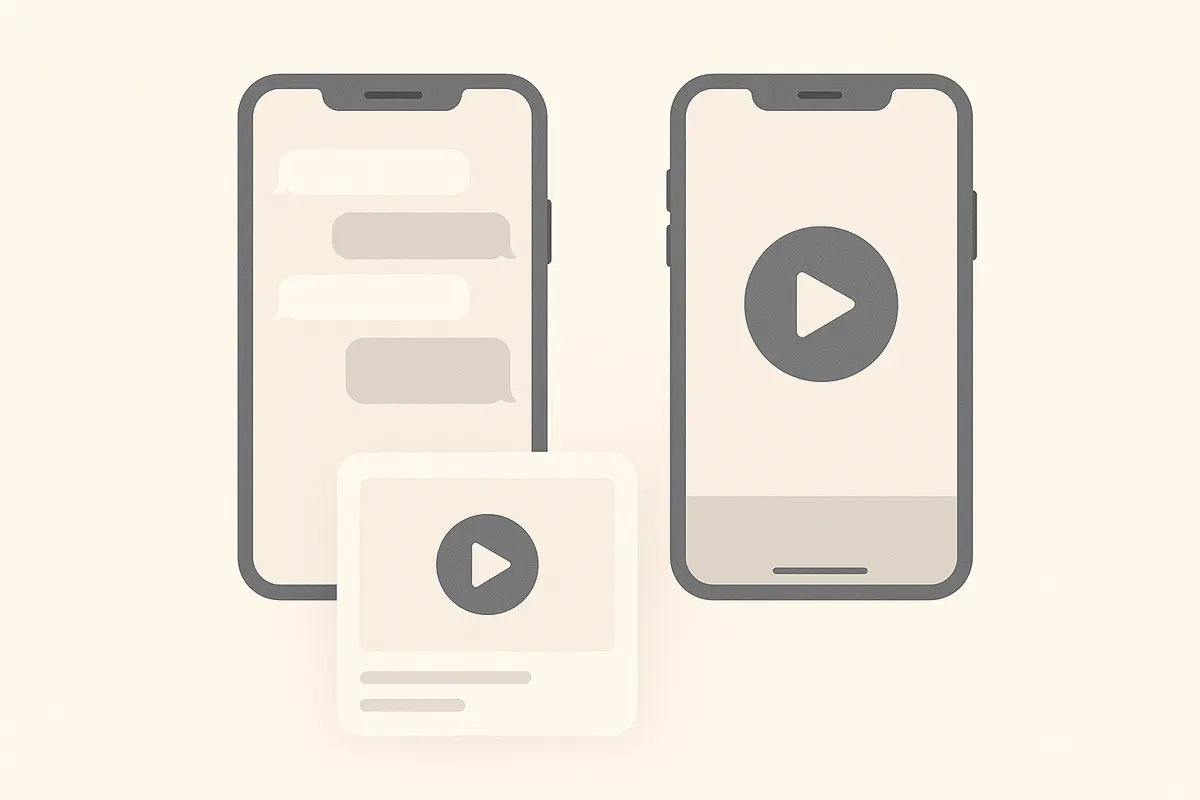
Text to video is an AI-powered process that converts written text - like a script, story, or summary - into a video format. The result is usually a short video with on-screen captions, relevant images or footage, and sometimes a computer-generated voice reading the script. This technology helps creators produce engaging content quickly, especially for social media.
How Does Text to Video Work?
- Input: Start with a script, bullet points, or ideas.
- Processing: The AI analyzes the text, selects or generates matching visuals, and adds captions or voiceover.
- Output: A ready-to-share video, usually in vertical format for platforms like TikTok or Instagram Reels.
Some tools focus on turning text into narrated explainer videos, while others overlay captions on footage. For creators with existing long videos, repurposing tools like Vidulk are an alternative: they extract the best moments and add captions automatically, skipping the need to write a new script.
Using Text to Video for Short-Form Content
- Script-based shorts: Write a script or list your main points. The AI tool creates a video with captions or voiceover.
- Repurposing long videos: Instead of starting from scratch, upload your full-length video to a tool like Vidulk. The AI finds the most engaging moments and turns them into short, captioned clips, ready for TikTok, YouTube Shorts, or Reels.
- Editing and customization: Most platforms let you tweak visuals, captions, and timing to match your brand or message.
Tips for Effective Text to Video Shorts
- Keep scripts concise - short videos perform best when tightly focused.
- Use clear, conversational language for captions or voiceover.
- Highlight key points early to grab viewers’ attention.
- For repurposed content, choose highlights that stand alone out of context.
- Use tools like Vidulk to automate clipping and captioning, saving time.
Vidulk brings these tools together - clip, caption and reframe your videos into ready-to-post shorts in one app, free to start.
Try VidulkFAQ
What does text to video mean?
Text to video means turning a written script or idea into a finished short video, usually with captions, visuals, and sometimes AI voiceover.
How do I make short-form videos from long videos?
Use a tool like Vidulk to upload your long video. Its AI finds the best moments and creates short, captioned vertical clips ready for social platforms.
Can I customize the captions in text-to-video tools?
Most text-to-video and clipping tools let you edit captions, adjust timing, and select visuals to match your style or brand.
Is text to video good for TikTok and Reels?
Yes. Text-to-video tools and AI clippers like Vidulk help you quickly create vertical, captioned videos that perform well on TikTok, YouTube Shorts, and Reels.
Does Vidulk create videos from scripts?
Vidulk specializes in turning long videos into short, captioned clips. It does not generate videos from text-only scripts.