
Як створити безкоштовне фейкове відео чату iMessage
Щоб зробити фейковий чат iMessage або відео-історію з повідомлень, скористайтеся сценарієм і спеціальним інструментом, як-от Vidulk, який анімує розмову з реалістичним виглядом і звуками iPhone.
Start from a template
All templates →Fake Chat Video Generator
Build a realistic conversation, then download it as a video (with typing + sounds) or a screenshot. Free, in your browser — nothing is uploaded.
Script import & bulk exportpaste a script instead of typing
Reading a script into the editor is free. Downloading up to 10 videos at once needs a PREMIUM code.
1. Get scripts from ChatGPT, Claude or any AI
Say what the videos are about. Copy the prompt, paste it into your AI, then paste its answer below.
2. Paste the scripts
Writing them yourself? See the format
- Start each video with a line like
=== 1 ===. - One
label: textper line.title:names the file. - Use
me:for messages I send andthem:for messages from the other person. - Put
contact:(the other person's name) near the top of each script. - You may add
platform:with one of: imessage, whatsapp, instagram, tiktok, messenger, telegram, android-sms, discord, twitch, snapchat, signal, line, tinder, bumble, onlyfans, slack, teams. - You may add
dark mode:yes or no, andtime:such as Today 2:02 PM. - Write 6 to 14 short messages per script, the way people really text.
Alex
iMessage
Today 2:02 PM
vidulk.com
Video background
PREMIUMPut your video on a moving background, the format story channels use.
Free to preview. Downloading with a background needs a . The free download saves your video without it.
Gameplay, b-roll, anything you have the rights to. It stays on your device.
Get a premium code
- No watermark on videos and screenshots
- Video backgrounds, including your own footage
- Bulk export: up to 10 videos at once
- Works on every Vidulk tool, on the site and in the Chrome extension
Secure payment via Stripe · no account · one code unlocks everything premium
How it works
- Pick a premium code and pay with Stripe. No account or login needed.
- Your code (VID-…) appears right after payment and is emailed to you.
- Paste it in the “Have a code” box and click Apply. Everything premium is unlocked from then on.
- The same code works on every Vidulk tool, on vidulk.com and in the Vidulk Chrome extension, on any device — just paste it again.
- The 24-hour pass runs for a day from purchase and never counts down. Monthly renews each month until you cancel, which you can do any time from this panel; the rest of the month stays yours.
- Unlimited is a one-time lifetime license: it never expires and there is nothing to renew.
- Keep your code private — it is the only thing that unlocks your purchase. Sharing a code is against our Terms of Use: a shared code is invalidated, without refund. Codes do not work in the mobile app.
Що таке фейкове відео-історія чату iMessage?
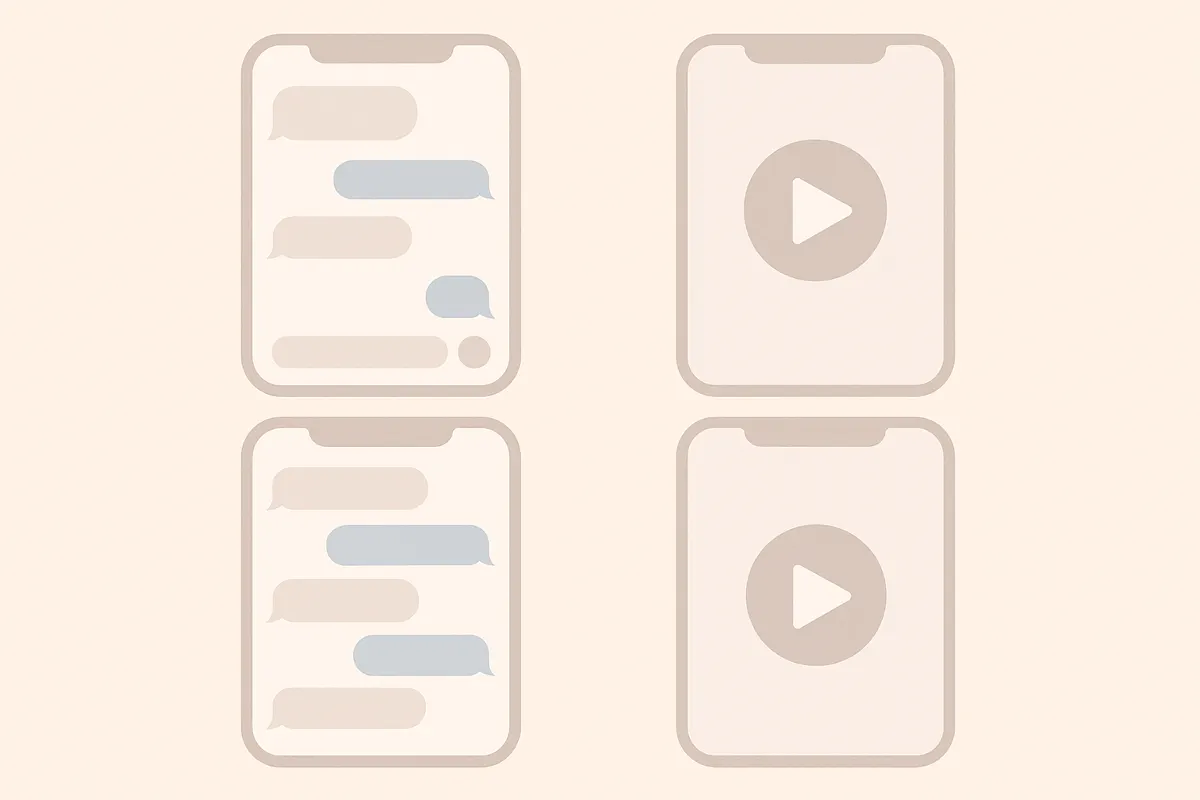
Фейкове відео-історія чату iMessage — це коротке вертикальне відео, яке імітує справжню розмову в iPhone Messages. Тут є сині й сірі бульбашки, статуси «Доставлено» та «Прочитано», а також анімований індикатор набору тексту — ідеально для сторітелінгу чи соцмереж.
Планування сценарію для чат-історії
- Визначтеся з сюжетом, темою або жартом, який хочете показати.
- Пропишіть діалог, розділяючи кожне повідомлення за відправником (Ви чи Друг).
- Додавайте паузи, реакції та несподівані моменти для більшої реалістичності.
Створення відео у Vidulk
- Зареєструйтеся у Vidulk (безкоштовний старт із початковими кредитами).
- Оберіть шаблон у стилі iMessage.
- Вставте або наберіть свій сценарій, призначаючи кожне повідомлення на потрібну сторону (синя — відправлено, сіра — отримано).
- Додавайте індикатор набору, статуси повідомлень і реалістичні звуки iPhone.
- Перегляньте анімацію та відкоригуйте час для природної динаміки.
Експорт і поширення відео
- Коли все готово, експортуйте відео у вертикальному форматі для TikTok, YouTube Shorts або Reels.
- Завантажуйте або діліться напряму у соцмережах через Vidulk.
- Оновіть тариф у застосунку, якщо потрібно створювати більше або довші історії.
Створіть своє відео за кілька хвилин — Vidulk безкоштовно анімує ваш чат за сценарієм.
VidulkПоширені запитання
Як безкоштовно створити фейкове відео чату iMessage?
Ви можете почати створювати фейкові відео чатів iMessage безкоштовно у Vidulk з початковими кредитами. Для розширених можливостей доступні платні оновлення.
Чи можна додати індикатор набору і статуси повідомлень iMessage?
Так. У Vidulk можна додати анімований індикатор набору, статуси «Доставлено» та «Прочитано» для максимально реалістичного вигляду.
У якому форматі Vidulk експортує відео для соцмереж?
Vidulk експортує вертикальні відео, які ідеально підходять для TikTok, YouTube Shorts та Instagram Reels.
Чи потрібні мені навички відеомонтажу для роботи з Vidulk?
Ні. Vidulk дуже простий у використанні — просто пишіть сценарій, обирайте стиль, і застосунок сам анімує чат.
Чи можна налаштовувати час і звукові ефекти?
Так, ви можете регулювати час появи повідомлень і вмикати звуки повідомлень у стилі iPhone для ще більш реалістичних історій.