
ChatGPT Screenshot Generator: Maak Realistische ChatGPT Afbeeldingen Online
Vidulk’s gratis browsertool laat je realistische ChatGPT gespreks-screenshots maken voor entertainment, memes en mockups - geen app of aanmelding nodig.
Fake AI Chat Generator
Mock a ChatGPT, Claude, Gemini, Grok or Perplexity conversation, then download it as a video (the reply types out) or a screenshot. Free, in your browser — nothing is uploaded.
Script import & bulk exportpaste a script instead of typing
Reading a script into the editor is free. Downloading up to 10 videos at once needs a PREMIUM code.
1. Get scripts from ChatGPT, Claude or any AI
Say what the videos are about. Copy the prompt, paste it into your AI, then paste its answer below.
2. Paste the scripts
Writing them yourself? See the format
- Start each video with a line like
=== 1 ===. - One
label: textper line.title:names the file. - Use
user:for what the person asks andassistant:for what the AI answers. - End every script with an
assistant:reply. That reply types out in the video. - You may add
platform:with one of: chatgpt, claude, gemini, grok, perplexity. - You may add
dark mode:yes or no. - Keep the final reply under 400 characters so it fits the screen.
Video background
PREMIUMPut your video on a moving background, the format story channels use.
Free to preview. Downloading with a background needs a . The free download saves your video without it.
Gameplay, b-roll, anything you have the rights to. It stays on your device.
Get a premium code
- No watermark on videos and screenshots
- Video backgrounds, including your own footage
- Bulk export: up to 10 videos at once
- Works on every Vidulk tool, on the site and in the Chrome extension
Secure payment via Stripe · no account · one code unlocks everything premium
How it works
- Pick a premium code and pay with Stripe. No account or login needed.
- Your code (VID-…) appears right after payment and is emailed to you.
- Paste it in the “Have a code” box and click Apply. Everything premium is unlocked from then on.
- The same code works on every Vidulk tool, on vidulk.com and in the Vidulk Chrome extension, on any device — just paste it again.
- The 24-hour pass runs for a day from purchase and never counts down. Monthly renews each month until you cancel, which you can do any time from this panel; the rest of the month stays yours.
- Unlimited is a one-time lifetime license: it never expires and there is nothing to renew.
- Keep your code private — it is the only thing that unlocks your purchase. Sharing a code is against our Terms of Use: a shared code is invalidated, without refund. Codes do not work in the mobile app.
Wat is de ChatGPT Screenshot Generator?
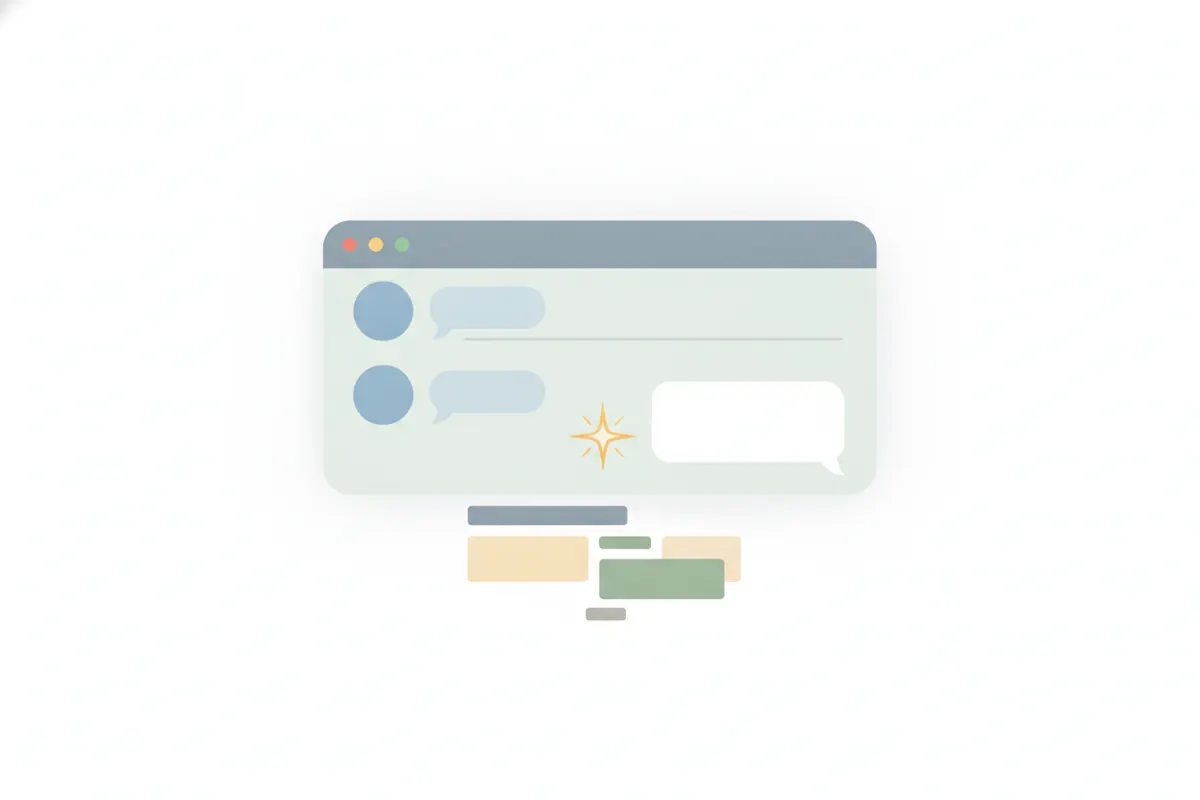
De ChatGPT Screenshot Generator van Vidulk is een browsertool waarmee je statische afbeeldingen of geanimeerde video's van nep-ChatGPT chats kunt ontwerpen en exporteren. Je kunt de gebruikersprompt, AI-antwoord en zelfs codeblokken volledig aanpassen, allemaal gestyled om eruit te zien als een echt ChatGPT gesprek.
Belangrijkste Kenmerken
- Authentieke Look: Imiteert de ChatGPT chatinterface met gebruikersberichten rechts (grijze bubbel), assistentantwoorden links (met OpenAI-logo) en ondersteuning voor codeblokken.
- Licht of Donker Thema: Wissel tussen lichte en donkere achtergronden om aan je meme- of mockupwensen te voldoen.
- Typanimatie: Voeg een realistisch typ-effect toe aan je AI-antwoord voor geanimeerde MP4-exporten.
- Eenvoudig Exporteren: Download je creatie als PNG screenshot of geanimeerde MP4 video. Gratis exports bevatten een klein watermerk, dat met een eenmalige code verwijderd kan worden.
- Geen Aanmelding, Geen App: Gebruik direct in je browser op iPhone, Android, PC of Mac - geen account of installatie nodig.
Hoe Gebruik Je de Generator
- Bezoek vidulk.com/fake-ai-chat in de browser van je apparaat.
- Bewerk de tekstvelden voor prompt en AI-antwoord. Voeg codeblokken toe of pas het gesprek aan naar wens.
- Kies je favoriete thema (licht of donker) en bekijk een voorbeeld.
- Kies om te exporteren als statische PNG screenshot of geanimeerde MP4 video met typanimatie.
- Download je bestand. Volg de instructies voor een eenmalige code om het watermerk te verwijderen.
Verantwoord Gebruik
Deze tool is bedoeld voor entertainment, memes, sketches en mockups. Gebruik nooit nep-ChatGPT screenshots om echte mensen, bedrijven te imiteren of anderen te misleiden. Presenteer gefabriceerde AI-antwoorden niet als echt advies of officiële citaten.
Maak het nu - de gratis AI chat generator staat op deze pagina, vooraf ingesteld op deze assistent.
VidulkFAQ
Kan ik de ChatGPT Screenshot Generator gratis gebruiken?
Ja, je kunt Vidulk’s ChatGPT Screenshot Generator gratis in je browser gebruiken. Gratis exports bevatten een klein watermerk.
Moet ik een app installeren of een account aanmaken?
Er is geen app-installatie of account nodig. Bezoek gewoon de tool in je browser en begin met creëren.
Welke exportopties zijn er beschikbaar?
Je kunt je nep-ChatGPT gesprek exporteren als PNG screenshot of geanimeerde MP4 video met typ-effect.
Mag ik deze tool gebruiken voor grappen of social media?
Je mag het gebruiken voor entertainment, memes en mockups, maar nooit om echte mensen te imiteren of anderen te misleiden.
Ondersteunt de generator codeblokken zoals echte ChatGPT?
Ja, je kunt monospace codeblokken toevoegen aan je nep-ChatGPT gesprekken voor een authentieke uitstraling.