
Cara Membuat Video Chat iMessage Palsu Percuma
Untuk membuat video cerita chat atau mesej teks iMessage palsu yang kelihatan asli, gunakan skrip dan alat khusus seperti Vidulk untuk menghidupkan perbualan dengan visual dan bunyi gaya iPhone yang realistik.
Start from a template
All templates →Fake Chat Video Generator
Build a realistic conversation, then download it as a video (with typing + sounds) or a screenshot. Free, in your browser — nothing is uploaded.
Script import & bulk exportpaste a script instead of typing
Reading a script into the editor is free. Downloading up to 10 videos at once needs a PREMIUM code.
1. Get scripts from ChatGPT, Claude or any AI
Say what the videos are about. Copy the prompt, paste it into your AI, then paste its answer below.
2. Paste the scripts
Writing them yourself? See the format
- Start each video with a line like
=== 1 ===. - One
label: textper line.title:names the file. - Use
me:for messages I send andthem:for messages from the other person. - Put
contact:(the other person's name) near the top of each script. - You may add
platform:with one of: imessage, whatsapp, instagram, tiktok, messenger, telegram, android-sms, discord, twitch, snapchat, signal, line, tinder, bumble, onlyfans, slack, teams. - You may add
dark mode:yes or no, andtime:such as Today 2:02 PM. - Write 6 to 14 short messages per script, the way people really text.
Alex
iMessage
Today 2:02 PM
vidulk.com
Video background
PREMIUMPut your video on a moving background, the format story channels use.
Free to preview. Downloading with a background needs a . The free download saves your video without it.
Gameplay, b-roll, anything you have the rights to. It stays on your device.
Get a premium code
- No watermark on videos and screenshots
- Video backgrounds, including your own footage
- Bulk export: up to 10 videos at once
- Works on every Vidulk tool, on the site and in the Chrome extension
Secure payment via Stripe · no account · one code unlocks everything premium
How it works
- Pick a premium code and pay with Stripe. No account or login needed.
- Your code (VID-…) appears right after payment and is emailed to you.
- Paste it in the “Have a code” box and click Apply. Everything premium is unlocked from then on.
- The same code works on every Vidulk tool, on vidulk.com and in the Vidulk Chrome extension, on any device — just paste it again.
- The 24-hour pass runs for a day from purchase and never counts down. Monthly renews each month until you cancel, which you can do any time from this panel; the rest of the month stays yours.
- Unlimited is a one-time lifetime license: it never expires and there is nothing to renew.
- Keep your code private — it is the only thing that unlocks your purchase. Sharing a code is against our Terms of Use: a shared code is invalidated, without refund. Codes do not work in the mobile app.
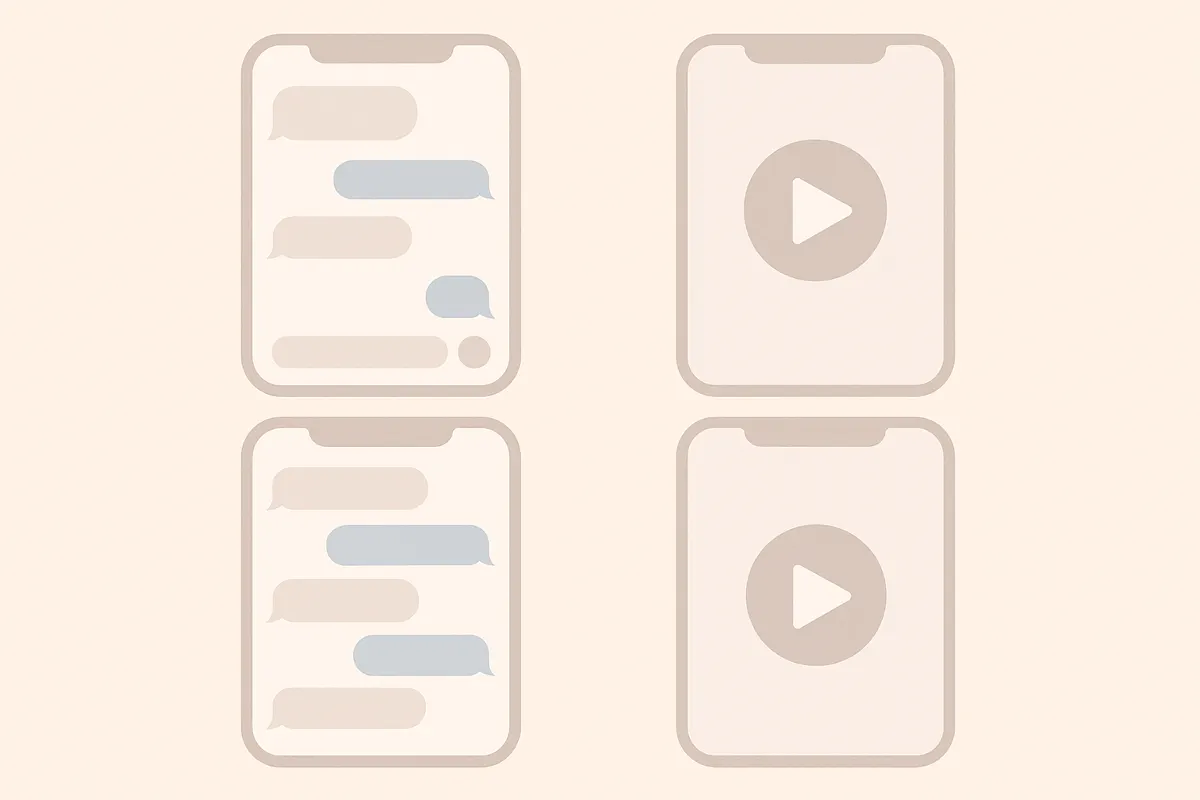
Apa Itu Video Cerita Chat iMessage Palsu?
Video cerita chat iMessage palsu adalah video pendek menegak yang meniru perbualan sebenar di iPhone Messages. Ia menampilkan gelembung teks biru dan kelabu, resit 'Dihantar' dan 'Dibaca', serta penunjuk menaip animasi, menjadikannya sesuai untuk penceritaan atau kandungan media sosial.
Merancang Skrip Cerita Chat Anda
- Tentukan cerita, tema, atau jenaka yang ingin anda sampaikan.
- Tulis perbualan, asingkan setiap mesej mengikut penghantar (Anda atau Rakan).
- Masukkan jeda, reaksi, dan pendedahan dramatik untuk menambah realisme.
Membuat Video dengan Vidulk
- Daftar akaun Vidulk (percuma untuk mula dengan kredit permulaan).
- Pilih templat gaya iMessage.
- Tampal atau taip skrip chat anda, tetapkan setiap mesej ke sisi yang betul (biru untuk dihantar, kelabu untuk diterima).
- Gunakan pilihan untuk menambah penunjuk menaip, resit mesej, dan bunyi iPhone yang realistik.
- Pratonton animasi dan laraskan masa untuk kelancaran semula jadi.
Mengeksport dan Berkongsi Video Anda
- Setelah berpuas hati, eksport video anda dalam format menegak untuk TikTok, YouTube Shorts, atau Reels.
- Muat turun atau kongsi terus ke media sosial anda dari Vidulk.
- Tingkatkan dalam aplikasi jika anda ingin membuat lebih banyak video atau cerita yang lebih panjang.
Cipta video anda dalam beberapa minit - Vidulk menulis skrip dan menghasilkan video chat realistik dari perbualan anda, percuma untuk mula.
VidulkSoalan Lazim
Bagaimana saya boleh membuat video chat iMessage palsu secara percuma?
Anda boleh mula membuat video chat iMessage palsu secara percuma dengan Vidulk menggunakan kredit permulaan yang disediakan. Peningkatan berbayar tersedia untuk penggunaan lebih tinggi.
Bolehkah saya menambah penunjuk menaip iMessage dan resit mesej?
Ya. Vidulk membolehkan anda menambah penunjuk menaip animasi, resit 'Dihantar,' dan 'Dibaca' untuk penampilan iMessage yang realistik.
Format fail apa yang Vidulk eksport untuk media sosial?
Vidulk mengeksport dalam format video menegak yang sesuai untuk TikTok, YouTube Shorts, dan Instagram Reels.
Adakah saya perlu kemahiran suntingan video untuk menggunakan Vidulk?
Tidak. Vidulk direka untuk kemudahan penggunaan - cuma tulis skrip anda, pilih gaya, dan biarkan aplikasi menghidupkan chat untuk anda.
Bolehkah saya sesuaikan masa dan kesan bunyi?
Ya, anda boleh laraskan masa mesej dan aktifkan bunyi mesej gaya iPhone untuk video cerita chat yang lebih autentik.