
ストーリーモックアップジェネレーター:オンラインで即時プレビュー
Fake Story Generator
Design a fake Instagram or Snapchat story — gradient or your own photo, text overlay — then download it as a video or a screenshot. Free, in your browser — nothing is uploaded.
Script import & bulk exportpaste a script instead of typing
Reading a script into the editor is free. Downloading up to 10 videos at once needs a PREMIUM code.
1. Get scripts from ChatGPT, Claude or any AI
Say what the videos are about. Copy the prompt, paste it into your AI, then paste its answer below.
2. Paste the scripts
Writing them yourself? See the format
- Start each video with a line like
=== 1 ===. - One
label: textper line.title:names the file. text:is the words shown on the story. Keep it under 120 characters.username:is the account name, without the @.- You may add
platform:instagram or snapchat, andtime ago:such as 2h. - You may add
style:with a number from 1 to 8 to pick the colour background. - You may add
text box:yes to put the text on a pill.
Video background
PREMIUMPut your video on a moving background, the format story channels use.
Free to preview. Downloading with a background needs a . The free download saves your video without it.
Gameplay, b-roll, anything you have the rights to. It stays on your device.
Get a premium code
- No watermark on videos and screenshots
- Video backgrounds, including your own footage
- Bulk export: up to 10 videos at once
- Works on every Vidulk tool, on the site and in the Chrome extension
Secure payment via Stripe · no account · one code unlocks everything premium
How it works
- Pick a premium code and pay with Stripe. No account or login needed.
- Your code (VID-…) appears right after payment and is emailed to you.
- Paste it in the “Have a code” box and click Apply. Everything premium is unlocked from then on.
- The same code works on every Vidulk tool, on vidulk.com and in the Vidulk Chrome extension, on any device — just paste it again.
- The 24-hour pass runs for a day from purchase and never counts down. Monthly renews each month until you cancel, which you can do any time from this panel; the rest of the month stays yours.
- Unlimited is a one-time lifetime license: it never expires and there is nothing to renew.
- Keep your code private — it is the only thing that unlocks your purchase. Sharing a code is against our Terms of Use: a shared code is invalidated, without refund. Codes do not work in the mobile app.
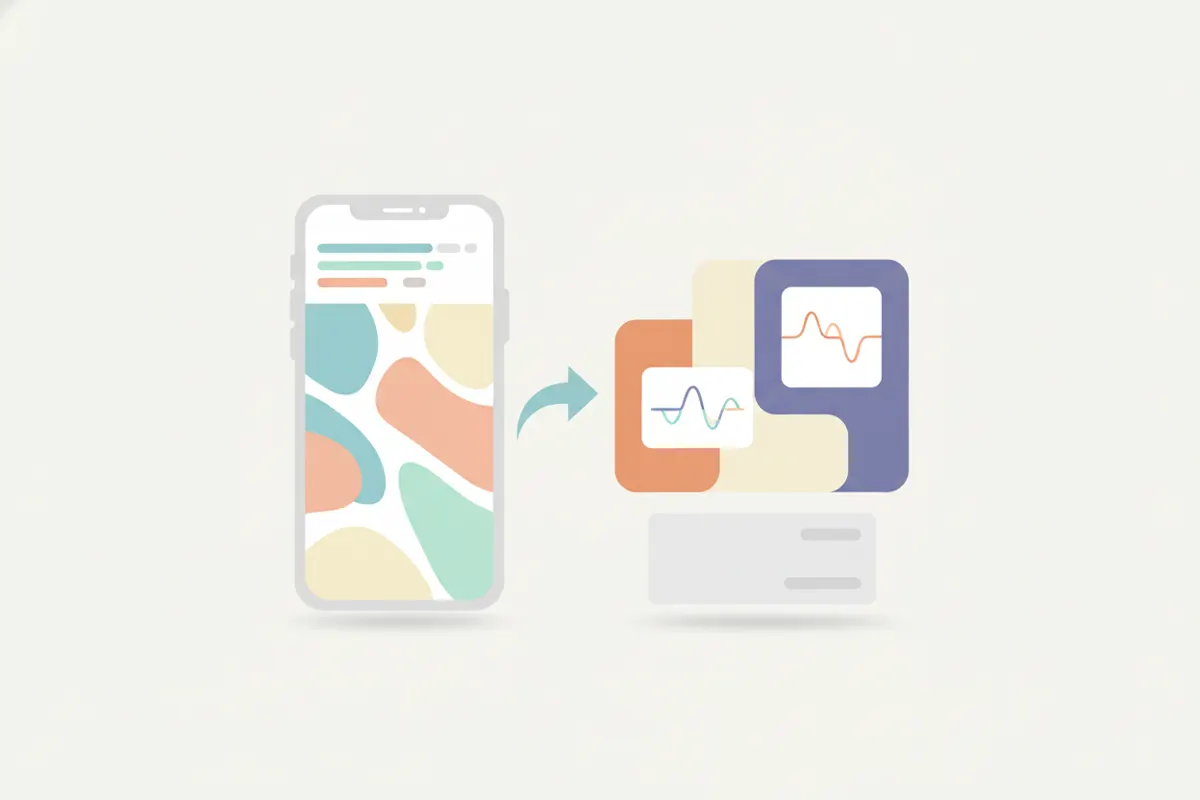
ストーリーモックアップジェネレーターとは?
ストーリーモックアップジェネレーターは、デザイナーやマーケター、コンテンツクリエイターが投稿前にInstagramやSnapchatのストーリーがどのように見えるかを視覚化するためのツールです。Vidulkのジェネレーターは本物のフレームとレイアウトを提供し、テキストや画像、デザイン要素が実際のデバイス上でどのように見えるかを正確に確認できます。
Vidulkのストーリーモックアップジェネレーターの使い方
- Vidulkのストーリーモックアップジェネレーターをブラウザで開く - iPhone、Android、PC、Macで利用可能。
- プラットフォームスタイル(InstagramまたはSnapchat)を選択。
- テキストを入力し、画像をアップロード。色や背景を調整してイメージに合わせる。
- 編集しながらリアルなモバイルフレームでストーリーをプレビュー。
- クリーンなPNGスクリーンショットやアニメーションMP4動画としてモックアップをエクスポート。無料エクスポートには小さな透かしが入り、ワンタイムコードで削除可能。
なぜストーリーモックアップジェネレーターを使うのか?
- 投稿前のプレビュー:公開前にストーリーが洗練されブランドに合っているかを確認。
- クライアント向けプレゼンテーション:キャンペーンが実際のストーリーフォーマットでどのように見えるかを正確に提示。
- デザインテスト:異なるレイアウトやキャプション、ビジュアルを試して最適な組み合わせを発見。
- エンターテインメントやスキット:ミームやジョーク、楽しいモックアップを作成し、SNSで共有。
重要な利用ガイドライン
Vidulkのストーリーモックアップジェネレーターはエンターテインメント、ミーム、スキット、デザインモックアップ用です。実在の人物を装ったり他者を欺く目的での使用は禁止されています。常に責任と倫理を持ってご利用ください。
今すぐ作成!無料ストーリージェネレーターはこのページにあります。
Vidulkよくある質問
ストーリーモックアップを動画や画像としてエクスポートできますか?
はい、VidulkではストーリーモックアップをアニメーションMP4動画やPNGスクリーンショットとしてエクスポート可能です。
ストーリーモックアップジェネレーターは無料で使えますか?
はい、Vidulkのストーリーモックアップジェネレーターはブラウザ上で無料でご利用いただけます。無料エクスポートには小さな透かしが入り、ワンタイムコードで削除可能です。
アカウント登録やアプリのインストールは必要ですか?
いいえ、アカウント登録やアプリのインストールは不要です。Vidulkのジェネレーターはどのデバイスのウェブブラウザでも直接動作します。
クライアントプレゼンやデザインプレビューに使えますか?
はい、このツールはストーリーデザインのプレビューやクライアントプレゼン、マーケティングモックアップに最適です。
モックアップに実際の名前やブランドを使ってもいいですか?
モックアップはエンターテインメント、ミーム、デザインプレビュー用です。実在の人物を装ったり誤解を招く使用は禁止されています。