
Claude Screenshot Generator:リアルなAIチャット画像を作成
Vidulkの無料オンラインツールで、リアルなClaude AIチャットのスクリーンショットやアニメーション動画を簡単に作成。登録やアプリ不要で楽しめます。
Fake AI Chat Generator
Mock a ChatGPT, Claude, Gemini, Grok or Perplexity conversation, then download it as a video (the reply types out) or a screenshot. Free, in your browser — nothing is uploaded.
Script import & bulk exportpaste a script instead of typing
Reading a script into the editor is free. Downloading up to 10 videos at once needs a PREMIUM code.
1. Get scripts from ChatGPT, Claude or any AI
Say what the videos are about. Copy the prompt, paste it into your AI, then paste its answer below.
2. Paste the scripts
Writing them yourself? See the format
- Start each video with a line like
=== 1 ===. - One
label: textper line.title:names the file. - Use
user:for what the person asks andassistant:for what the AI answers. - End every script with an
assistant:reply. That reply types out in the video. - You may add
platform:with one of: chatgpt, claude, gemini, grok, perplexity. - You may add
dark mode:yes or no. - Keep the final reply under 400 characters so it fits the screen.
Video background
PREMIUMPut your video on a moving background, the format story channels use.
Free to preview. Downloading with a background needs a . The free download saves your video without it.
Gameplay, b-roll, anything you have the rights to. It stays on your device.
Get a premium code
- No watermark on videos and screenshots
- Video backgrounds, including your own footage
- Bulk export: up to 10 videos at once
- Works on every Vidulk tool, on the site and in the Chrome extension
Secure payment via Stripe · no account · one code unlocks everything premium
How it works
- Pick a premium code and pay with Stripe. No account or login needed.
- Your code (VID-…) appears right after payment and is emailed to you.
- Paste it in the “Have a code” box and click Apply. Everything premium is unlocked from then on.
- The same code works on every Vidulk tool, on vidulk.com and in the Vidulk Chrome extension, on any device — just paste it again.
- The 24-hour pass runs for a day from purchase and never counts down. Monthly renews each month until you cancel, which you can do any time from this panel; the rest of the month stays yours.
- Unlimited is a one-time lifetime license: it never expires and there is nothing to renew.
- Keep your code private — it is the only thing that unlocks your purchase. Sharing a code is against our Terms of Use: a shared code is invalidated, without refund. Codes do not work in the mobile app.
Claude Screenshot Generatorとは?
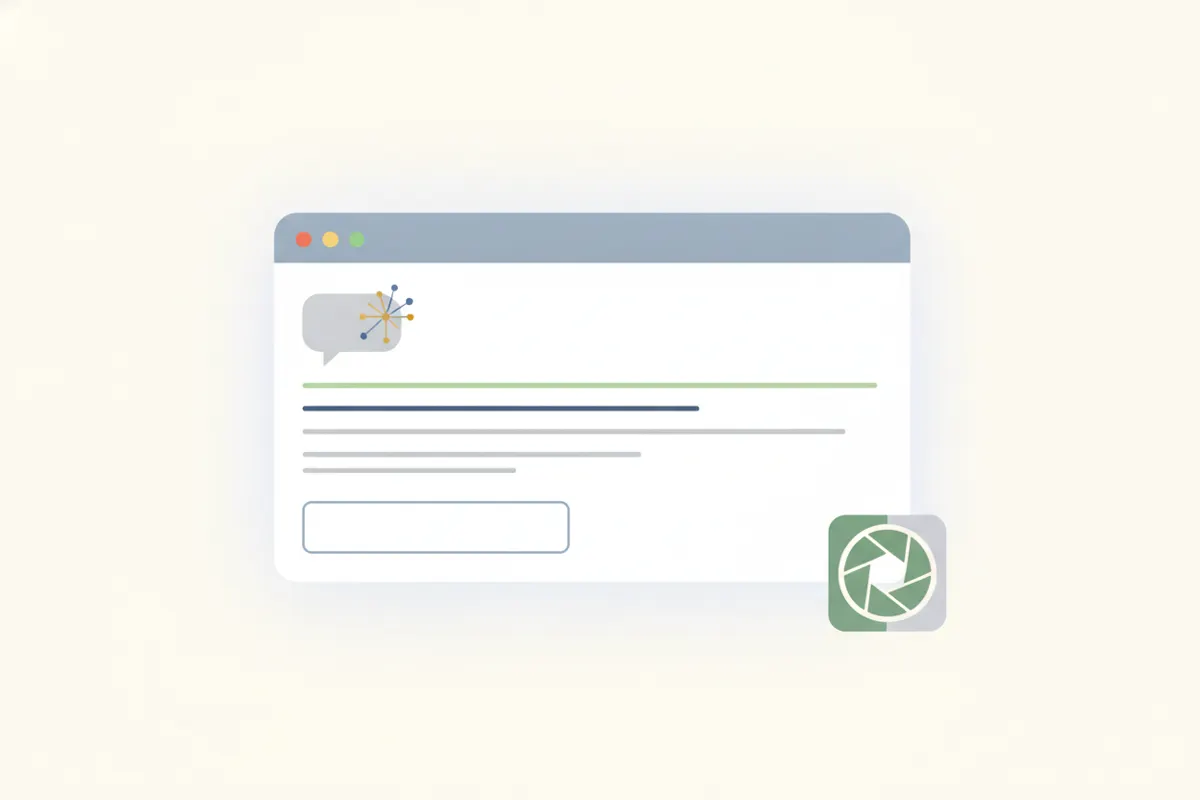
Vidulk.comのClaude Screenshot Generatorは、Claude AIチャットの本物そっくりな画像や動画をブラウザ上で作成できるツールです。クリーム色/ベージュのテーマ、ユーザーとAIのメッセージボックス、Anthropicのサンバーストアイコン、正確なタイポグラフィなど、実際のClaudeインターフェースを忠実に再現。ミームやスキット、コンテンツに合わせてプロンプトや返信テキストを自由にカスタマイズできます。
偽Claudeチャットジェネレーターの使い方
- お使いのデバイス(iPhone、Android、PC、Mac)でvidulk.com/fake-ai-chatにアクセス。
- 利用可能なオプションからClaudeチャットスタイルを選択。
- ユーザーメッセージとClaudeの返信を入力。モデル名の変更やタイピングアニメーションの追加も可能。
- 生成されたチャットのスクリーンショットやアニメーション動画をプレビュー。
- PNG画像またはMP4動画としてエクスポート。
エクスポートオプションと透かしについて
VidulkのClaude Screenshot Generatorでは、静止画のPNGスクリーンショットか、タイピング効果付きのアニメーションMP4動画としてエクスポート可能。無料エクスポートには小さな透かしが入りますが、ツール内で入手できるワンタイムコードで永久に透かしを除去できます。
責任ある利用を:エンターテインメント目的のみ
このツールはエンターテインメント、スキット、ミーム、モックアップ用です。実在の人物を装ったり、視聴者を誤解させたり、架空のAI回答を本物のアドバイスや企業声明として提示するのは絶対に避けてください。コンテンツがフィクションであることを必ず明示しましょう。
今すぐ作成!無料のAIチャットジェネレーターがこのページにあります。
Vidulkよくある質問
Claude Screenshot Generatorは無料で使えますか?
はい、ブラウザ上で無料でご利用いただけます。無料エクスポートには小さな透かしが入りますが、ワンタイムコードで除去可能です。
アプリのインストールやアカウント作成は必要ですか?
いいえ、ツールはブラウザ上で動作し、インストールや登録は不要です。vidulk.com/fake-ai-chatにアクセスするだけで始められます。
偽Claudeチャットを動画としてエクスポートできますか?
はい、タイピング効果付きのアニメーションMP4動画や静止画のPNGスクリーンショットとしてエクスポート可能です。
このツールで実際の会話を偽装できますか?
いいえ、このジェネレーターはエンターテインメントやミーム、モックアップ用です。実在の人物を装ったり誤解を招く用途は禁止されています。
対応デバイスは何ですか?
iPhone、Android、PC、Macなど、最新のウェブブラウザが使えるすべてのデバイスに対応しています。