
Cara Membuat Video Chat iMessage Palsu Gratis
Untuk membuat video chat iMessage palsu atau cerita pesan teks yang tampak nyata, gunakan naskah dan alat khusus seperti Vidulk untuk menganimasikan percakapan dengan tampilan serta suara khas iPhone.
Start from a template
All templates →Fake Chat Video Generator
Build a realistic conversation, then download it as a video (with typing + sounds) or a screenshot. Free, in your browser — nothing is uploaded.
Script import & bulk exportpaste a script instead of typing
Reading a script into the editor is free. Downloading up to 10 videos at once needs a PREMIUM code.
1. Get scripts from ChatGPT, Claude or any AI
Say what the videos are about. Copy the prompt, paste it into your AI, then paste its answer below.
2. Paste the scripts
Writing them yourself? See the format
- Start each video with a line like
=== 1 ===. - One
label: textper line.title:names the file. - Use
me:for messages I send andthem:for messages from the other person. - Put
contact:(the other person's name) near the top of each script. - You may add
platform:with one of: imessage, whatsapp, instagram, tiktok, messenger, telegram, android-sms, discord, twitch, snapchat, signal, line, tinder, bumble, onlyfans, slack, teams. - You may add
dark mode:yes or no, andtime:such as Today 2:02 PM. - Write 6 to 14 short messages per script, the way people really text.
Alex
iMessage
Today 2:02 PM
vidulk.com
Video background
PREMIUMPut your video on a moving background, the format story channels use.
Free to preview. Downloading with a background needs a . The free download saves your video without it.
Gameplay, b-roll, anything you have the rights to. It stays on your device.
Get a premium code
- No watermark on videos and screenshots
- Video backgrounds, including your own footage
- Bulk export: up to 10 videos at once
- Works on every Vidulk tool, on the site and in the Chrome extension
Secure payment via Stripe · no account · one code unlocks everything premium
How it works
- Pick a premium code and pay with Stripe. No account or login needed.
- Your code (VID-…) appears right after payment and is emailed to you.
- Paste it in the “Have a code” box and click Apply. Everything premium is unlocked from then on.
- The same code works on every Vidulk tool, on vidulk.com and in the Vidulk Chrome extension, on any device — just paste it again.
- The 24-hour pass runs for a day from purchase and never counts down. Monthly renews each month until you cancel, which you can do any time from this panel; the rest of the month stays yours.
- Unlimited is a one-time lifetime license: it never expires and there is nothing to renew.
- Keep your code private — it is the only thing that unlocks your purchase. Sharing a code is against our Terms of Use: a shared code is invalidated, without refund. Codes do not work in the mobile app.
Apa Itu Video Cerita Chat iMessage Palsu?
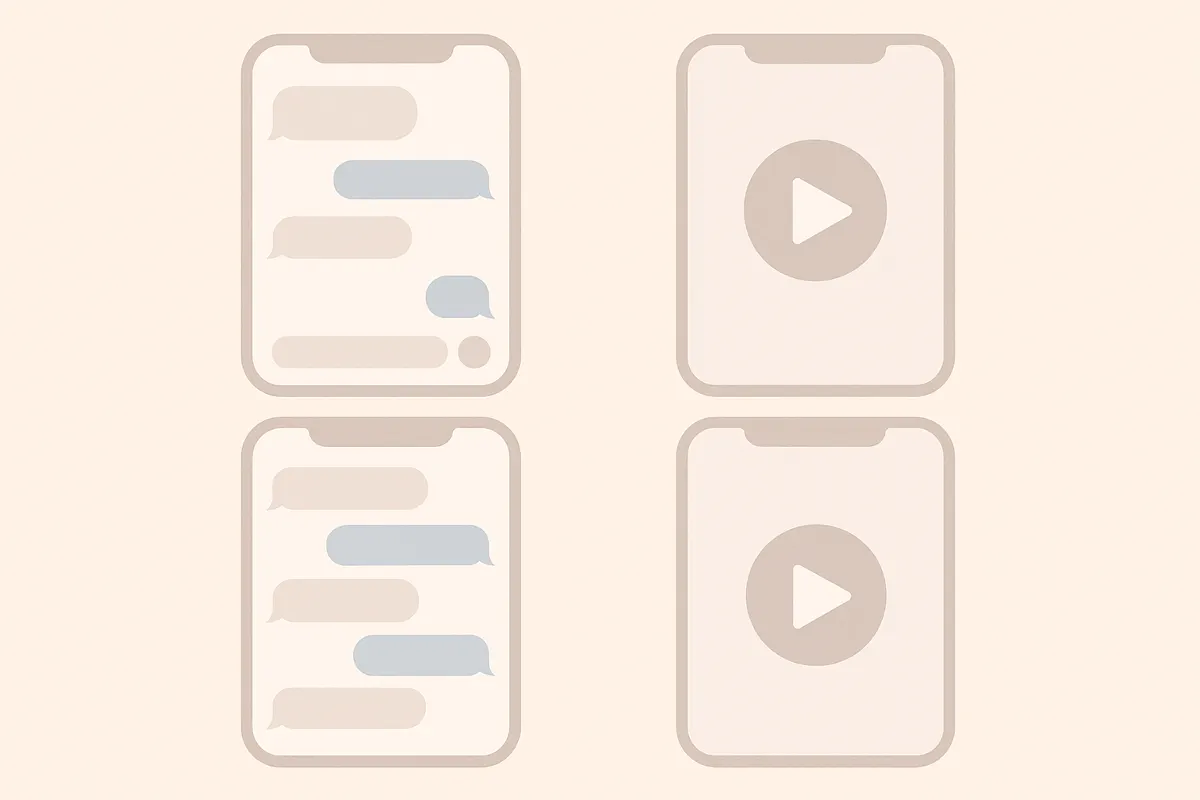
Video cerita chat iMessage palsu adalah video vertikal pendek yang meniru percakapan nyata di Pesan iPhone. Menampilkan bubble teks biru dan abu-abu, tanda 'Terkirim' dan 'Dibaca', serta indikator mengetik animasi, sangat cocok untuk storytelling atau konten media sosial.
Merancang Naskah Cerita Chat Anda
- Tentukan cerita, tema, atau lelucon yang ingin dibagikan.
- Tulis percakapannya, pisahkan setiap pesan berdasarkan pengirim (Anda atau Teman).
- Tambahkan jeda, reaksi, dan momen dramatis untuk membuatnya lebih nyata.
Membuat Video dengan Vidulk
- Daftar di Vidulk (gratis dengan kredit awal).
- Pilih template gaya iMessage.
- Tempel atau ketik naskah chat Anda, atur setiap pesan ke sisi yang benar (biru untuk terkirim, abu-abu untuk diterima).
- Gunakan opsi untuk menambah indikator mengetik, tanda pesan, dan suara iPhone yang realistis.
- Pratinjau animasi dan sesuaikan timing agar percakapan terasa natural.
Ekspor & Bagikan Video Anda
- Jika sudah puas, ekspor video dalam format vertikal untuk TikTok, YouTube Shorts, atau Reels.
- Unduh atau bagikan langsung ke media sosial dari Vidulk.
- Upgrade di aplikasi jika ingin membuat lebih banyak video atau cerita yang lebih panjang.
Buat video chat palsu Anda dalam hitungan menit – Vidulk mengubah percakapan jadi video chat realistis, gratis untuk dicoba.
VidulkFAQ
Bagaimana cara membuat video chat iMessage palsu gratis?
Anda bisa mulai membuat video chat iMessage palsu gratis di Vidulk dengan kredit awal yang disediakan. Upgrade berbayar tersedia untuk pemakaian lebih banyak.
Bisakah saya menambah indikator mengetik dan tanda pesan iMessage?
Bisa. Vidulk memungkinkan Anda menambah indikator mengetik animasi, serta tanda 'Terkirim' dan 'Dibaca' agar tampilan iMessage makin nyata.
Format file apa yang diekspor Vidulk untuk media sosial?
Vidulk mengekspor video dalam format vertikal yang cocok untuk TikTok, YouTube Shorts, dan Instagram Reels.
Apakah saya perlu keahlian editing video untuk memakai Vidulk?
Tidak. Vidulk dirancang agar mudah digunakan – cukup tulis naskah, pilih gaya, dan biarkan aplikasi menganimasikan chat Anda.
Bisakah saya atur timing dan efek suara?
Bisa, Anda dapat mengatur waktu pesan dan mengaktifkan suara pesan ala iPhone untuk video cerita chat yang lebih autentik.