
How to Clip Google Meet Recordings: Built-In Methods and Better Alternatives
Google Meet does not have a built-in clip button. To create shareable clips, use the recording feature and edit the saved video for social media.
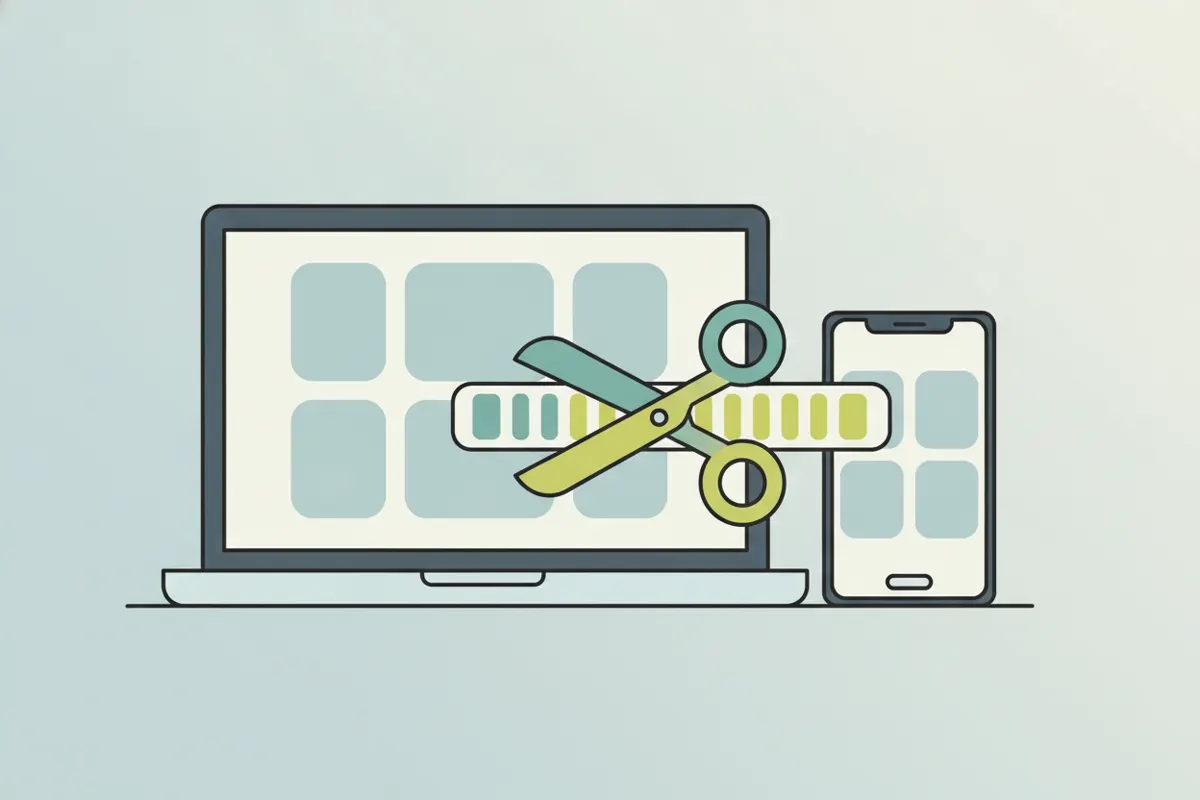
Does Google Meet Have a Built-In Clip Feature?
Google Meet does not offer a built-in clip button or tool for instantly capturing short segments of meetings. There is no native option to select a section and export it as a clip during or after a call.
How to Get a Google Meet Recording for Clipping
- Start a Google Meet and click the three-dot menu (More options).
- Select "Record meeting" (available to certain Google Workspace accounts).
- After the meeting ends, the full recording saves to the organizer's Google Drive, typically in the "Meet Recordings" folder, as a 16:9 video showing gallery or speaker view.
- Always get consent from participants before recording.
Limits of Google Meet Recordings
- No built-in way to create short clips directly from Meet.
- Recordings are always in landscape (16:9) format, not vertical.
- Recordings do not have social media-style captions or automatic cropping to highlight speakers.
How to Make Better Clips from Google Meet Recordings
- Download the full video from Google Drive.
- Use a tool like Vidulk's AI Clipper (iOS & Android, free to start) to upload your recording.
- The AI finds the most engaging moments and turns them into short, vertical clips with captions - ready for TikTok, Reels, or Shorts.
- This makes it easy to crop to the speaker and add captions, transforming standard meeting videos into social-ready content.
Vidulk's AI clipper (free to start, iOS + Android) finds the best moments in a long video and exports captioned vertical clips sized for the destination.
Try VidulkFAQ
Can you make clips directly in Google Meet?
No, Google Meet does not have a built-in clip or highlight feature. You need to record the meeting and edit the saved video to create clips.
How do I record a Google Meet session?
Click the three-dot menu in a call, select "Record meeting," and consent. The full video saves to the organizer's Google Drive.
What format are Google Meet recordings in?
Recordings are in landscape (16:9) MP4 format, showing either gallery or speaker view depending on your settings during the call.
How can I make vertical, captioned clips from a Meet recording?
Download the recording and use Vidulk's AI Clipper (iOS & Android) to create short, vertical, captioned clips ready for social media.
Do Google Meet recordings include captions?
Recordings do not automatically include embedded captions. Tools like Vidulk can add accurate captions to your clips.