
How to Make a Fake Chat Video: Complete Guide
A fake chat video animates a text conversation, perfect for storytelling, skits, and pranks. Here’s how to create one easily - no editing skills needed.
What Is a Fake Chat Video?
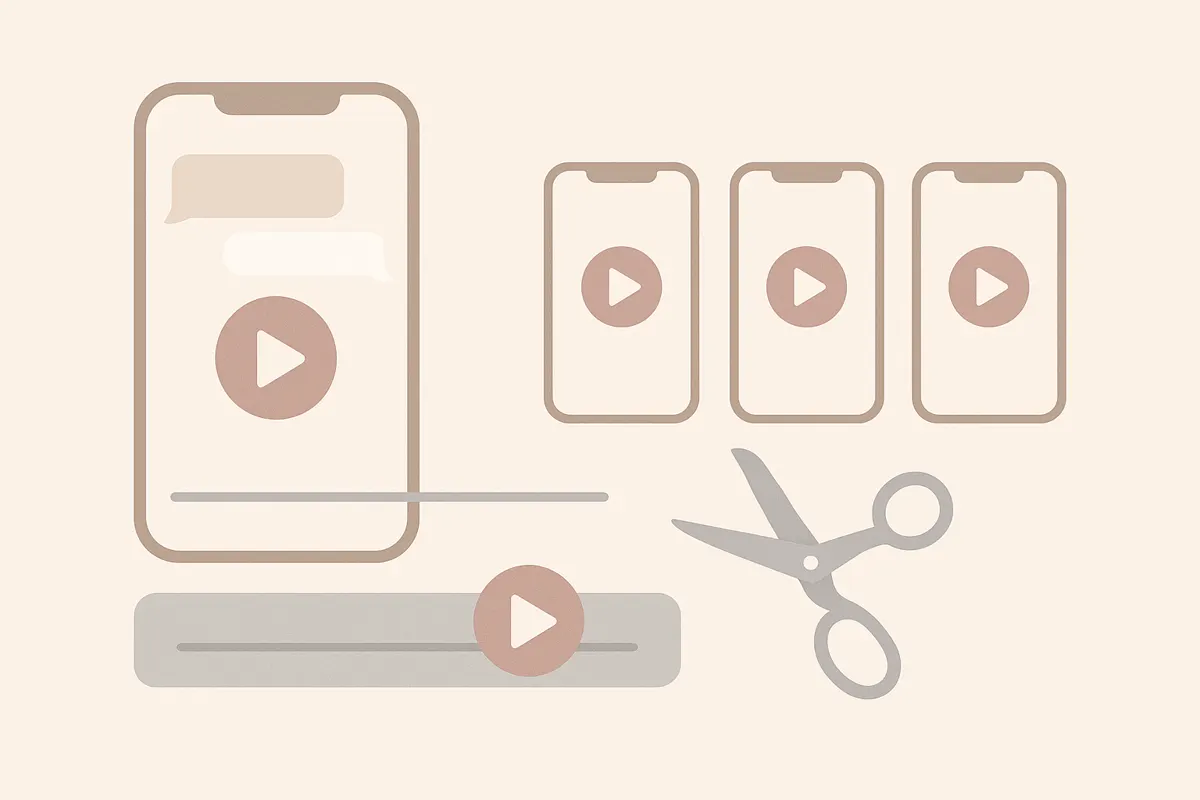
A fake chat video is a vertical video that simulates a text-message conversation, with messages appearing one by one as if you're watching a real chat unfold. It's commonly used for storytelling, comedy skits, or creating engaging social content.
Step-by-Step: How to Make a Fake Chat Video
- Plan Your Conversation: Write out the entire chat script, including who sends each message and the order they appear.
- Choose a Platform Style: Decide if you want the chat to look like WhatsApp, iMessage, Instagram DM, Snapchat, or another messenger.
- Set Sender Names and Details: Assign names and profile pictures (if needed) to each participant in the conversation.
- Adjust Message Timing: Set how quickly each message appears for realistic pacing.
- Add Captions or Voiceover (Optional): Consider adding captions for accessibility or a voiceover for extra storytelling impact.
Create a Fake Chat Video Free with Vidulk
Vidulk’s fake chat video generator lets you build a fake chat video in minutes. Just type your conversation, pick the chat platform look, set sender names and timing, and Vidulk animates the chat for you. You can export your video in vertical format, ready for TikTok, Reels, or YouTube Shorts. Free credits are included when you start.
Ideas for Fake Chat Videos
- Comedy Skits: Recreate funny or awkward conversations.
- Storytelling: Narrate dramatic or mysterious events through text.
- Prank Content: Simulate surprising or unexpected chats for reaction videos.
- Education: Demonstrate digital etiquette or explain tech concepts in a chat format.
Make your own fake chat video in minutes - free with Vidulk's fake chat video generator at /fake-chat-video.
Try VidulkFAQ
What is a fake chat video?
A fake chat video is an animated video showing a simulated text conversation, often styled to look like real messaging apps.
How do I make a fake chat video for free?
Use Vidulk's fake chat video generator at /fake-chat-video. Type your messages, set names and styles, and export your video using included credits.
Can I choose different chat app styles?
Yes, Vidulk lets you pick from popular chat looks like iMessage, WhatsApp, Instagram DM, and Snapchat for your fake chat video.
What can I use fake chat videos for?
They're popular for storytelling, skits, pranks, educational content, and engaging social media posts.
Do I need video editing skills to use Vidulk?
No editing skills are needed. Vidulk animates the conversation for you; just type your script and customize the details.