
So erstellst du ein kostenloses WhatsApp Fake Chat Video
Ein WhatsApp Fake Chat Story Video imitiert den Look echter WhatsApp-Nachrichten als vertikale, animierte Story. So gelingt dir das einfach und originalgetreu.
Start from a template
All templates →Fake Chat Video Generator
Build a realistic conversation, then download it as a video (with typing + sounds) or a screenshot. Free, in your browser — nothing is uploaded.
Script import & bulk exportpaste a script instead of typing
Reading a script into the editor is free. Downloading up to 10 videos at once needs a PREMIUM code.
1. Get scripts from ChatGPT, Claude or any AI
Say what the videos are about. Copy the prompt, paste it into your AI, then paste its answer below.
2. Paste the scripts
Writing them yourself? See the format
- Start each video with a line like
=== 1 ===. - One
label: textper line.title:names the file. - Use
me:for messages I send andthem:for messages from the other person. - Put
contact:(the other person's name) near the top of each script. - You may add
platform:with one of: imessage, whatsapp, instagram, tiktok, messenger, telegram, android-sms, discord, twitch, snapchat, signal, line, tinder, bumble, onlyfans, slack, teams. - You may add
dark mode:yes or no, andtime:such as Today 2:02 PM. - Write 6 to 14 short messages per script, the way people really text.
Alex
online
Today 2:02 PM
vidulk.com
Video background
PREMIUMPut your video on a moving background, the format story channels use.
Free to preview. Downloading with a background needs a . The free download saves your video without it.
Gameplay, b-roll, anything you have the rights to. It stays on your device.
Get a premium code
- No watermark on videos and screenshots
- Video backgrounds, including your own footage
- Bulk export: up to 10 videos at once
- Works on every Vidulk tool, on the site and in the Chrome extension
Secure payment via Stripe · no account · one code unlocks everything premium
How it works
- Pick a premium code and pay with Stripe. No account or login needed.
- Your code (VID-…) appears right after payment and is emailed to you.
- Paste it in the “Have a code” box and click Apply. Everything premium is unlocked from then on.
- The same code works on every Vidulk tool, on vidulk.com and in the Vidulk Chrome extension, on any device — just paste it again.
- The 24-hour pass runs for a day from purchase and never counts down. Monthly renews each month until you cancel, which you can do any time from this panel; the rest of the month stays yours.
- Unlimited is a one-time lifetime license: it never expires and there is nothing to renew.
- Keep your code private — it is the only thing that unlocks your purchase. Sharing a code is against our Terms of Use: a shared code is invalidated, without refund. Codes do not work in the mobile app.
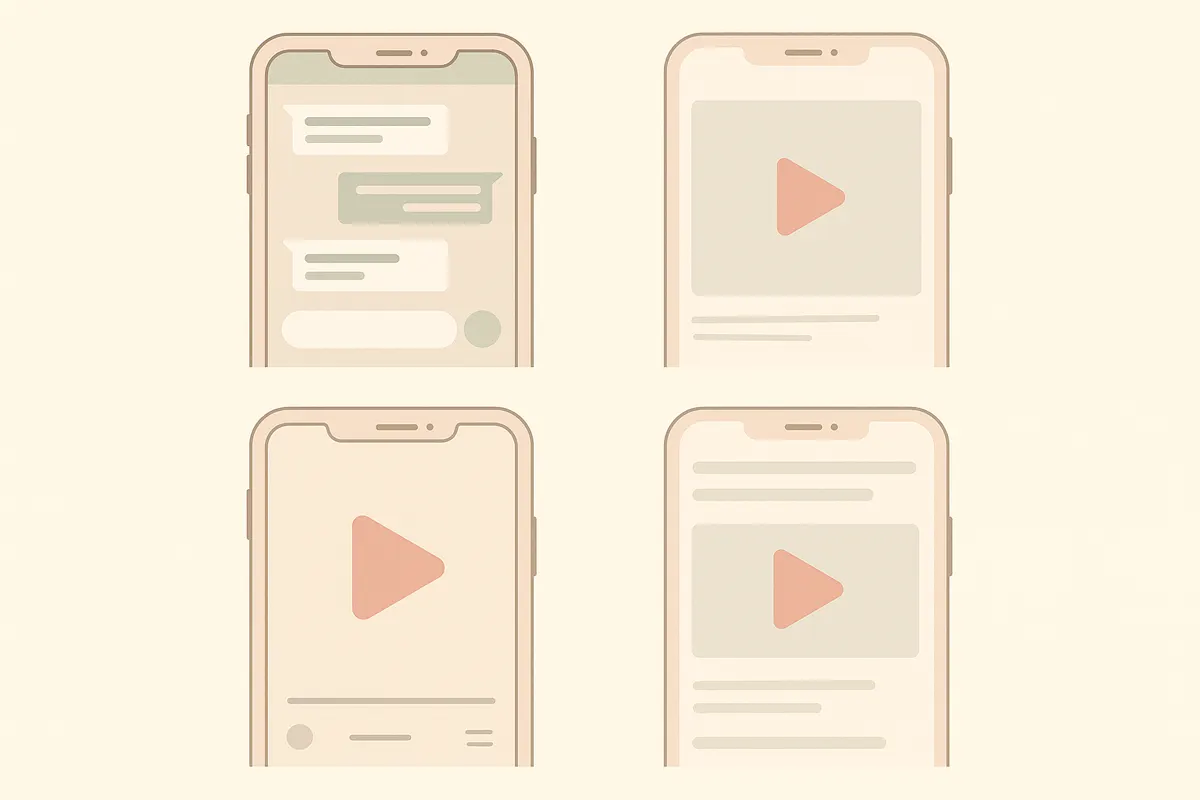
Was ist ein WhatsApp Fake Chat Story Video?
Ein WhatsApp Fake Chat Story Video ist ein animiertes Video, das einen echten WhatsApp-Chat nachstellt. Es zeigt grüne gesendete Nachrichten rechts, graue empfangene Nachrichten links, doppelte blaue Lesebestätigungen und einen grünen Header mit dem Kontaktnamen. Die Nachrichten erscheinen mit realistischen Tipp-Animationen und Benachrichtigungstönen – perfekt für Storytelling, Pranks oder Social Media Content.
Schritt-für-Schritt: WhatsApp Fake Chat Video erstellen
- Tool auswählen: Nutze eine spezialisierte App wie Vidulk, mit der du WhatsApp-Chatvideos einfach skripten und rendern kannst. Vidulk ist kostenlos im Einstieg, mit kostenpflichtigen Upgrades für mehr Funktionen.
- Chatverlauf schreiben: Schreibe den Fake-Chat so, wie er aussehen soll. Füge Namen, Nachrichtenreihenfolge und realistische Pausen oder Zeitangaben hinzu.
- Details anpassen: Lege Kontaktnamen, Profilbild und Chat-Hintergrund im typischen WhatsApp-Stil fest. In Vidulk kannst du für jede Nachricht Sender/Empfänger bestimmen und Medien oder Emojis für mehr Authentizität einfügen.
- Vorschau & Feinschliff: Überprüfe die Animation: Nachrichten sollten getippt erscheinen, mit Ton aufpoppen und die richtigen Farben, Häkchen und das Layout zeigen. Passe bei Bedarf an.
- Video exportieren: Wenn alles passt, rendere und lade das vertikale Story-Video herunter. Vidulk übernimmt automatisch das WhatsApp-Design.
Tipps für realistische WhatsApp Chat Videos
- Halte die Nachrichten kurz und schreibe natürlich.
- Füge Zeitstempel oder Reaktionen für mehr Realismus hinzu.
- Nutze passende Profilbilder und Namen für deine Story.
- Teste die Vorschau auf dem Handy, damit das Video authentisch wirkt.
Warum Vidulk für WhatsApp Story Videos nutzen?
Vidulk ist speziell für Fake Chat Story Videos im Stil beliebter Messenger wie WhatsApp entwickelt. Der Einstieg ist kostenlos, die Bedienung einfach und du brauchst keine Videobearbeitungskenntnisse. Schreibe einfach deinen Chat und lass die App den Rest erledigen – fertig ist dein vertikales Video für TikTok, Reels oder Shorts.
Erstelle jetzt dein eigenes – mit Vidulk entsteht in Minuten ein realistisches Chat-Video aus deinem Gespräch, kostenlos im Einstieg.
VidulkFAQ
Wie kann ich kostenlos ein WhatsApp Fake Chat Video erstellen?
Mit Vidulk kannst du kostenlos starten: Schreibe deinen Chat und exportiere ein WhatsApp-Story-Video. Für mehr Nutzung sind kostenpflichtige Upgrades möglich.
Kann ich Bilder oder Emojis in mein WhatsApp Fake Chat Video einfügen?
Ja, in Vidulk kannst du Medien, Emojis und individuelle Profilbilder hinzufügen, um dein WhatsApp Chat Video noch realistischer zu gestalten.
Sieht das Video genauso aus wie WhatsApp?
Das Video bildet das WhatsApp-Chatdesign mit grünen und grauen Sprechblasen, Lesebestätigungen und dem typischen Header sehr realistisch nach.
In welchen Formaten kann ich mein WhatsApp Chat Video exportieren?
Vidulk exportiert vertikale Story-Videos, die sich ideal für TikTok, YouTube Shorts und Instagram Reels eignen.
Ist es legal, WhatsApp Fake Chat Videos zu erstellen?
Fake Chat Videos sind für Unterhaltung und Storytelling legal, sollten aber nicht zum Täuschen oder Nachahmen anderer verwendet werden.