
Best Clipping Software for Nonprofits: Key Features and Top Picks
Nonprofits need video clipping tools that quickly turn event or story footage into impactful, social-ready clips with captions and calls to action. Here’s what to look for and why mobile AI clippers like Vidulk stand out.
What Nonprofits Need from a Video Clipper
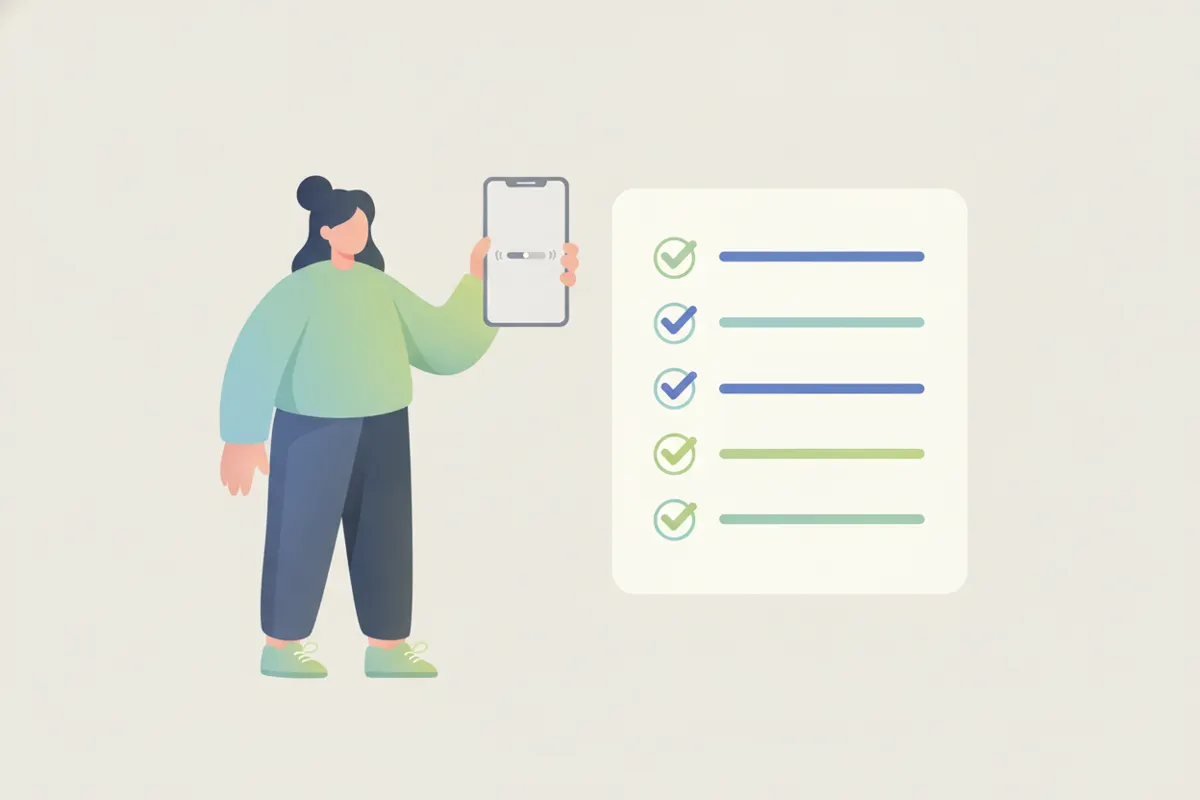
Nonprofits often work with limited resources and need to amplify their message efficiently. The ideal clipper should:
- Transform long event, interview, or story videos into short, shareable clips
- Add captions for accessibility and engagement
- Support clear calls to action
- Be easy to use on the go, ideally on a phone
- Keep costs predictable or free to start
Key Features to Look For
- AI Moment Detection: Finds the strongest moments automatically, saving editing time
- Vertical Reframing: Converts landscape footage to vertical for TikTok, Reels, and Shorts
- Auto Captions: Generates accurate, on-brand captions for every clip
- Speed: Processes and exports clips quickly, even from long videos
- Mobile Editing: Lets you work from your phone, ideal for events or field work
- Transparent Pricing: Free options or clear upgrade paths are essential for tight budgets
How a Mobile AI Clipper Like Vidulk Handles It
Vidulk’s AI clipper (available for iOS and Android) is designed for exactly these needs. Upload a long video - such as an event recording, interview, or field update - the AI instantly finds the most compelling moments, reframes them to vertical, and adds captions. Clips are sized for social platforms and can include your call to action. Vidulk is free to start, making it accessible for nonprofits without upfront costs.
Considerations: Mobile vs Desktop Tools
Desktop capture tools like Medal or Outplayed are best for recording PC gameplay, not for clipping existing footage. For nonprofits working with recorded events or stories, a mobile AI clipper like Vidulk is more efficient and accessible, especially for teams on the move or with limited editing experience.
Vidulk's AI clipper (free to start, iOS + Android) finds the best moments in a long video and exports captioned vertical clips sized for the destination.
Try VidulkFAQ
What makes a good video clipper for nonprofits?
Key features are AI moment detection, auto captions, easy mobile editing, and the ability to reframe clips for social media.
Can I use Vidulk for event or interview footage?
Yes. Vidulk is designed to turn long event, interview, or story videos into short, captioned clips for social media.
Is Vidulk free for nonprofits?
Vidulk is free to start, with core clipping features available on iOS and Android. There are no upfront costs.
Do I need editing experience to use Vidulk?
No. Vidulk’s AI handles moment selection, vertical cropping, and captions, making it accessible for all skill levels.
Can I add calls to action in my clips?
Yes. After clipping, you can add captions and calls to action to encourage viewers to support your cause.