
Best Clipping Software for Fitness Trainers: Key Features & Picks
Fitness trainers need clipping software that quickly turns full workouts into engaging, vertical demo clips with captions. Here’s what to look for and how a mobile AI clipper like Vidulk fits.
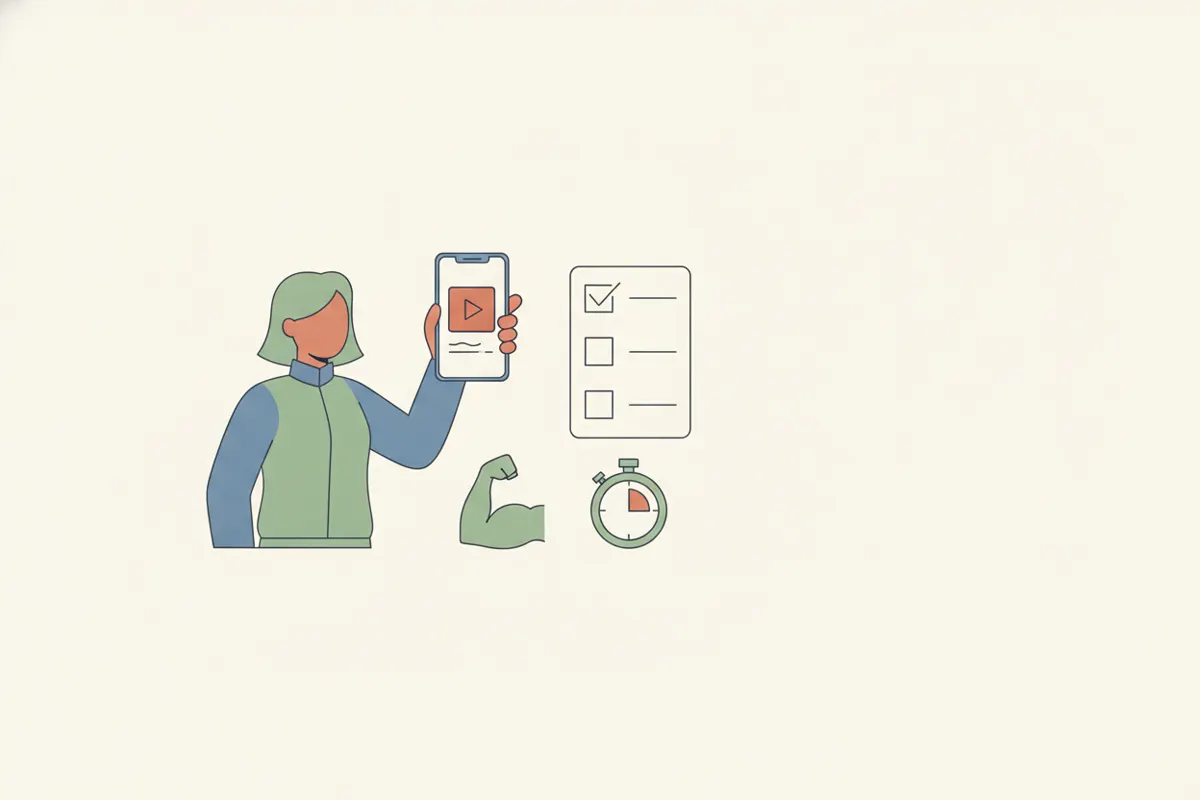
What Fitness Trainers Need from a Clipping Tool
Trainers typically record long-form workout sessions, but social media audiences want short, focused clips. The ideal clipper should:
- Identify key exercise moments or tips automatically
- Reframe horizontal footage vertically for TikTok, Reels, or Shorts
- Add accurate captions for accessibility and engagement
- Work quickly and reliably on mobile, since most trainers use their phones for filming and posting
Crucial Features to Compare
- AI Moment Detection: Can the software find exercise transitions, form cues, or high-effort moments without manual scrubbing?
- Vertical Reframing: Does it automatically crop and center the movement for vertical video?
- Auto Captions: Are captions generated accurately and easily editable?
- Speed & Convenience: Is the workflow fast enough to fit busy trainer schedules, and can it run entirely on a phone?
- Pricing: Are there free options, and is the cost reasonable for regular use?
How Vidulk’s AI Clipper Handles Fitness Content
Vidulk is a free-to-start mobile app (iOS & Android) designed for turning long videos into short, vertical, captioned clips. Paste your recorded session; Vidulk’s AI scans for the best moments - like clean reps, unique moves, or useful cues - then exports ready-to-post clips. It auto-centers the action for vertical platforms and adds captions, saving time and manual effort. Designed for phone workflows, it’s ideal for trainers who film and edit on mobile.
Mobile AI Clippers vs. Desktop Video Tools
Desktop capture tools (like Medal, Outplayed, Powder) excel at PC gameplay capture, but fitness trainers usually need to edit existing phone footage. Vidulk is built for this: it works after filming, not during, and is optimized for fitness-specific needs like vertical framing and quick social export. If you rely on your phone for content creation, a mobile AI clipper is more practical than repurposing desktop gaming tools.
Vidulk's AI clipper (free to start, iOS + Android) finds the best moments in a long video and exports captioned vertical clips sized for the destination.
Try VidulkFAQ
What makes a video clipper good for fitness trainers?
The best clippers for trainers automatically find key moves, reframe for vertical video, generate captions, and work smoothly on mobile devices.
Can Vidulk turn full workout videos into short social clips?
Yes, Vidulk’s AI scans long workout videos and creates short, vertical, captioned clips sized for TikTok, Reels, and Shorts.
Do I need a desktop computer to use Vidulk?
No, Vidulk is a mobile app for iOS and Android, designed for editing and exporting clips directly from your phone.
Are captions automatically added to fitness clips?
Vidulk’s AI generates captions for each exported clip, making your content more accessible and engaging.
Is Vidulk free for fitness trainers?
Vidulk is free to start, with core AI clipping features available for mobile users. Some advanced features may require a paid plan.