
How to Turn Vimeo Videos into Snapchat Spotlight Clips
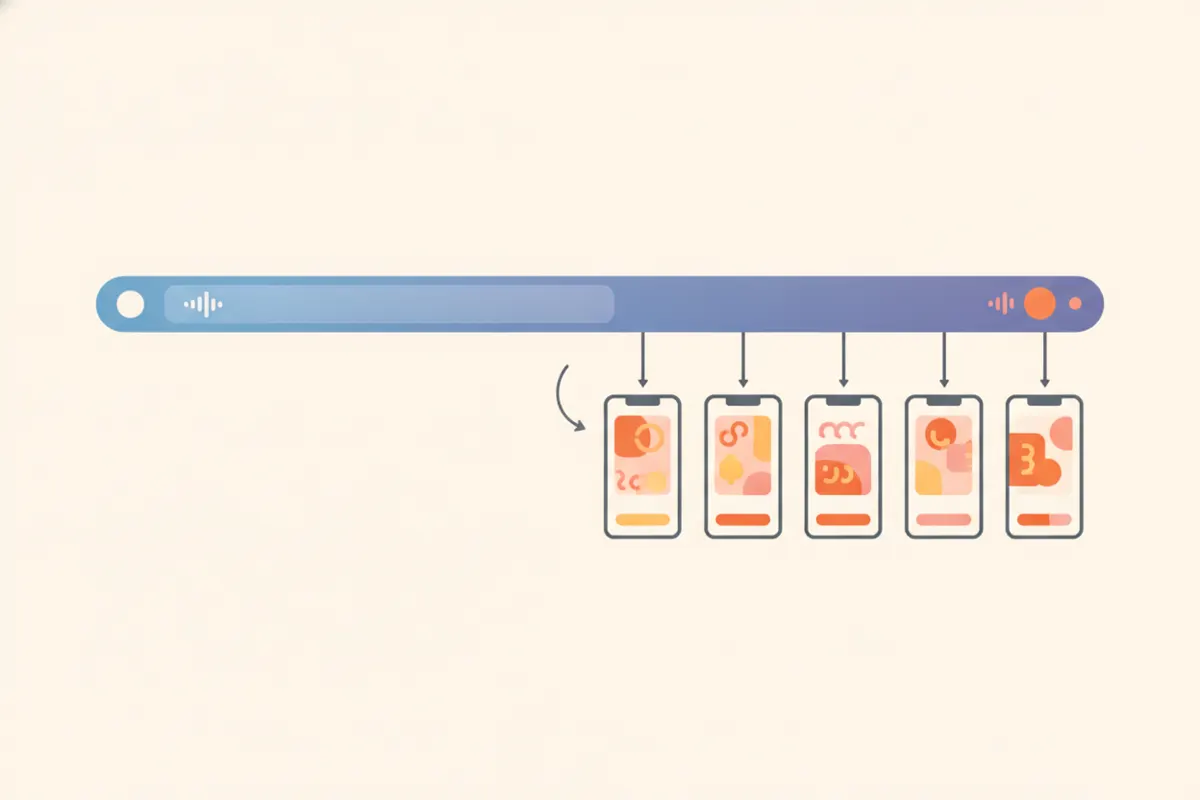
To convert a Vimeo video you own into short, vertical Snapchat Spotlight clips, you'll need to trim, resize, and caption it to match Snap's requirements. Vidulk's AI Clipper app streamlines this process automatically.
Step 1: Download Your Vimeo Video
Start by downloading the original video file from your own Vimeo account. This ensures maximum quality for editing and avoids compression issues that can occur with re-recorded or screen-captured content.
Step 2: Know Snapchat Spotlight Specs
- Aspect Ratio: 9:16 vertical video is required for Spotlight.
- Length: Up to 5 minutes per clip (as of August 2026).
- Resolution: No official minimum, but 1080x1920 is widely recommended.
- Captions: No SRT upload or auto-captioning - Snapchat recommends adding captions with their in-app Creative Tools.
Step 3: Use Vidulk to Automate Clipping & Formatting
Vidulk's AI Clipper app (iOS and Android) helps you quickly generate Snapchat-ready clips:
- Paste your downloaded Vimeo video into the app.
- The AI analyzes the video, finds the most engaging moments, and creates short clips.
- Clips are automatically resized to 9:16 vertical and can include burned-in captions for accessibility and engagement.
- Export your clips in 1080x1920 MP4 format, ready for upload to Snapchat Spotlight.
Step 4: Upload and Finalize in Snapchat
Transfer your exported clips to your phone if needed. Open Snapchat, tap the Spotlight icon, and upload your video. Use Snapchat's Creative Tools to add or adjust captions, stickers, or effects as desired. Double-check that your clip meets Snap's guidelines before submitting.
Vidulk's AI clipper (free to start, iOS + Android) finds the best moments in a long video and exports captioned vertical clips sized for the destination.
Try VidulkFAQ
How do I make a Vimeo video vertical for Snapchat Spotlight?
Download your original Vimeo file, then use Vidulk to automatically convert it to a 9:16 vertical format with captions and proper sizing.
What is the max length for Snapchat Spotlight clips?
You can upload videos up to 5 minutes long to Snapchat Spotlight as of August 2026.
Does Snapchat Spotlight support SRT caption files?
No, Snapchat Spotlight does not support SRT caption uploads or auto-captioning. Add captions in-app or burn them into the video.
Can Vidulk add captions to my Snapchat Spotlight clips?
Yes, Vidulk's AI Clipper can burn captions directly onto your vertical clips, making them ready for Snapchat Spotlight.
Do I need to edit my video before using Vidulk?
No, you can paste your full Vimeo video into Vidulk. The AI will find and clip the best moments automatically.