
How to Turn Facebook Live Videos into X (Twitter) Clips - Fast and to Spec
To convert a Facebook Live recording into short, vertical clips ready for X (Twitter), you need to trim, reformat, and caption your content to fit X’s requirements. Vidulk’s AI clipper app automates this process for you.
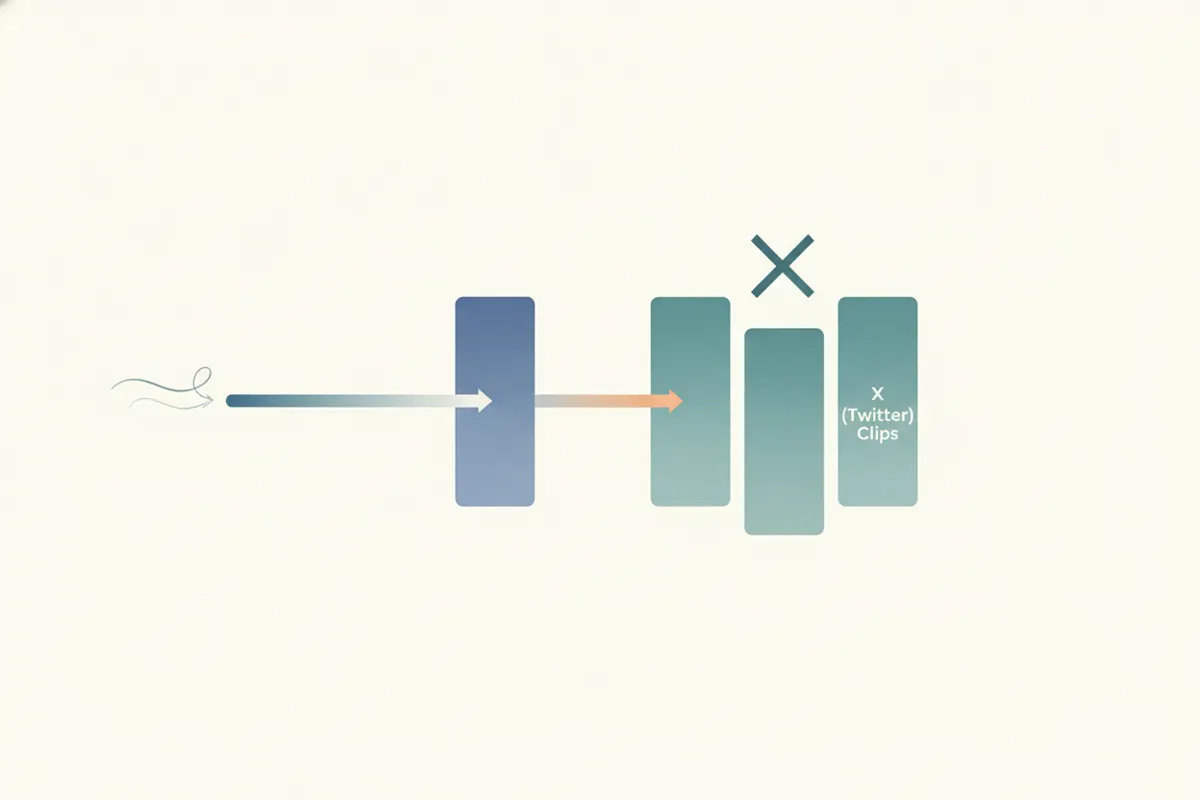
Step 1: Download Your Facebook Live Recording
Start by downloading your Facebook Live video from Meta Business Suite or Creator Studio. Facebook typically saves live streams in 16:9 (landscape) or sometimes 9:16 (portrait) format. Download the highest quality version available for best results.
Step 2: Understand X (Twitter) Video Specs
- Length: Non-Premium accounts: up to 2:20 (140 seconds). Premium/Premium+ users: up to 2 hours (1080p), 4 hours (720p) on web/iOS.
- Aspect Ratio: 16:9 (landscape/portrait), 1:1 recommended. Accepted range: 1:3 to 3:1.
- Resolution: Recommended 1280x720 (landscape), 720x1280 (portrait), 720x720 (square).
- Captions: X supports SRT subtitle files attached to uploads on web.
Step 3: Use Vidulk to Automatically Clip, Caption, and Resize
- Open the Vidulk app (iOS or Android).
- Paste your Facebook Live video link or upload the file.
- Vidulk’s AI analyzes the video to find the most engaging moments and automatically creates short clips.
- Choose the vertical (portrait) format for X, or select 1:1 or landscape as needed.
- Vidulk adds captions directly to the video for improved accessibility and engagement on X.
- Export your clips, ready to upload to X (Twitter).
Step 4: Upload to X (Twitter)
On X, upload your exported clips. For captions, you can either use Vidulk’s burned-in captions or attach an SRT file via X’s web interface if you prefer separate subtitles. Double-check that your video meets X’s length, aspect ratio, and resolution requirements for smooth playback.
Vidulk's AI clipper (free to start, iOS + Android) finds the best moments in a long video and exports captioned vertical clips sized for the destination.
Try VidulkFAQ
How do I download my Facebook Live video for editing?
Download your Facebook Live recording from Meta Business Suite or Creator Studio. Choose the highest quality available for best results.
What video size and aspect ratio does X (Twitter) accept?
X accepts videos in 16:9 (landscape or portrait), 1:1 (square), and a range from 1:3 to 3:1. Recommended resolutions are 1280x720 (landscape), 720x1280 (portrait), or 720x720 (square).
How does Vidulk automate the clipping process?
Vidulk’s AI finds the best moments in your video, creates short clips, resizes to vertical or square, and adds captions automatically.
Can I add captions to X (Twitter) videos?
Yes, you can upload videos with burned-in captions or attach an SRT subtitle file when uploading via X’s web interface.
Is Vidulk free to use?
Vidulk is free to start. Some features may require unlocking, but basic AI clipping and exporting are available at no cost.