
How to Make a Group Chat Story Video That Engages
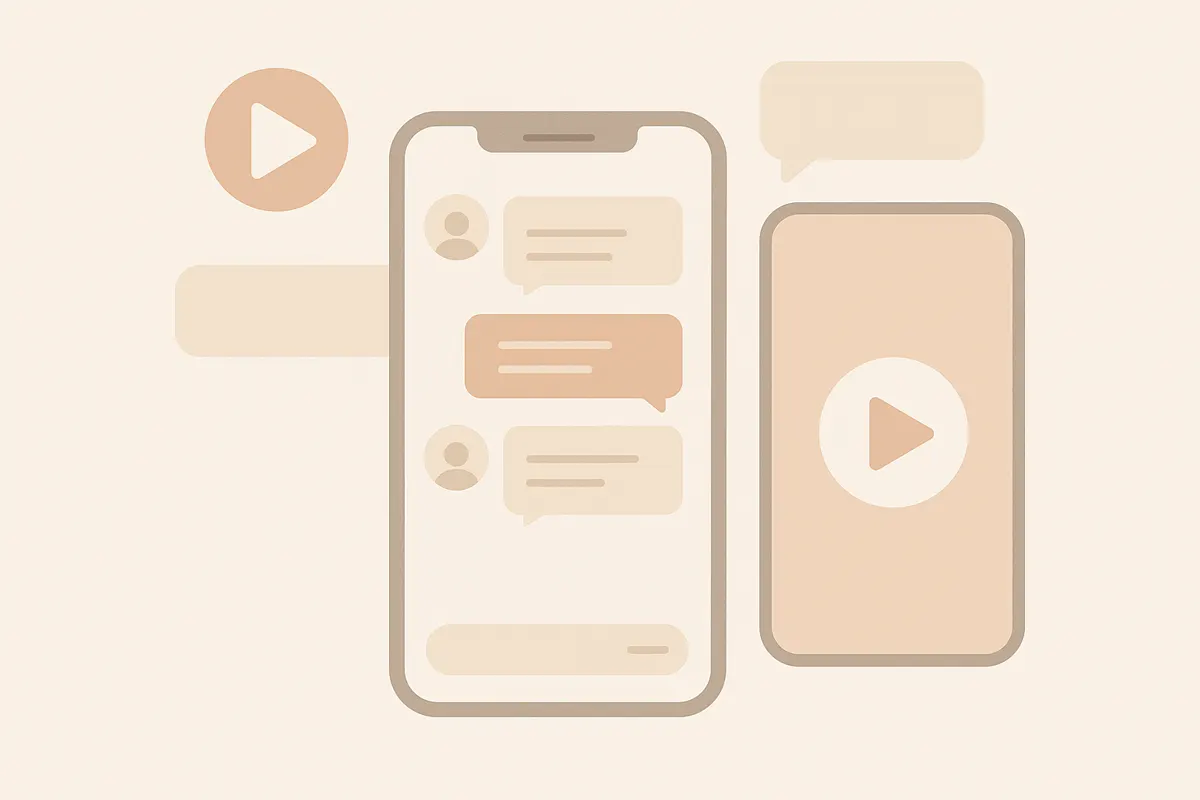
A group chat story video dramatizes a conversation among several characters in one chat, letting viewers follow a story through names, avatars, and messages.
What Is a Group Chat Story Video?
A group chat story video is a stylized video where a fictional conversation unfolds between multiple characters in a single group chat. These stories often look like WhatsApp, iMessage, or similar chat apps and are popular for sharing drama, secrets, or plans in a relatable format.
Planning a Strong Group Chat Story Structure
- Set up your characters: Give each character a distinct name and avatar to make the chat easy to follow. Decide their roles and personalities.
- Start with a hook: The first few messages should introduce a problem, secret, or event that grabs attention.
- Build tension: Use misunderstandings, surprises, or conflicting opinions to keep viewers invested.
- Reveal or twist: Aim for a payoff - like a dramatic reveal, confession, or joke - near the end.
- Keep it concise: Short, punchy exchanges work best for video and mobile viewing.
Steps to Create a Group Chat Story Video in Vidulk
- Open Vidulk and select a group chat template (WhatsApp, iMessage, etc.).
- Add your characters, customizing names and avatars for clarity.
- Write out the chat messages, switching between characters as the story unfolds.
- Preview your video to check pacing and clarity. Edit as needed.
- Export your video for TikTok, YouTube Shorts, or Reels. Vidulk is free to start with included credits and supports multi-character group chat stories.
Tips for Clarity and Engagement
- Use different avatars and names for each character.
- Keep messages short and natural, like real texting.
- Use emojis or reactions for extra personality.
- Test your video with friends to ensure the story is easy to follow.
Script the conversation and Vidulk renders a realistic chat story video - free to start.
Try VidulkFAQ
What makes a good group chat story video?
A good group chat story video has clear characters, a strong hook, rising tension, and a satisfying payoff. Distinct names and avatars help viewers follow the story.
Can I create multi-character group chats in Vidulk?
Yes, Vidulk supports multi-character group chats, allowing you to assign names and avatars for each participant in your story.
How long should a group chat story video be?
Aim for 30 to 90 seconds. Shorter videos keep viewers engaged and are ideal for TikTok, YouTube Shorts, and Reels.
Is Vidulk free to use for group chat story videos?
Vidulk is free to start with included credits. More advanced use or higher volume may require payment.
What platforms can I share my group chat story video on?
You can export and share your video on TikTok, YouTube Shorts, Instagram Reels, or any platform that supports short-form video.