
كيفية إنشاء فيديو دردشة مزيفة على Facebook Messenger مجانًا
يمكنك بسهولة إنشاء فيديو قصة دردشة مزيفة على Facebook Messenger يشبه التطبيق الحقيقي باستخدام Vidulk. إليك الطريقة خطوة بخطوة.
Start from a template
All templates →Fake Chat Video Generator
Build a realistic conversation, then download it as a video (with typing + sounds) or a screenshot. Free, in your browser — nothing is uploaded.
Script import & bulk exportpaste a script instead of typing
Reading a script into the editor is free. Downloading up to 10 videos at once needs a PREMIUM code.
1. Get scripts from ChatGPT, Claude or any AI
Say what the videos are about. Copy the prompt, paste it into your AI, then paste its answer below.
2. Paste the scripts
Writing them yourself? See the format
- Start each video with a line like
=== 1 ===. - One
label: textper line.title:names the file. - Use
me:for messages I send andthem:for messages from the other person. - Put
contact:(the other person's name) near the top of each script. - You may add
platform:with one of: imessage, whatsapp, instagram, tiktok, messenger, telegram, android-sms, discord, twitch, snapchat, signal, line, tinder, bumble, onlyfans, slack, teams. - You may add
dark mode:yes or no, andtime:such as Today 2:02 PM. - Write 6 to 14 short messages per script, the way people really text.
Alex
Active now
Today 2:02 PM
vidulk.com
Video background
PREMIUMPut your video on a moving background, the format story channels use.
Free to preview. Downloading with a background needs a . The free download saves your video without it.
Gameplay, b-roll, anything you have the rights to. It stays on your device.
Get a premium code
- No watermark on videos and screenshots
- Video backgrounds, including your own footage
- Bulk export: up to 10 videos at once
- Works on every Vidulk tool, on the site and in the Chrome extension
Secure payment via Stripe · no account · one code unlocks everything premium
How it works
- Pick a premium code and pay with Stripe. No account or login needed.
- Your code (VID-…) appears right after payment and is emailed to you.
- Paste it in the “Have a code” box and click Apply. Everything premium is unlocked from then on.
- The same code works on every Vidulk tool, on vidulk.com and in the Vidulk Chrome extension, on any device — just paste it again.
- The 24-hour pass runs for a day from purchase and never counts down. Monthly renews each month until you cancel, which you can do any time from this panel; the rest of the month stays yours.
- Unlimited is a one-time lifetime license: it never expires and there is nothing to renew.
- Keep your code private — it is the only thing that unlocks your purchase. Sharing a code is against our Terms of Use: a shared code is invalidated, without refund. Codes do not work in the mobile app.
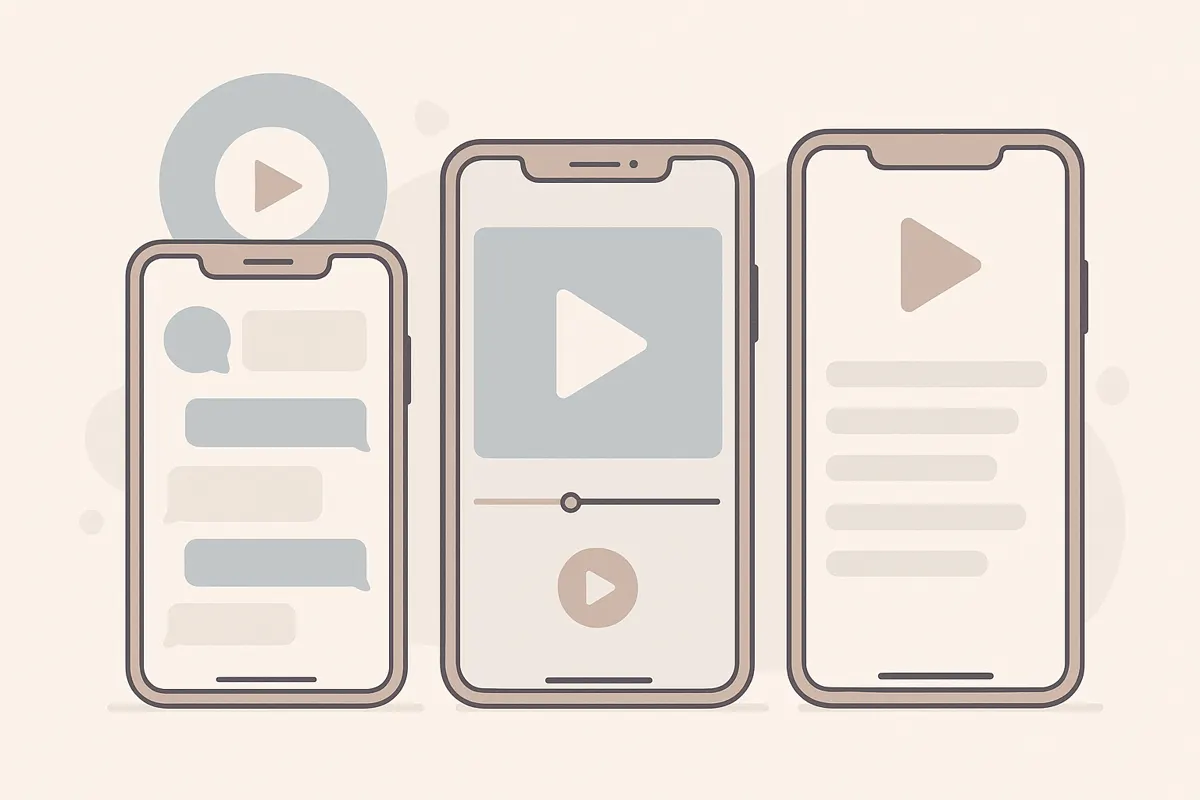
ما هو فيديو دردشة مزيفة على Facebook Messenger؟
فيديو دردشة مزيفة على Messenger هو فيديو قصة متحركة يحاكي واجهة Facebook Messenger. يتميز بفقاعات رسائل زرقاء مستديرة، وصور مستخدمين دائرية، وحتى نقاط الكتابة، مما يجعله يبدو كمحادثة حقيقية. تحظى هذه الفيديوهات بشعبية في سرد القصص، والمقالب، ومحتوى وسائل التواصل الاجتماعي.
دليل خطوة بخطوة لإنشاء فيديو دردشة مزيفة على Messenger
- سجّل أو سجّل الدخول إلى Vidulk: انتقل إلى تطبيق Vidulk وأنشئ حسابًا مجانيًا أو سجّل الدخول. ستحصل على أرصدة بداية للبدء.
- اختر نمط Messenger: اختر موضوع Facebook Messenger. هذا يضمن أن يحتوي الفيديو على الفقاعات الزرقاء الصحيحة، والصور الرمزية، والتخطيط المناسب.
- اكتب أو الصق نص المحادثة: أدخل كل رسالة كما تريد ظهورها في الدردشة. يمكنك إنشاء عدة مشاركين، وتسميتهم، وتعيين الرسائل لكل منهم.
- خصص الصور الرمزية والأسماء: حمّل صور الملف الشخصي أو اختر من الافتراضات. عيّن أسماء العرض لتتناسب مع قصتك.
- عاين وعدّل: شاهد معاينة للدردشة المتحركة. عدّل التوقيتات، أضف تأثير الكتابة، أو حرّر الرسائل حسب الحاجة.
- صدّر الفيديو الخاص بك: بعد الرضا، صدّر الفيديو. استخدم الأرصدة المضمنة للتصدير المجاني، أو قم بالترقية لمزيد من السعة إذا لزم الأمر.
نصائح لفيديوهات دردشة Messenger واقعية
- استخدم أسماء وصور ملف شخصي واقعية لكل مشارك.
- امزج بين الرسائل القصيرة والطويلة لتدفق طبيعي.
- أضف مؤشر الكتابة لتأثير درامي.
- تحقق من الإملاء والتنسيق ليتطابق مع محادثات Messenger الحقيقية.
مشاركة واستخدام الفيديو الخاص بك
بعد التصدير، يمكنك مشاركة فيديو قصة الدردشة بأسلوب Messenger على TikTok، YouTube Shorts، Instagram Reels، أو أي منصة أخرى. كما يتيح Vidulk تحويل الفيديوهات الطويلة إلى مقاطع قصيرة مولدة بالذكاء الاصطناعي، مثالية لهذه الصيغ.
أنشئ فيديو دردشتك الواقعية خلال دقائق مع Vidulk - مجاني للبدء.
Vidulkالأسئلة الشائعة
كيف أصنع فيديو دردشة مزيفة على Facebook Messenger؟
استخدم تطبيقًا مثل Vidulk لكتابة نص المحادثة، تخصيص الصور الرمزية، وتصدير فيديو متحرك يشبه Messenger.
هل يمكنني استخدام صوري الشخصية في الدردشة المزيفة؟
نعم، يتيح لك Vidulk تحميل صور رمزية مخصصة لكل مشارك لتعزيز الواقعية.
هل Vidulk مجاني للاستخدام؟
يبدأ Vidulk مجانًا مع أرصدة مضمّنة. قد يتطلب التصدير بمعدل أعلى أو ميزات إضافية دفع رسوم.
هل يمكنني إضافة تأثير نقاط الكتابة؟
نعم، يتضمن Vidulk مؤشر الكتابة الخاص بـ Messenger لإضفاء مزيد من الأصالة على فيديو قصتك.
ما هي الصيغ التي يمكنني تصدير فيديو قصة الدردشة بها؟
يمكنك تصدير فيديو دردشة Messenger المزيف بصيغ مناسبة لـ TikTok، YouTube Shorts، Reels، وغيرها من المنصات.